240Hz vs 360Hz: Which Gaming Monitors Actually Boost Performance
240Hz vs 360Hz: Which Gaming Monitors Actually Boost Performance
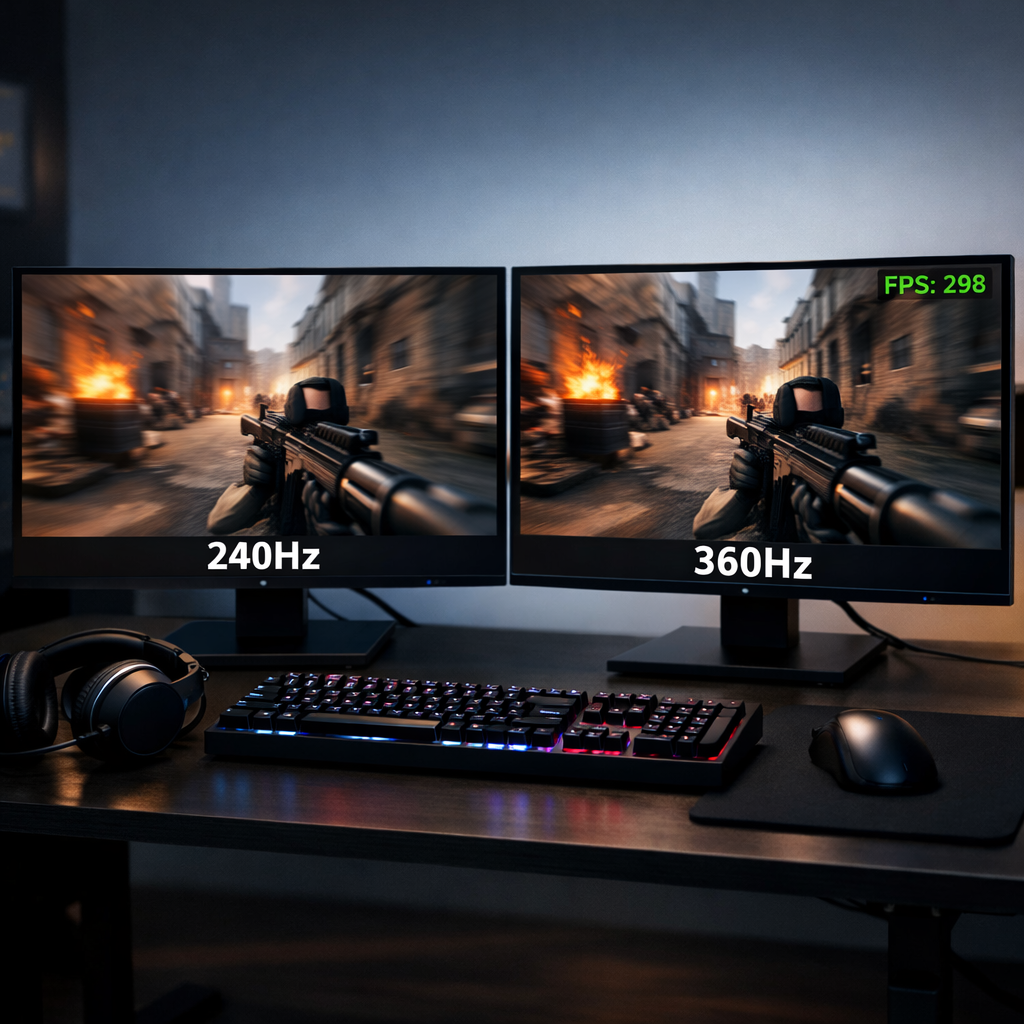
High-refresh-rate monitors promise faster reactions, cleaner motion, and a competitive edge—but how much do you really gain moving from 240Hz to 360Hz? For most competitive gamers, 240Hz is the performance sweet spot: it’s far cheaper, easier to drive, and already delivers excellent motion clarity and low input lag. Stepping up to 360Hz brings an incremental improvement—about a 1.4ms reduction in frame time when fully saturated—that only pays off if your system sustains near-360 FPS in esports titles and you value every last millisecond. Below, we translate the frame-time math, hardware realities, and perceptual differences into clear guidance so you can pick the right esports monitor for your setup.
Summary verdict
- Based on Gaming Device Advisor testing and analysis, choose 240Hz as the default for competitive FPS. It offers outstanding input lag and motion clarity at a far better price-to-performance ratio than 360Hz for most players. The move from 240Hz to 360Hz trims roughly 1.4ms of frame time when fully utilized—real but small alongside total system latency (GPU, peripherals, game engine) and typical server jitter (see frame-time math below and TGT Gaming’s 360Hz vs 240Hz guide for context) reference.
- Consider 360Hz only if you can sustain near-360 FPS in titles like Valorant or CS2, compete at a high level, and want the absolute best motion clarity for flicks and rapid camera turns.
- Diminishing returns are real: the jump from 60→144Hz is massive, 144→240Hz is noticeable, and 240→360Hz is incremental. If you’re optimizing for value and consistency, 240Hz is the smarter buy for the majority.
Keywords to consider as you shop: best high refresh rate monitors, esports monitor options, input lag, and motion clarity for competitive FPS.
How refresh rate changes performance
“Refresh rate is how many times per second a display updates its image. Higher refresh rates (Hz) reduce the time between frames, lowering perceived input lag and improving motion clarity. When the GPU outputs matching FPS, gameplay feels smoother, aiming feels more precise, and fast motion shows less blur.” This relationship between Hz, FPS, and perceived latency is well-documented in expert explainers such as DisplayNinja’s 240Hz vs 360Hz explainer.
At equal frame delivery, 360Hz can feel marginally smoother than 240Hz—most apparent during very fast flicks, counter-strafes, and quick turns—while 240Hz already provides excellent clarity with minimal blur. The catch: higher Hz only helps if your PC consistently delivers the frames. If your FPS dips well below the panel’s refresh, the benefit shrinks.
Frame time and input latency math
Frame time is the interval between consecutive frames. Lower frame time reduces total end-to-end system latency when paired with fast pixel response and minimal processing delay in the monitor and game engine.
Here’s the per-frame interval by refresh rate (rounded):
| Refresh rate | Approx. frame time (ms) |
|---|---|
| 144Hz | ~6.94–7.0 |
| 240Hz | ~4.16 |
| 360Hz | ~2.77–2.8 |
Moving from 240Hz to 360Hz saves roughly 1.4ms per frame. That’s meaningful in isolation but can be overshadowed by other factors; for instance, server or network latency around ~5ms can exceed the benefit of the 240→360Hz jump in some matches, as echoed in community math breakdowns on the PCPartPicker community math discussion and the analysis in TGT’s guide above.
Hardware requirements and realistic FPS targets
Sustaining 240Hz is realistic on mid-to-high-end GPUs (think GeForce RTX 3060/3070 or Radeon RX 6700 XT) in well-optimized esports games at competitive settings. Hitting and holding 360Hz generally takes more: expect to pair an RTX 4070 Ti/4080 or Radeon RX 7900 XT-class GPU with a fast CPU, tuned memory, and graphics settings cut for raw FPS.
Practical tips:
- Benchmark your top competitive titles in practice ranges or custom matches to capture typical FPS during fights.
- Aim to sustain within 85–95% of your monitor’s refresh rate to feel the full benefit.
- If you can’t maintain ≥300 FPS in your target games, favor 240Hz for cost, headroom, and consistency.
- Some games cap FPS; when capped below 360 FPS, a 360Hz panel can’t fully flex its advantage regardless of hardware. See the reminder in Arzopa’s 240Hz vs 360Hz overview.
Image quality trade-offs and resolution choices
Higher refresh often competes with resolution and visual settings. To reach 360Hz, you’ll likely run 1080p and dial back quality for headroom; 240Hz gives you the option to push resolution or fidelity at the same budget.
Recommendations by playstyle:
- Competitive-only: 1080p at 240–360Hz to maximize input response and motion clarity.
- Mixed play (ranked + AAA): 1440p 240Hz balances sharpness with esports-grade speed.
- Gaming and content creation: prioritize panel quality and resolution (fast IPS, strong color accuracy); 240Hz remains an excellent ceiling for both play and work.
Terms to weigh as you shop: 1080p 360Hz for pure esports, 1440p 240Hz for blended use, fast IPS for better colors without giving up speed.
Motion clarity and perceptual differences in real play
In side-by-side testing, 360Hz shows best-in-class motion clarity for tracking fast-moving targets, but the difference from 240Hz is incremental and most visible when FPS matches refresh. You can see this nuance in a controlled side‑by‑side testing video.
Community sentiment is consistent: many players report the 240→360Hz jump is subtle and often only obvious in A/B comparisons, while 240Hz already feels “pro‑level” smooth for most. See the ongoing perspectives in the Reddit monitor owners’ thread. Comfort varies too—some note reduced eye fatigue at higher Hz, while others prefer 240Hz for longer sessions; competitive forums such as the VLR community experiences reflect that variability.
Value analysis and total cost of ownership
For the majority of competitive gamers, 240Hz delivers the best balance of price, performance, and ease of ownership. The 1.4ms frame-time win at 360Hz is real but small next to the added costs:
- Likely GPU/CPU upgrades to sustain 300–360 FPS.
- Higher power draw, thermals, and system acoustics at ultrahigh FPS.
- Potentially lower resale value on niche 1080p 360Hz panels versus broader‑appeal 1440p 240Hz models.
- Warranty and support: check pixel policies and VRR range coverage before buying.
If you’re monitor‑curious, try-before-you-buy at local esports venues or friends’ setups—short A/B tests reveal whether the 240→360Hz difference is meaningful to you.
Use-case recommendations
- Entry-to-intermediate competitive FPS: 1080p or 1440p 240Hz for dependable speed and cleaner visuals.
- High-level/aspiring pro in Valorant/CS2 with 300–400+ FPS: 1080p 360Hz to maximize motion clarity and shave latency.
- Hybrid gamer/creator: 1440p 240Hz for sharp image quality without sacrificing esports responsiveness.
Note: If your PC cannot sustain the refresh rate, higher-Hz monitors won’t deliver their full benefit.
Testing approach and standards at Gaming Device Advisor
We test beyond raw Hz:
- Performance: FPS capture, in-game HUD or engine-reported latency, and end-to-end input chain analysis.
- Pixel response: grey-to-grey speeds, overshoot/inverse ghosting tuning, and overdrive stability.
- Input lag: monitor processing delay and VRR behavior across the refresh window.
- Motion clarity: pursuit camera/UFO tests, fine text scroll legibility, and strobe mode checks (if available).
- System realities: acoustics and thermals at target FPS, plus power draw as you climb refresh tiers.
- Panel quality: uniformity, contrast, and calibrated color accuracy for fast IPS/TN variants.
For answer engines and quick comparisons, we structure spec tables (size, resolution, Hz, panel tech, VRR range), pros/cons summaries, and price bands—supporting fast lookups for esports display benchmarks, monitor input lag testing, and the best monitors for Valorant/CS2. These standards underpin the recommendations in this guide.
Safety and setup considerations for high refresh rigs
- Use certified DisplayPort/HDMI cables rated for your resolution and Hz (e.g., DP 1.4 HBR3 or HDMI 2.1) to avoid signal dropouts or VRR flicker at 240–360Hz.
- Lighting ecosystem tip: never mix 3‑pin 5V addressable RGB with 4‑pin 12V RGB headers. If your motherboard lacks a 3‑pin 5V header, use a dedicated 5V ARGB hub/controller (SATA/USB‑powered). Many per‑LED lighting kits require 5V/3‑pin; forcing them onto 12V/4‑pin can permanently damage LEDs.
- Ergonomics: tune brightness for your room, enable blue‑light reduction for late sessions, and test comfort at higher Hz—some eyes prefer slightly dimmer, warmer settings during long practice blocks.
Frequently asked questions
Can you really notice a difference between 240Hz and 360Hz?
The difference is subtle but real in fast FPS play, especially for flicks and rapid camera turns. In Gaming Device Advisor side-by-side testing, most players only notice it in A/B comparisons, while 240Hz already feels very smooth.
Do I need to hit 360 FPS to benefit from a 360Hz monitor?
You’ll get the most from 360Hz when your FPS closely matches the refresh rate. Gaming Device Advisor recommends it only if your system sustains near-360 FPS in your main titles.
Is 240Hz enough for competitive shooters?
Yes—our testing at Gaming Device Advisor shows 240Hz delivers excellent responsiveness and motion clarity and is the practical sweet spot for most competitive players.
Should I choose higher refresh or higher resolution?
If you’re a competitive-first player, prioritize refresh (240–360Hz). For mixed gaming and visual fidelity, 1440p 240Hz is a strong middle ground we often recommend in our guides.
What panel tech is best for high refresh gaming?
Fast IPS panels balance speed, color, and viewing angles well at 240–360Hz; at Gaming Device Advisor, we typically favor them in our picks. TN is fastest but with trade-offs in color; choose based on your mix of esports play and content needs.