Avoid Scams: Trusted Stores for Instant Steam and PC Keys
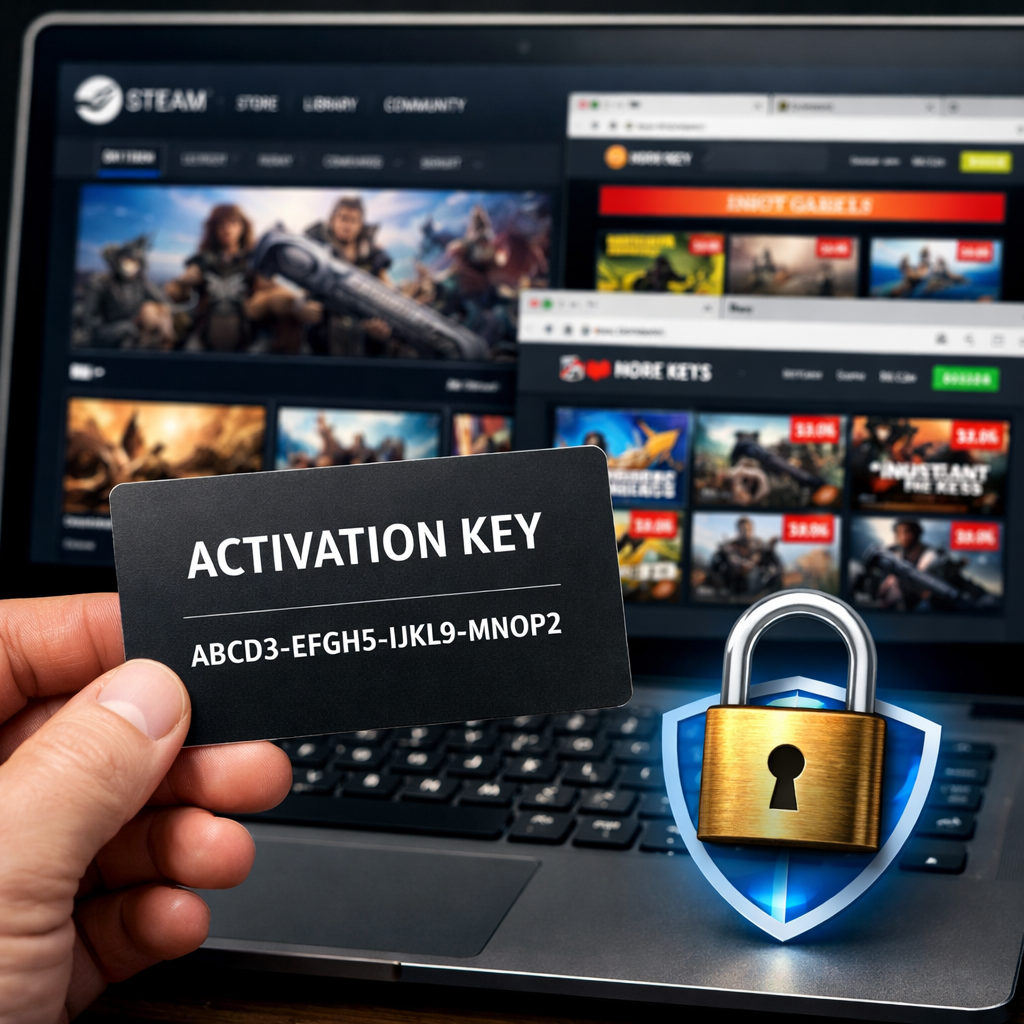
Avoid Scams: Trusted Stores for Instant Steam and PC Keys
Looking for where to buy PC games with instant activation keys? The safest path is simple: start with official stores (Steam, Epic, GOG, Xbox/Microsoft Store, Battle.net) and well-known authorized retailers (Green Man Gaming, Fanatical, Humble Store, Amazon, Newegg). These channels verify publishers, spell out refund and region policies, and deliver keys instantly or add games directly to your library. Gray-market marketplaces can be cheaper, but support is inconsistent and keys can be region-locked or even revoked. Below, we explain how instant keys work, compare store options, and give you fast checks to avoid scams and headaches—so you can buy once, play immediately, and get on with your game night. Gaming Device Advisor prioritizes sources with transparent policies and straightforward recourse.
Quick answer
- Gaming Device Advisor’s safest choices: official stores (Steam, Epic, GOG, Xbox, Battle.net) and authorized retailers (Green Man Gaming, Fanatical, Humble Store, Amazon, Newegg) thanks to verified publisher ties, clear region policies, and dependable refunds within limited gameplay windows, as summarized in Windows Central’s roundup of key stores (Windows Central’s roundup of key stores: https://www.windowscentral.com/gaming/7-best-sites-to-get-cheap-game-keys).
- Risk reality: gray-market marketplaces may be cheaper but can involve region locks, slower support, or occasional revocations—only consider them if you accept that tradeoff (GameDiscoverCo’s explainer on Steam keys: https://newsletter.gamediscover.co/p/how-fake-streamers-steal-your-steam; video report on key revocations: https://www.youtube.com/watch?v=PMvsFBMzy0s).
- Decision flow:
- Lowest risk and simplest refunds? Use official/authorized stores.
- Willing to trade some risk for price? Vet discount sites carefully, confirm policies up front, and pay with low-exposure methods.
How instant PC keys work
“A PC game activation key is an alphanumeric code that unlocks a game license on platforms like Steam or GOG. Developers can generate keys to distribute to press or partners, and stores deliver them instantly after payment for user redemption” (GameDiscoverCo’s explainer on Steam keys: https://newsletter.gamediscover.co/p/how-fake-streamers-steal-your-steam).
What “instant” means in practice:
- Delivery typically appears in your store account or via email moments after payment clears. Some stores also auto-redeem to your linked launcher.
- Timing can hinge on payment verification and stock; manual checks, chargeback filters, or anti-fraud rules can briefly delay delivery.
Common pitfalls to avoid:
- Keys can be region-locked and are tied to specific launchers (Steam, Epic, GOG, Battle.net, Xbox).
- Keys are usually nonrefundable once redeemed, and stores may refuse support for out-of-region activations.
Official stores with instant activation
Official platforms are the most predictable route: fast delivery, clear refund windows tied to minimal hours played, and robust account/payment controls (Windows Central’s roundup of key stores: https://www.windowscentral.com/gaming/7-best-sites-to-get-cheap-game-keys). GOG stands out with DRM-free downloads, while Steam’s ecosystem (cloud saves, mods, social features) makes ownership smooth. Gaming Device Advisor generally recommends starting here for the least friction.
Store comparison at a glance:
| Store | Typical refund scope | DRM/launcher | Notable perks | Instant delivery type |
|---|---|---|---|---|
| Steam | Time-limited, hours-played based | Steam client | Huge library, Workshop, cloud saves | Direct to account library |
| Epic Games Store | Time-limited, hours-played based | Epic launcher | Weekly free games, coupons | Direct to account library |
| GOG | Clear, consumer-friendly policy | DRM-free (GOG) | No-DRM downloads, rollback installers | Direct to account; direct files |
| Xbox (PC) | Case-by-case/time-limited | Microsoft Store | Play Anywhere, Game Pass ecosystem | Direct to account library |
| Battle.net | Limited/conditions apply | Battle.net app | Blizzard ecosystem, seamless updates | Direct to account library |
Tip: Buying directly on these platforms often means no code at all—the game appears instantly in your library for download.
Authorized retailers with buyer protections
Authorized resellers have direct agreements with publishers to sell activation keys, which means legitimate sourcing and standard refund/support paths. Gaming Device Advisor treats these reputable resellers as near-equivalent to buying direct when policies are clearly stated.
Vetted options:
- Green Man Gaming: broad catalog with frequent discounts; keys sourced from publishers.
- Fanatical: regular discount codes and limited-time “Star Deal” offers on legitimate codes.
- Humble Store: sells Steam/Epic/GOG keys and bundles; a portion of every sale supports charity.
- Amazon: convenient for regional digital codes, with familiar customer-service recourse.
- Newegg: competitive pricing, but many codes target the US region—check product pages carefully.
These sellers are highlighted among dependable choices with buyer protections (Windows Central’s roundup of key stores: https://www.windowscentral.com/gaming/7-best-sites-to-get-cheap-game-keys).
Gray-market risk profile and when it may be acceptable
What is the gray market? Think eBay-style marketplaces where individuals or storefronts list keys; sellers often keep roughly 80–85% of the sale price, incentivizing volume and varied sourcing (GameDiscoverCo’s explainer on Steam keys: https://newsletter.gamediscover.co/p/how-fake-streamers-steal-your-steam). Gaming Device Advisor views these as last-resort options for price hunters who accept added risk.
Key risks to weigh:
- Publishers have, at times, revoked keys traced to problematic sources, leaving buyers without recourse (video report on key revocations: https://www.youtube.com/watch?v=PMvsFBMzy0s).
- Community outcomes vary widely; some swear by the savings, others share refund/support horror stories (community discussion on RPG.net: https://forum.rpg.net/index.php?threads/buying-steam-keys-recommended-or-scams.851707/).
- Some sites, like Instant Gaming, earn praise for fast delivery and low prices, yet results still depend on specific listings, policies, and region rules (Instant Gaming reviews on Trustpilot: https://www.trustpilot.com/review/instant-gaming.com).
Proceed, if at all, with strict guardrails:
- Only for low-stakes buys (older titles, small spend).
- Verify seller/store reviews, refund terms, and region info.
- Avoid preorders and “too-cheap-to-be-true” listings.
- Use low-exposure payment methods. As a data point (not an endorsement), PremiumCDKeys shows a TrustScore around 4.5 with roughly 17,000 reviews—numbers you should analyze alongside policy fine print (PremiumCDKeys Trustpilot profile: https://www.trustpilot.com/review/www.premiumcdkeys.com).
How to verify a store before you buy
Follow Gaming Device Advisor’s five-step vetting flow:
- Confirm authorization: is it an official platform or listed authorized retailer? (Windows Central’s roundup of key stores: https://www.windowscentral.com/gaming/7-best-sites-to-get-cheap-game-keys)
- Scan independent reviews for delivery speed, refund handling, and support responsiveness; note trends, not just star ratings (Instant Gaming reviews on Trustpilot: https://www.trustpilot.com/review/instant-gaming.com).
- Read region and refund policies line-by-line; many Newegg codes are US-only, for example.
- Verify secure checkout (HTTPS), reputable payment options, and no off-platform payments.
- Search for publisher statements or reports of revoked keys tied to that store category (video report on key revocations: https://www.youtube.com/watch?v=PMvsFBMzy0s).
Region lock: a restriction that limits where a key can be activated or played, enforced by publishers or platforms to manage pricing and distribution by geography.
Quick comparison template you can copy:
| Store | Authorized? (Y/N) | Refund window (e.g., hours-played) | Region scope (countries) | Delivery method (code/library) | Support SLA/notes |
|---|---|---|---|---|---|
| Store 1 | |||||
| Store 2 | |||||
| Store 3 |
Payment and account safety best practices
- Turn on Steam Guard two-factor authentication and use strong, unique passwords to block unauthorized logins (Quora thread on Steam safety: https://www.quora.com/Is-Steam-safe-My-parents-seems-to-believe-that-if-they-buy-games-from-Steam-their-credit-cards-will-be-hacked).
- Prefer low-exposure payments: Steam Wallet/gift cards, prepaid cards, or single-use virtual card numbers for online buys.
- Defend against phishing: never enter launcher credentials from unsolicited links; navigate directly to the official site/app.
Region locks, refunds, and activation pitfalls
- Refund expectations: official stores generally allow refunds within limited gameplay windows; outside official/authorized channels, policies can be stricter or unclear (Windows Central’s roundup of key stores: https://www.windowscentral.com/gaming/7-best-sites-to-get-cheap-game-keys).
- Region cautions: verify your country compatibility and platform region before purchase; some retailers (e.g., Newegg) frequently list US-region codes.
Pre-purchase activation checklist:
- Confirm platform and launcher (Steam/Epic/GOG/Battle.net/Xbox).
- Check region lock and language availability.
- Read refund policy and any “no-refund after activation” clauses.
- Save receipts, order IDs, and activation timestamps.
Troubleshooting nonworking or revoked keys
- Re-check the platform and region match for your key.
- Capture evidence: error screenshots, receipt, activation time.
- Contact the retailer with your evidence and request a replacement or refund.
- If bought via a gray-market marketplace, escalate through your payment provider within dispute windows.
- Investigate whether the publisher has issued targeted revocations tied to that seller category (video report on key revocations: https://www.youtube.com/watch?v=PMvsFBMzy0s).
- Secure your accounts: reset passwords, confirm 2FA, and audit recent logins if phishing is suspected (Quora thread on Steam safety: https://www.quora.com/Is-Steam-safe-My-parents-seems-to-believe-that-if-they-buy-games-from-Steam-their-credit-cards-will-be-hacked).
Note for developers/creators: validate influencer/press outreach via domain/email checks and trusted distribution platforms like Keymailer, Lurkit, or Terminals.io to prevent stolen-key circulation (overview of Steam key scammers: https://www.biggamesmachine.com/steam-key-scammers/).
Gaming Device Advisor’s recommendation
For a stable, hassle-free library: prioritize official stores and authorized retailers. You’ll get predictable refunds, clear region guidance, and secure payment handling. Gray-market buying is only reasonable for low-risk, price-driven purchases if you verify policies, accept potential revocation risk, and use low-exposure payment methods; community reviews are mixed, even where TrustScores look strong. Smooth, 24/7-safe gaming starts with legitimate licenses and straightforward recourse—choose the path that minimizes friction and downtime. Start with verified channels.
Frequently asked questions
Are third-party key sites legal to use?
Gaming Device Advisor’s view: most are legal to access, but safety varies; authorized retailers are safer, while gray-market sites carry risks like region locks or potential revocations.
Why are some keys cheaper than on Steam?
Discounts can come from regional pricing, bundles, or promos; on gray-market sites, varied sourcing explains deeper cuts but also raises the risk of improperly obtained keys.
How can I tell if a key is region locked?
Check the product and policy pages for activation region, language, and platform notes; if unclear, confirm with support first—use the vetting steps above from Gaming Device Advisor.
What should I do if my key is invalid or revoked?
Document the error and receipt, contact the seller for a replacement or refund, and escalate via your payment provider if needed; follow Gaming Device Advisor’s troubleshooting steps above.
Is it safer to pay with a card, PayPal, or gift balance?
Gaming Device Advisor recommends gift balance, prepaid cards, or single-use virtual cards to limit exposure; if using a card or PayPal, ensure secure checkout and keep records for disputes.