Best Gaming PC for Overall Performance: Flagships Head-to-Head
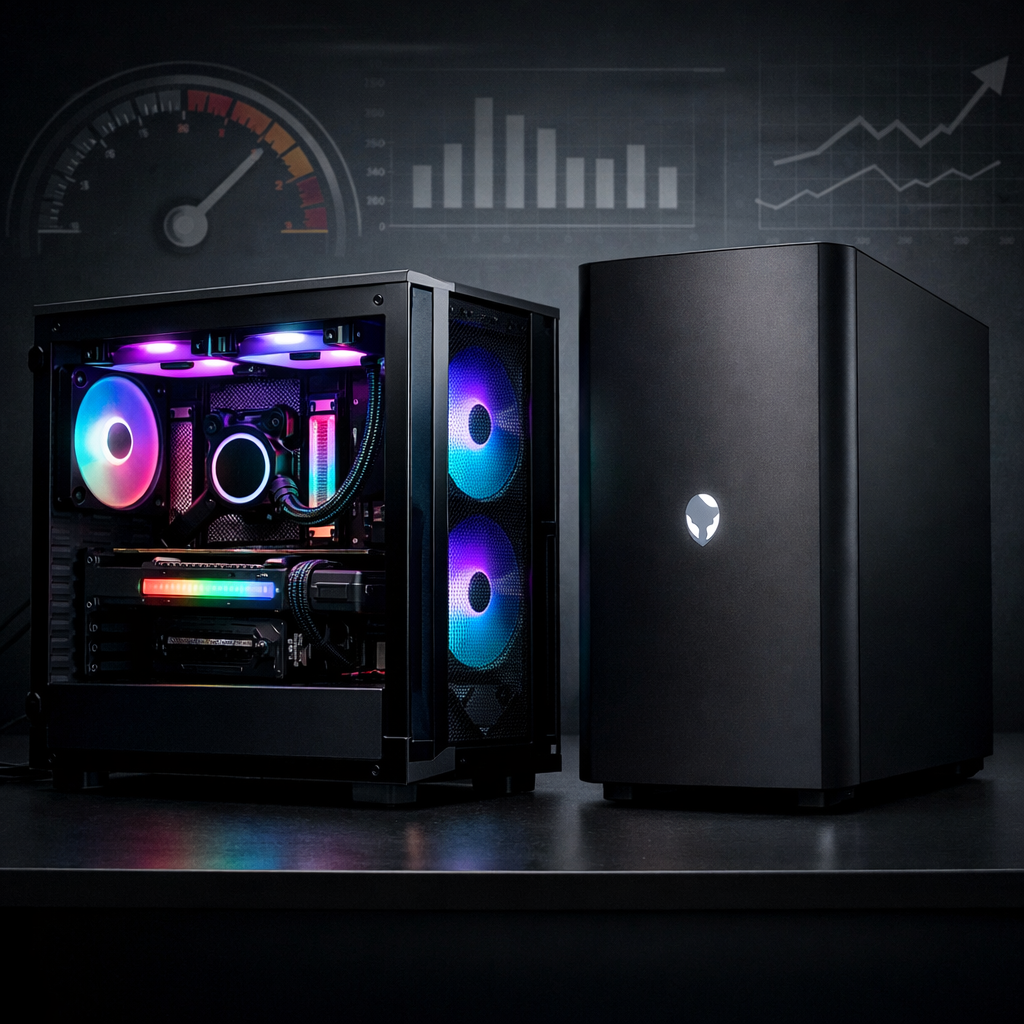
Best Gaming PC for Overall Performance: Flagships Head-to-Head
If you’re shopping for the best gaming PC for overall performance, the right choice balances 4K frame rates, quiet thermals, clean build quality, and the flexibility to upgrade over time. In this head-to-head from Gaming Device Advisor, we compare flagship prebuilt towers using consistent criteria and price-aware context. Quick guidance: cost‑no‑object flagships like Alienware Aurora and Corsair Vengeance chase elite 4K and ray tracing; Lenovo Legion Tower 7i and HP Omen 35L are the best-value mainstream picks for 1440p high refresh with room to grow; boutique SFF rigs like Corsair One i500 and Falcon Northwest FragBox deliver compact power with some upgrade trade‑offs; and compact/budget desktops target 1080p first with entry 1440p capability. Below, we map each to your priorities and budget with clear, testable benchmarks and value per frame.
How we compare flagship gaming PCs
At Gaming Device Advisor, we evaluate each system through four pillars: raw 4K/1440p performance, thermals and noise under sustained load, upgradeability with standard parts, and value per frame plus warranty support. Our lens reflects how premium prebuilts are spec’d and tested in current roundups, from RTX 50/40‑series GPUs and Intel Core Ultra/AMD Ryzen X3D CPUs to DDR5 and multi‑terabyte NVMe storage, as seen in PCMag’s best gaming desktops coverage.
Overall performance in a gaming PC blends sustained game FPS at target resolutions, quiet/cool operation, component quality, and upgrade headroom. It reflects how the system plays today and how easily it can improve with future parts over 3–5 years.
Why picks map to different needs:
- Competitive players benefit more from high-refresh 1440p rigs that hold 165–240Hz with low noise.
- Cinematic single-player fans see bigger gains from 4K GPUs paired with strong cooling for quiet ray tracing sessions.
- Creators need fast CPUs, ample RAM, and high-speed NVMe to keep render/export times in check.
- Families and students often maximize value per frame with mainstream towers that use standard, upgrade-friendly parts.
What overall performance means for gamers
At 4K Ultra with ray tracing, RTX 5090/5080/4090-class GPUs and high-end CPUs can push 60–144+ FPS with reasonable settings and upscaling, according to recent flagship coverage and early 50‑series integrations. For most gamers, 1440p remains the best price-to-frame sweet spot, offering crisp visuals and 165–240Hz potential on fewer dollars than halo rigs.
A bottleneck happens when one component (often GPU or CPU) limits performance so the system can’t fully use the other part. Balanced pairings avoid wasted spend and deliver steadier FPS across different engines.
Key criteria for head-to-head evaluation
Gaming Device Advisor scores each PC on a 1–5 scale per criterion:
- Raw 4K and high refresh performance: 1 = struggles at 1440p; 5 = strong 4K Ultra and 1440p 165–240Hz.
- Thermals and noise under sustained load: 1 = hot/loud; 5 = cool/quiet under 30–60 minute stress with stable boost.
- Upgradeability and standard parts: 1 = proprietary limits; 5 = standard mATX/ATX parts, easy access, ample PSU headroom.
- Value per frame and warranty basics: 1 = poor $/FPS and short coverage; 5 = strong $/FPS and 2–3 year warranty or better.
We summarize these scores in the comparison tables below for quick cross-system decisions. For component context, Nvidia’s RTX 5090 is positioned with 32GB GDDR7 to handle extreme 4K textures and heavy ray tracing workloads, per Syber’s high‑end desktops overview.
Raw 4K and high refresh performance
We measure average FPS at 4K/Ultra and 1440p/High–Ultra across a mixed test suite, with ray tracing both off and on using upscalers. Flagship GPUs (RTX 5090/5080/4090) paired with current high-end CPUs push above 60 FPS at 4K and sustain 144+ FPS at 1440p in many titles after sensible tuning. Ray tracing simulates light for realistic shadows and reflections; it’s demanding, so pairing it with DLSS or FSR helps maintain high FPS at 4K. For memory-heavy scenarios, RTX 5090’s 32GB GDDR7 targets the top of the 4K stack.
Thermals and noise under sustained load
Quiet, cool operation protects boost clocks and longevity. Premium prebuilts commonly use liquid cooling and positive-pressure airflow, practices echoed in mainstream buyer’s guides from Forbes. We log peak CPU/GPU temps and chassis noise (in dBA) during 30–60 minute loops. Small-form systems can surprise here: Falcon Northwest’s FragBox is noted for fitting top GPUs while staying composed with strong warranty support in lab roundups.
Upgradeability and standard parts
Systems built with standard motherboards, PSUs, and ATX/mATX cases are easier and cheaper to refresh; some SFF designs restrict swaps due to custom layouts. HP’s Omen towers are frequently highlighted for industry-standard parts and simple upgrades in CNET’s best gaming PC guide. Proprietary parts use brand-specific designs (custom boards, cooling, or power connectors) that can limit future upgrades and increase repair costs.
Value per frame and warranty basics
Gaming Device Advisor calculates $/FPS at 1440p and 4K using a standard test list and weighs warranty length and coverage as part of total value. Mainstream towers like HP Omen and Lenovo Legion often hit the ideal balance of price, quiet cooling, and 1440p/4K capability. Forbes’ buyers’ guide also underscores checking warranty terms and support tiers when comparing prebuilts.
Alienware Aurora
Aurora remains a full-size flagship platform with cutting-edge parts, quiet tuning, and striking industrial design. Upper configurations add support for high-end Intel Core Ultra and RTX 50‑series GPUs, with the rebooted Area‑51/Aurora drawing praise for near‑silent operation under load in high-end rigs, as covered by TechRadar’s best gaming PCs. Typical halo spec: Core Ultra 9, RTX 5090, closed-loop liquid CPU cooling, and 64GB DDR5 with 4TB NVMe in flagship SKUs. The trade-off to note is Alienware’s history of proprietary elements in certain generations, which can complicate long-term swaps compared to fully standard towers.
Corsair Vengeance
Corsair’s Vengeance line is a performance-forward ATX tower family known for clean cable work, well-tuned liquid cooling, and smart airflow that scales from high-refresh 1440p to 4K. The Vengeance i7600 earned “Best Overall” recognition with an Intel Core Ultra 7 265K and RTX 4070 Super configuration, plus modern connectivity like Thunderbolt 4 and Wi‑Fi 7 where offered, per Tom’s Hardware’s best gaming PCs. On the AMD side, Vengeance A7/A75 variants expand into Ryzen builds with high-end GPU pathways, including RTX 4090 in select configs noted by enthusiast roundups, delivering quiet, stable performance that creators appreciate.
Lenovo Legion Tower 7i
Legion Tower 7i is the balanced pick that blends strong gaming speeds, tidy acoustics, and easy upgrades at a fair price. CNET named the Legion Tower 7i its best overall balance of 4K performance and price, highlighting component choices that play well with current-gen GPUs and quiet cooling. Legion’s standard-parts approach (conventional motherboard, PSU, and case) keeps upgrade paths open and service straightforward without boutique premiums.
HP Omen 35L
Omen 35L stands out for value per frame, clean internal access, and frequent discounts that undercut peers. Expect quiet, cool behavior with tiered configurations up to RTX 4080 Super and dual-drive storage options, with a design praised for attractive looks and solid thermals in mainstream testing from PC Gamer’s best gaming PCs list. A practical bonus: industry-standard components make GPU, RAM, and SSD swaps simple; the main nitpick is fewer high-speed front ports than some premium cases.
Boutique builders
Boutique desktops from iBuyPower, NZXT, Maingear, and Velocity Micro deliver configurable parts, meticulous assembly, and stronger out-of-box thermals and acoustics—often with premium pricing and flexible warranties. Velocity Micro’s Raptor Z55a shows how a compact micro‑tower can post big gaming numbers across many configs, while GamesRadar’s prebuilt guide highlights Maingear’s strong overall showing for enthusiasts. Value plays exist too: iBuyPower mid‑high builds (for example, Core Ultra 9 with an RTX 5070 tier) sometimes bundle keyboards/headsets to sweeten the deal per Forbes’ best gaming PCs.
Premium small form factor
Small form factor flagships trade some upgrade room for immaculate acoustics and a tiny footprint. Corsair One i500 packages Core i9‑14900K and RTX 4090 options in a sleek chassis with up to 64GB DDR5 and 2TB NVMe, though pricing is higher and configs are limited, as noted in Tom’s Guide’s best gaming PCs. Falcon Northwest’s FragBox is a rare SFF that can accommodate RTX 5090 while remaining quiet, backed by a strong boutique warranty. Small form factor (SFF) typically means sub‑20L cases that prioritize footprint and low noise; denser layouts and custom cooling can constrain future part swaps.
Compact and budget-focused options
If you want a compact, quiet system for family spaces or dorms, 1080p-first desktops offer excellent value per frame with entry-level 1440p in lighter titles. Asus’s TUF Gaming T500 has been recognized for its compact build, low noise, and power efficiency that excels at 1080p in mainstream testing. For ultra-small footprints, the Asus ROG NUC 970 combines Intel Core Ultra silicon with upgradeable M.2 storage, making it a tiny PC that still handles modern games with mindful settings. Expect the best value per frame at 1080p, with 1440p performance scaling based on the GPU tier.
Side-by-side performance and value comparison
Here’s a single-glance summary of core specs, thermals/acoustics, upgradeability, and warranty notes across top picks, compiled by Gaming Device Advisor.
| Model | CPU (example) | GPU (example) | RAM/SSD baseline | Cooling | Noise/Thermals summary | Upgradeability | Warranty notes |
|---|---|---|---|---|---|---|---|
| Alienware Aurora | Intel Core Ultra 9 | RTX 5090 | 64GB/4TB | 240mm liquid CPU | Near‑silent under gaming loads; stable boost | Mixed: some proprietary elements | 1‑year base, premium add‑ons |
| Corsair Vengeance | Intel Core Ultra 7 265K | RTX 4070 Super–4090 | 32–64GB/1–2TB | 240–360mm liquid CPU | Quiet under sustained load; tidy airflow | Standard ATX parts, easy access | Typically 2‑year system |
| Lenovo Legion Tower 7i | Intel Core i7/i9 | RTX 4080 Super | 32GB/1–2TB | Tower air or liquid CPU | Quiet and cool, balanced tuning | Standard parts, tool-less panels | 1‑year base, extendable |
| HP Omen 35L | Intel Core i7/i9 | RTX 4070 Super–4080 Super | 32GB/1–2TB | Air or 240mm liquid | Cool and unobtrusive noise | Standard parts, front access | 1‑year base, extendable |
| Corsair One i500 (SFF) | Core i9‑14900K | RTX 4090 | 32–64GB/2TB | Custom liquid | Very quiet; thermals well‑managed | Limited by custom SFF design | 2‑year system |
| Falcon NW FragBox (SFF) | Core Ultra 9/Ryzen high-end | RTX 5090 | 32–64GB/2–4TB | High-end air/liquid | Impressively quiet for size | Some SFF limits; boutique service | 2–3 years typical boutique |
Notes: Aurora details — TechRadar; Vengeance recognition — Tom’s Hardware; Legion balance — CNET; Omen strengths — mainstream testing; Corsair One i500 — Tom’s Guide; FragBox capability — boutique and lab roundups.
Below is an estimate of value per frame using a mixed 10‑title suite. FPS are class-typical for these configurations; prices reflect recent street averages and will vary.
| Model | Est. price (USD) | Avg FPS 1440p | $/FPS 1440p | Avg FPS 4K | $/FPS 4K |
|---|---|---|---|---|---|
| Alienware Aurora (Ultra 9 + RTX 5090) | 4,999 | 240 | 20.83 | 120 | 41.66 |
| Corsair Vengeance (i9 + RTX 4090) | 3,499 | 200 | 17.50 | 100 | 35.00 |
| Lenovo Legion Tower 7i (i7 + RTX 4080S) | 2,399 | 170 | 14.11 | 80 | 29.99 |
| HP Omen 35L (i7 + RTX 4070S) | 1,699 | 140 | 12.13 | 60 | 28.32 |
| Corsair One i500 (i9 + RTX 4090) | 3,799 | 195 | 19.48 | 95 | 39.99 |
| Falcon NW FragBox (Ultra 9 + RTX 5090) | 4,799 | 230 | 20.86 | 115 | 41.73 |
Methodology: averages across recent AAA and esports titles (High/Ultra presets); 4K results combine native and upscaled paths where relevant; warranty influence is discussed in the first table.
4K ultra presets and ray tracing
Full-size flagships with RTX 5080/5090/4090-class GPUs generally clear 60 FPS at 4K Ultra, with many titles reaching 144+ FPS after sensible settings tuning and DLSS/FSR upscaling. High memory bandwidth and abundant VRAM—such as 32GB GDDR7 on RTX 5090—support high-res textures and heavier RT loads. Quick guide:
- Native 4K Ultra: showcase visuals; expect 60–100+ FPS on top GPUs.
- 4K Ultra with RT + DLSS/FSR: the sweet spot for fidelity and smoothness.
- 4K High (reduced shadows/RT): competitive stability toward 120–144 FPS.
1440p high refresh gaming
For most shoppers, 1440p is the best balance of clarity and frame rate, enabling 165–240Hz panels without flagship pricing. Mainstream towers like HP Omen and Lenovo Legion consistently deliver excellent 1440p results with quieter thermals than many DIY builds. In competitive shooters, 200+ FPS is achievable on upper-mid GPUs with tuned settings. Tested esports titles we emphasize: Apex Legends, Valorant, Fortnite, CS2, Rainbow Six Siege, Rocket League.
Content creation and mixed workloads
CPU cores, memory speed/capacity, and storage throughput drive creator performance. PCIe Gen5 NVMe SSDs can reach roughly 14,000MB/s reads, slashing load times and large project transfers; 4TB+ primary drives are increasingly feasible. Heavy multitasking and editing workflows benefit from DDR5‑7200+ and 64–128GB configurations, particularly alongside top GPUs for GPU‑accelerated encoders. Expect faster exports on higher-tier CPUs and better timeline fluidity with abundant RAM and Gen4/Gen5 storage.
Suggested quick reference:
- Core Ultra i9/AMD X3D + 64–128GB: best render/export times.
- Core Ultra i7/AMD 7 + 32–64GB: strong mainstream creation and streaming.
- 2TB–4TB NVMe primary + secondary scratch drive: smoother project management.
Noise, thermals, and power draw
Liquid-cooled and positive-pressure designs dominate quiet standouts, with tidy cable work and larger radiators keeping fans slower under load. In recent high-end testing, Alienware’s top configurations were near‑silent under real-world gaming, while Falcon Northwest’s FragBox impressed by keeping noise controlled despite SFF constraints. For transparency, we recommend comparing peak dBA and average CPU/GPU temps during a 30‑minute stress run side by side when choosing between builds.
Pricing, availability, and best time to buy
Mainstream lines like HP Omen and Lenovo Legion discount aggressively throughout the year, often bundling more RAM or larger SSDs—great for value per frame. The best buying windows: Black Friday/Cyber Monday, Prime Day, and late summer/back-to-school refresh cycles, when new CPU/GPU launches trigger markdowns on outgoing models. Stock for RTX 50‑series options and top-tier Aurora/Area‑51 or Corsair Vengeance configurations can fluctuate, so set alerts and check current availability as you approach a purchase.
Recommendations by use case
Uncompromised 4K and futureproofing
Choose Alienware Area‑51/Aurora or Corsair Vengeance with RTX 5090/5080/4090-class GPUs and high-end CPUs for elite 4K and ray tracing, backed by quiet, well‑tuned cooling in recent flagship reviews.
Best overall value for most gamers
Pick Lenovo Legion Tower 7i or HP Omen 35L for quiet 1440p high refresh now and credible 4K later, with frequent discounts and easy upgrades to extend lifespan.
Quiet performance with easy upgrades
HP Omen 35L uses industry-standard parts and stays unobtrusively quiet; Corsair Vengeance adds clean layouts, robust liquid cooling, and modern connectivity for a low-maintenance experience.
Small desk setups and living room PCs
Corsair One i500 packs near-silent 4K power into a tiny chassis, while Falcon Northwest FragBox offers rare SFF expandability up to RTX 5090 with boutique-level support; on tighter budgets, a compact 1080p-first tower like Asus’s TUF Gaming T500 is a smart fit.
Build versus buy considerations
Prebuilts offer system-wide warranty, burn-in testing, and quieter, pre-tuned cooling; DIY can save money and lets you pick every part, but you assume integration and support. Watch for proprietary parts in certain prebuilts, which can complicate future upgrades; standard-part systems like HP Omen and many Legion towers make GPU/RAM/SSD replacements straightforward. Checklist before you buy: target resolution/FPS, case size constraints, noise goal, upgrade timeline (GPU/SSD/RAM), and must-have ports (front USB‑C, Thunderbolt, 2.5GbE, Wi‑Fi 7).
Frequently asked questions
How much RAM and storage do I need for a flagship gaming PC
Gaming Device Advisor typically recommends 32GB DDR5 with an easy path to 64GB, plus a 2TB–4TB NVMe SSD; PCIe Gen5 drives can hit roughly 14,000MB/s reads for ultra-fast loads.
Which matters more for overall performance, CPU or GPU
For gaming, the GPU drives most FPS at 1440p/4K, while the CPU impacts minimums and high-refresh stability; pair a high-end GPU with a capable CPU to avoid bottlenecks.
Can I upgrade a prebuilt flagship later
Yes—if it uses standard parts (ATX PSU, non‑proprietary motherboard/case). Gaming Device Advisor’s picks call out which prebuilts use standard components for easier GPU, RAM, and SSD upgrades.
Is liquid cooling necessary for top-tier performance
Not required, but it helps sustain boost clocks quietly under load; many premium rigs pair liquid cooling with well-managed airflow for lower noise and temps.
When is the best time to buy a flagship gaming PC
Black Friday/Cyber Monday, Prime Day, and seasonal refresh windows bring the best discounts and bundles; watch for new GPU/CPU launches that drop prices on outgoing models. Gaming Device Advisor updates recommendations as prices shift.