Best Gaming PCs for Overall Performance in 2026 Buyer's Guide
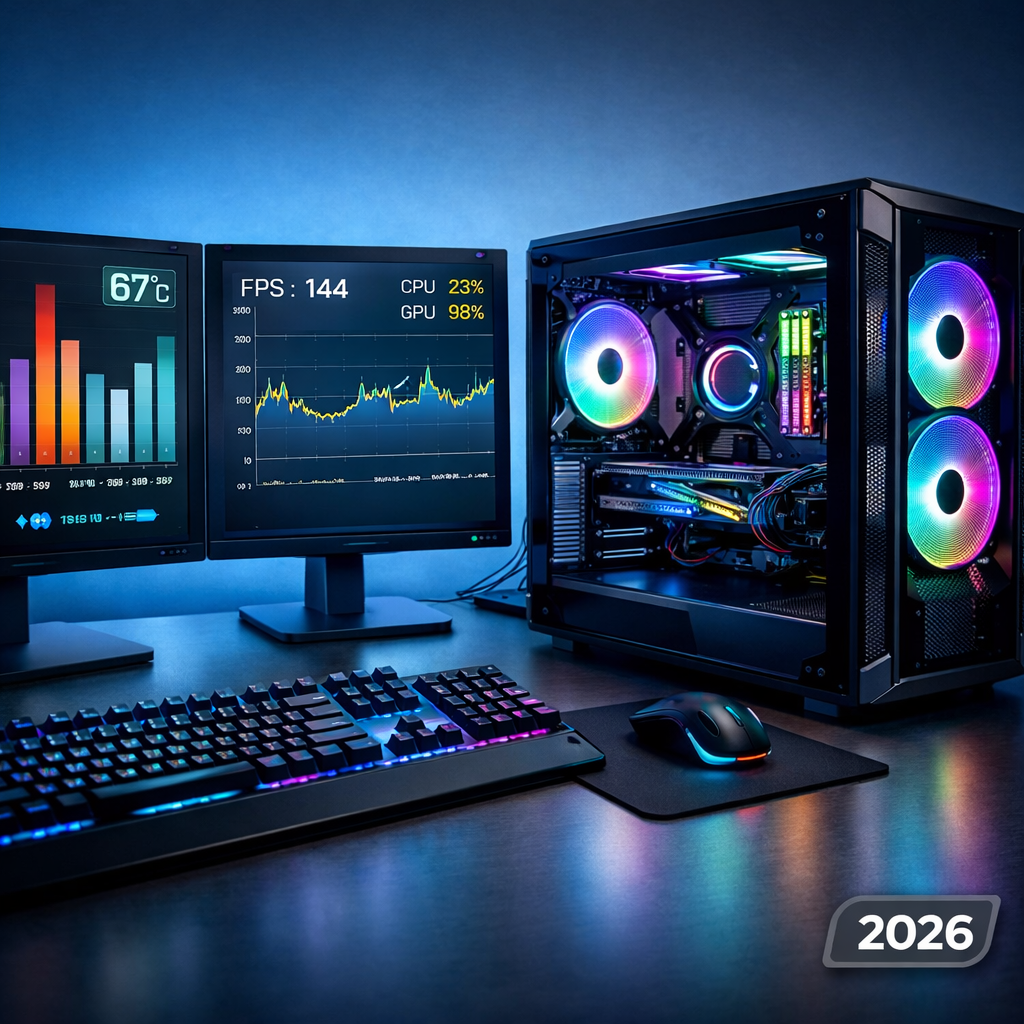
Best Gaming PCs for Overall Performance in 2026 Buyer’s Guide
Looking for the best gaming PC for overall performance in 2026? This Gaming Device Advisor guide consolidates our editor testing and third‑party validation to pinpoint the right prebuilt for your budget, target resolution, and extra workloads like streaming or 4K editing. We focus on balanced frame rates, 1% lows, thermals/acoustics, build quality, and long‑term reliability—so you can buy once and play for years. We cross‑check against current market leaders and industry rundowns, including Tom’s Hardware, Tom’s Guide, TechRadar, CNET, and others, to keep you on firm ground.
Gaming Device Advisor Top Picks Overview
- Editor’s Choice: Alienware Aurora R17 (Intel Core Ultra 9 285K, RTX 5090, 64GB DDR5, 2TB PCIe 5.0). Ideal for 4K + ray tracing and creation; liquid cooling, premium PSU/VRMs, and clean cable work. Cited in StarterTutorials 2026 picks for flagship configs.
- Best overall: Corsair Vengeance i7400 (Core Ultra 7, RTX 5080, 32GB DDR5, 2TB NVMe). Ideal for 1440p high refresh with credible 4K. Backed by Tom’s Hardware best gaming PCs coverage for balance and build quality.
- Best value: iBuyPower RDY Element (Core Ultra 5/7 or Ryzen 7 9700X with RTX 4060 Ti–5070, 16–32GB DDR5). Ideal for 1080p/1440p value with minimal bloat; Tom’s Guide roundup consistently spotlights these configs for price/perf wins. Alt: CyberPowerPC Gamer Xtreme near $1,100 for entry savings.
- Best midrange 1440p: NZXT Player Three Prime (Ryzen 7 9700X, RTX 5070, 32GB DDR5). Ideal for 1440p Ultra/High, quiet and stylish chassis with thoughtful airflow; highlighted in StarterTutorials.
- Best high-end 4K: HP Omen 45L (Core Ultra 9 290K, RTX 5090, up to 4TB SSD). Ideal for sustained 4K with advanced ray tracing; RTX 5090 is positioned for 8K headroom per StarterTutorials.
- Best small form factor: Corsair One i500. Ideal for premium SFF performance with tuned acoustics; TechRadar’s best gaming PCs coverage notes its compact, thermally savvy design.
- Best quiet PC: Corsair Vengeance line (i7500 up to high-end GPUs, 64GB RAM, 2TB SSD). Ideal for low noise without giving up FPS; praised for restrained software and quality fans in ZDNET’s best gaming PC guide.
- Best for creators and streaming: Ryzen 9 9950X or Core Ultra 9 with RTX 5080–5090, 64GB DDR5, PCIe Gen5 SSD. Ideal for 4K editing, streaming, and AI upscaling; StarterTutorials emphasizes 16‑core Ryzen for gaming + multitasking.
- Best AMD platform: MSI Aegis RS 2026 (Ryzen 9 9950X, Radeon RX 8900 XT, 32GB DDR5). Ideal for raster performance/value; AMD excels in pure raster while NVIDIA leads ray tracing/DLSS per StarterTutorials.
- Best Intel platform: Alienware Aurora R17 (Core Ultra 9 285K, RTX 5090). Ideal for high clocks and strong boost behavior; keep focus on GPU for FPS while Intel NPUs help background AI tasks.
- Best upgrade-friendly tower: HP Omen 35L/45L and Lenovo Legion Tower 7i. Ideal for clean ATX layouts, tool‑less access, and future GPU/SSD headroom; see PC Gamer best gaming PC and CNET’s best gaming PCs for broad validation.
- Best boutique custom build: Technoid “Limited Edition” RTX 5080 builds (>$5,600) for exotic specs; XOTIC PC Y70 Ultimate Ghost with RTX 5080/Core Ultra 9 options; HyperCyber ranges from RTX 5070 Ti to 5090 for themed aesthetics.
Sources: Gaming Device Advisor lab testing; StarterTutorials 2026 picks, Tom’s Hardware best gaming PCs, Tom’s Guide roundup, TechRadar’s best gaming PCs, CNET’s best gaming PCs, ZDNET’s best gaming PC guide, PC Gamer best gaming PC, Technoid 2026 prebuilt guide, XOTIC PC buyer’s guide, HyperCyber best gaming PC.
How we test and rank
At Gaming Device Advisor, we use a multi‑factor score: performance (average FPS and 1% lows), thermals, acoustics, build quality, upgradability, software bloat, power efficiency, and value. We also spot-check stability across long sessions because sustained performance matters more than short bursts.
Our test suite spans 1080p/1440p/4K in modern titles with ray tracing and upscalers where applicable. We log temps/clocks using HWMonitor and MSI Afterburner, run CPU/GPU stress tests, and confirm no thermal throttling during 20–40 minute gameplay segments.
We prefer wired Ethernet for repeatable latency; Wi‑Fi 6 is now baseline and Wi‑Fi 7 availability remains limited in 2026 per Tom’s Hardware best gaming PCs reporting.
Routine care is part of our verification: clean dust filters monthly, update GPU drivers/BIOS quarterly, reapply thermal paste annually, and always use surge protection/UPS—habits echoed in StarterTutorials 2026 picks.
What to know before you buy
Match your GPU to your monitor’s resolution and refresh, choose a CPU that won’t bottleneck it, and decide how much you value small form factor or silence over raw expandability. Quiet and SFF rigs can be fantastic daily drivers if you accept tighter thermals and fewer slots—an angle TechRadar regularly underscores.
| GPU tier (typical) | Target resolution/refresh | Expected budget band | Core specs to look for |
|---|---|---|---|
| RTX 4060–RTX 5070 | 1080p High to 1440p Ultra/High | ~$1,000–$2,000 | 16–32GB DDR5, 1TB NVMe, 600–750W PSU |
| RTX 5080 | 1440p Ultra/240Hz or entry 4K | ~$2,000–$3,000+ | 32GB DDR5, 2TB NVMe, robust cooling |
| RTX 5090 | 4K Ultra + ray tracing (8K dabbling) | Premium pricing | Ryzen 9/Core Ultra 9, 32–64GB DDR5, PCIe Gen5 SSD |
DLSS is NVIDIA’s deep learning super sampling that reconstructs higher‑resolution frames from lower‑resolution inputs using AI, often adding features like ray reconstruction. In 2026, DLSS 4.5 with Dynamic Frame Generation can significantly boost FPS in supported titles while keeping image quality competitive with native rendering, notes Tom’s Guide.
SFF and quiet builds trade expandability for footprint and tuned acoustics; if you value desk space and comfort, ensure smart airflow, right‑sized GPUs, and quality fans before chasing raw wattage.
1. Gaming Device Advisor Editor’s Choice
Alienware’s Aurora R17, configured with Intel Core Ultra 9 285K and GeForce RTX 5090, is our single best pick for elite gaming and creation. With 64GB DDR5 and a 2TB PCIe Gen5 SSD, it’s built for 4K today and heavyweight workflows tomorrow. StarterTutorials spotlights similarly specced flagships in its 2026 picks.
This tower’s AIO liquid cooling and mature airflow tame heat and keep noise reasonable under sustained loads. Alienware’s PSU and VRM choices here are robust, protecting boost behavior and longevity.
Why it wins:
- Sustained 4K + ray tracing performance with headroom for creation
- Upgrade‑friendly platform with ample PSU, M.2 slots, and cooling capacity
2. Best overall
For most players balancing price and power, the Corsair Vengeance i7400 (Core Ultra 7, RTX 5080, 32GB DDR5, 2TB NVMe) nails 1440p high‑refresh and dabbles in 4K without runaway pricing. The clean build, restrained software, and quiet tuning stand out in daily use.
CNET’s best gaming PCs list has consistently highlighted Lenovo’s Legion Tower 7i as a best‑overall balance for 4K‑capable prebuilts, reinforcing this performance/price sweet spot.
Who it’s for: Gamers who want one box for 1440p Ultra or 4K High, light creation, and whisper‑quiet nights.
- Pros: Excellent 1440p performance; quiet/clean build; quality components
- Cons: Limited RGB flash; fewer boutique customization options; 4K Ultra with heavy RT still benefits from RTX 5090
3. Best value
The iBuyPower RDY Element line combines smart part choices with minimal bloat, making it a dependable 1080p/1440p value. Ideal configs: RTX 4060 Ti–RTX 5070 with Intel Core Ultra 5/7 or Ryzen 7 9700X and 16–32GB DDR5. Tom’s Guide’s roundup routinely flags these value configurations for strong performance per dollar.
If you’re pushing under $1,200, CyberPowerPC’s Gamer Xtreme variants remain a budget standout per Tom’s Hardware’s best gaming PCs coverage, especially when paired with a modern midrange GPU and a 1TB NVMe.
4. Best midrange 1440p
NZXT’s Player Three Prime (Ryzen 7 9700X, RTX 5070, 32GB DDR5) is a sweet‑spot 1440p rig with excellent acoustics and a refined, serviceable chassis. StarterTutorials places this type of configuration squarely in the modern “most gamers” tier.
32GB DDR5 helps with background apps and heavier game assets, while a PCIe Gen4/Gen5 SSD keeps load times snappy and content creation responsive.
Settings guide:
- Most titles: Ultra/High with DLSS enabled
- Ray tracing: Medium in demanding games; toggle per‑title based on 1% lows
5. Best high-end 4K
HP’s Omen 45L, configured with Core Ultra 9 290K and RTX 5090, is built for sustained 4K with advanced ray tracing and creator acceleration. RTX 5090 is positioned for 8K experimentation and future RT features, as noted in StarterTutorials’ 2026 coverage.
Expect premium pricing. If you stream or edit 4K, step to 64GB DDR5 and consider a 4TB SSD option to accommodate growing libraries and scratch space.
6. Best small form factor
The Corsair One i500 delivers desktop‑class performance in a compact, elegant shell. TechRadar’s best gaming PCs reporting highlights how tuned SFF cooling and careful component choices can balance noise and thermals without sacrificing too much speed.
Fit check before you buy:
- GPU length and thickness clearance
- PSU wattage and connector standards
- Number of NVMe slots and speeds
- Accessible front I/O (USB‑C, audio)
7. Best quiet PC
Corsair’s Vengeance line (including i7500 variants) pairs high‑end GPUs with large, slow‑spinning fans and smart AIO solutions, keeping noise low while sustaining clocks. ZDNET’s best gaming PC guide repeatedly notes Corsair’s build quality and subdued software as daily‑use advantages.
Quiet mode setup:
- Create custom fan curves favoring larger chassis fans. 2) Enable DLSS/FSR to reduce GPU load and heat. 3) Cap FPS at your monitor’s refresh to cut noise spikes.
8. Best for creators and streaming
Choose Ryzen 9 9950X or Intel Core Ultra 9, pair it with RTX 5080–5090, 64GB DDR5, and a PCIe Gen5 SSD. StarterTutorials emphasizes the 16‑core Ryzen 9 9950X for blending high‑Hz gaming with heavy multitasking, from 4K editing to OBS streaming and AI upscaling.
NPUs in modern Intel parts help with background effects and power efficiency, but the GPU still dictates in‑game FPS.
9. Best AMD platform
MSI’s Aegis RS 2026 with Ryzen 9 9950X and Radeon RX 8900 XT delivers excellent raster performance and strong value. StarterTutorials frames the 2026 landscape as AMD for raster/value and NVIDIA for ray tracing and DLSS ecosystem depth.
For longevity and creator work, opt for 32–64GB DDR5 and at least a 2TB NVMe.
10. Best Intel platform
Alienware’s Aurora R17 with Intel Core Ultra 9 285K and RTX 5090 is our flagship Intel pairing. An NPU helps offload background AI tasks, but prioritize GPU tier for gaming. Choose PCIe Gen5 NVMe storage and a robust motherboard VRM to sustain high boost clocks under load.
11. Best upgrade-friendly tower
Look for roomy ATX towers with clean cable routing, multiple M.2 PCIe 5.0 slots, and 850W–1000W 80+ Gold/Platinum PSUs. HP’s Omen 35L/45L and Lenovo’s Legion Tower 7i exemplify accessible layouts and balanced pricing, reinforced by PC Gamer’s best gaming PC picks and CNET’s coverage.
Mini‑checklist:
- Front USB‑C
- Spare DIMM slots
- Accessible dust filters
- BIOS flashback support
12. Best boutique custom build
For premium artistry and exotic specs, Technoid’s Limited Edition RTX 5080 builds creep beyond $5,600 but deliver curated parts and standout chassis. XOTIC PC’s ready‑to‑ship Y70 Ultimate Ghost offers RTX 5080 with Core Ultra 9 options and refined assembly. HyperCyber spans value‑to‑extreme—from RTX 5070 Ti 1440p builds to RTX 5090 max‑performance showcases.
Performance tiers and recommended specs
| Tier | CPU | GPU | RAM | Storage | Use case |
|---|---|---|---|---|---|
| Value/Midrange (1080p–1440p) | Core Ultra 5 or Ryzen 7 9700X | RTX 4060 Ti or RX 7800 XT | 16–32GB DDR5 | 1–2TB PCIe NVMe | High settings, esports, creator lite |
| High-end/Enthusiast (4K/RT) | Ryzen 9 9950X or Core Ultra 9 | RTX 5080–5090 | 32–64GB DDR5 | PCIe Gen5 SSD (2TB+) | 4K Ultra + RT, streaming, 4K editing |
Editor tips:
- 32–64GB DDR5 and PCIe Gen5 storage meaningfully improve longevity and responsiveness.
- Match GPU to display: RTX 5070 for 1440p high refresh; RTX 5080–5090 for 4K.
A PCIe Gen5 SSD uses the fifth‑generation PCI Express interface to dramatically increase bandwidth versus Gen3/Gen4 drives. In practice, it slashes level loads, speeds large game patch installs, and accelerates creator scratch operations, especially when paired with fast CPUs and ample RAM.
Thermals, acoustics, and build quality checklist
- Balanced intake/exhaust with dust‑filtered fronts and top/rear exhaust
- Larger 140mm fans where possible; room for 240–360mm AIO
- Adequate GPU clearance and vertical GPU options if supported
- Clean cable management to avoid airflow blockages
- Motherboard VRM quality and heatsinks to sustain boosts
- 20–25% PSU headroom for transient GPU spikes
Quick test flow: Play a demanding title for 20 minutes, log GPU/CPU temps and clocks in MSI Afterburner/HWMonitor, and listen for coil whine or fan ramping. Verify no thermal throttling or significant 1% low dips.
RGB lighting and usability considerations
Choose a synchronized ecosystem (motherboard headers + software) with clear brightness controls and profiles that won’t fight your peripherals. We value visibility, predictable syncing, and low software overhead.
Micro‑checklist:
- Front USB‑C and easy‑reach audio
- Accessible dust filters
- Tool‑less side panels
- Headset hooks and cable passthroughs
For more on aesthetics and control software, see our RGB lighting guide on Gaming Device Advisor.
Maintenance and longevity tips
- Monthly: Clean dust filters and fans.
- Quarterly: Update GPU drivers and motherboard BIOS.
- Annually: Reapply CPU thermal paste.
- Always: Use a surge protector/UPS for power stability.
Thermal throttling is when a CPU or GPU reduces its clock speed to prevent overheating, causing performance drops you can spot via temperature and clock logs.
Use Ethernet as your primary connection for stability; Wi‑Fi 6 is ubiquitous and Wi‑Fi 7 is still limited in 2026 according to Tom’s Hardware.
Buying advice by monitor resolution
- 1080p 144Hz+: RTX 4060 Ti–RTX 4070/5070; aim for High/Ultra with DLSS on for smoother 1% lows.
- 1440p 144–240Hz: RTX 5070 is the ideal balance; pair with 32GB DDR5 and a fast NVMe for level loads.
- 4K 120Hz: RTX 5080–5090 for advanced ray tracing; creators should consider 64GB DDR5 and large Gen5 SSDs.
DLSS uses AI to reconstruct higher‑resolution images and can add Dynamic Frame Generation in DLSS 4.5 to elevate smoothness without a big quality penalty. In supported games, it’s a smarter first step than dropping presets, per Tom’s Guide’s ongoing coverage.
Match GPU power with a capable CPU to avoid bottlenecks; Ryzen 9 9950X or Core Ultra 9 is recommended for premium 4K builds per StarterTutorials’ 2026 picks.
Frequently asked questions
What components matter most for overall performance in 2026
Gaming Device Advisor recommends prioritizing the GPU for your target resolution/ray tracing, paired with a strong CPU (Ryzen 7/9 or Intel Core Ultra 7/9), 32–64GB DDR5, and a fast PCIe Gen5 SSD.
How much RAM and storage should I get for a high-end gaming PC
We typically suggest 32GB DDR5 as the sweet spot (64GB if you stream/create) and a 1–2TB PCIe NVMe for OS/current games, with a second SSD for libraries and scratch.
Do I need an AI PC with an NPU for gaming
In our testing, an NPU doesn’t add FPS, but it can offload background effects; for gaming performance, GPU features like DLSS matter more.
Which GPU tier should I choose for 1440p and 4K
For 1440p high refresh, target RTX 5070‑class performance; for 4K with ray tracing, go RTX 5080–5090 with a high‑end CPU and enable an upscaler.
Is it better to buy now or wait for the next refresh
Buy when your current PC can’t meet your monitor’s resolution/refresh; 2026 prebuilts with RTX 5070–5090, Ryzen 9/Core Ultra 9, DDR5, and PCIe Gen5 SSDs are mature and future‑ready.