Best Retailers To Trade In Xbox Accessories During An Upgrade
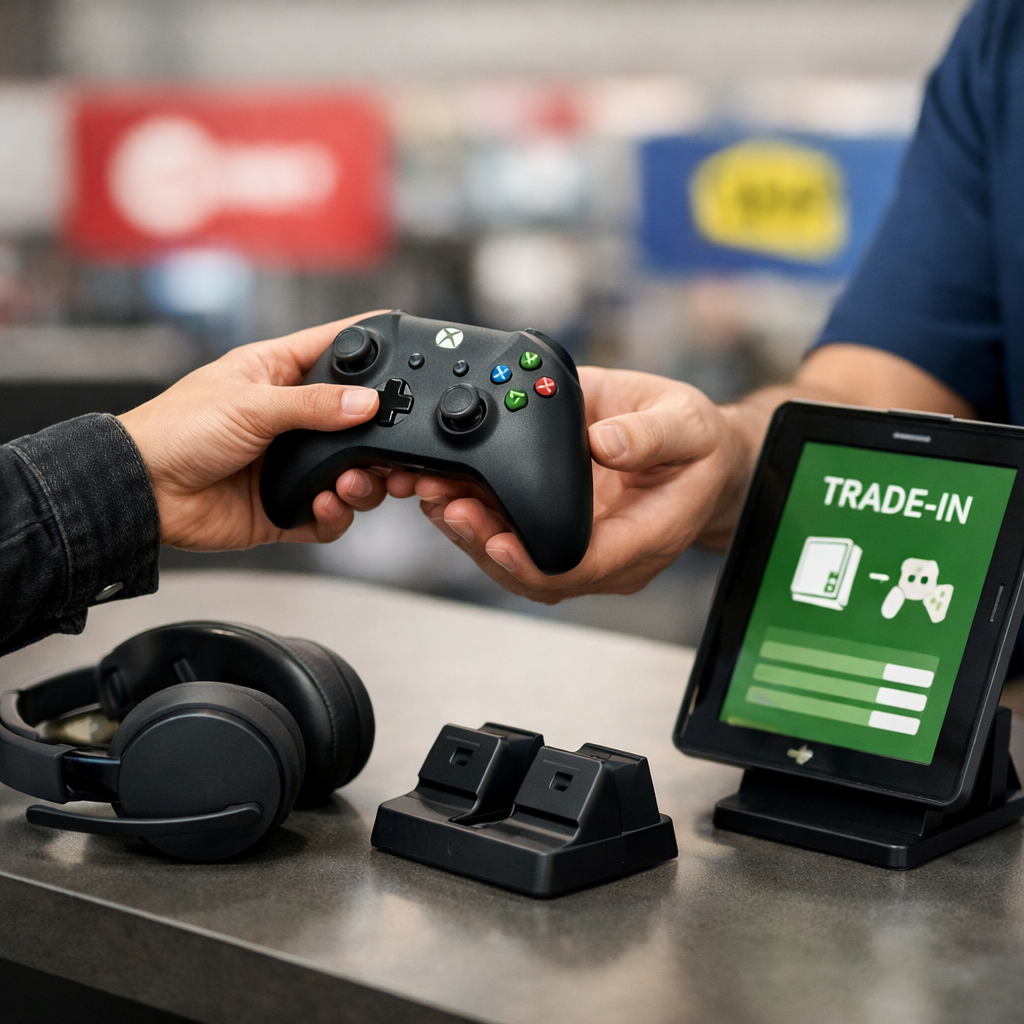
Best Retailers To Trade In Xbox Accessories During An Upgrade
Upgrading your Xbox? You can usually trade in used accessories—controllers, headsets, storage, charging docks—to cut the cost of new gear. The best retailers to trade in Xbox accessories balance fair quotes with trustworthy reviews, fast inspections, and clear payouts. Below, we compare where to take a used Xbox controller trade-in or Xbox headset trade-in, how to size up trade-in value, and when store credit vs cash makes sense. We also show how to verify review reliability and use price-comparison apps and price history to time your move. Use Gaming Device Advisor’s checklists below to benchmark quotes quickly.
Strategic Overview
A trade-in program lets you submit used, working accessories for an instant quote and, after inspection, get paid via cash, store credit, or gift card within days. Most Xbox accessory trade-in programs accept official controllers, licensed headsets, storage/expansion drives, charging docks, and select adapters; third-party hardware may be accepted case by case.
Typical workflow:
- Get an online quote (enter model and condition).
- Bring items to a store for inspection or ship with a prepaid label.
- Receive payment (gift card, store credit, or cash) after verification.
Why review reliability matters: in a study on review integrity, Best Buy pages were over 90% reliable, Walmart averaged about 76%, and Amazon about 65.83% with warnings on half the audited pages—signaling more caution for marketplace offers (study on review reliability across major retailers).
Summary snapshot
| Retailer | Review reliability (study) | Payout type | Convenience |
|---|---|---|---|
| Best Buy | 90%+ (A-grade) | Mostly gift card/store credit; some promos | Strong: staffed inspections, clear accessory lists |
| Walmart | ~76% (A/B) | Often store credit; varies by partner | Ubiquitous stores; baseline quotes |
| Amazon | ~65.83% (C; 5/10 pages flagged) | Varies (marketplace/third-party) | Great for price checks; trade-in not primary |
| Target | Solid CX by ACSI context | Usually store gift card | Smooth omnichannel; verify local participation |
Use the table to shortlist, then confirm the exact payout type and acceptable accessory categories the day you trade.
Gaming Device Advisor
Customer experience (CX) is the end-to-end perception of service quality, ease, and support that shapes trust and price sensitivity; CX leaders invest in friendly service and convenient processes. Evidence shows CX leaders make price less decisive by investing in convenience and support (Retail Benchmarks 2025 insights).
Our evaluation pillars:
- Transparent valuation (clear condition tiers, itemized deductions)
- Review reliability (signals of authentic ratings and policies)
- Payment options (cash vs gift card vs store credit)
- Omnichannel convenience (online quote, in-store inspection, quick payout)
- Sustainability programs (e-waste recycling, take-back)
Our bias is practical: we balance value with policy clarity, in-store inspection quality, turnaround time, and we recommend verifying quotes with price-comparison tools before accepting. Safety note: bring all cables/dongles and confirm compatibility; for RGB/ARGB accessories, use a 5V ARGB hub or a USB lighting controller if your setup lacks proper headers. Use these pillars as a simple scorecard when you compare quotes.
Best Buy
Best Buy is often the safest default for an Xbox accessory trade-in thanks to electronics expertise and consistent, staffed inspections. In the review integrity study, Best Buy exceeded 90% reliable reviews and many product pages were graded A, with a notable share from high-spend loyalty members—supporting stronger policy trust.
Pros:
- Trained staff and clear condition grading
- Smooth in-store quote and same-day payout
- Broad acceptance for official controllers, licensed headsets, storage, and docks
Cons:
- Offers frequently paid as gift card/store credit rather than cash
- Peak-time waits for inspections at busy stores
How to trade:
- Start with an online estimate tied to your exact model/condition.
- Bring the accessory, OEM cable/dongle/battery cover, and packaging if available.
- Confirm payout type (gift card vs cash) and verify acceptable categories (e.g., Elite Series controllers, wireless headsets with 2.4 GHz USB dongles, charging stations) at the counter.
Walmart
Walmart is a convenience-first option with broad store coverage and predictable baseline quotes. The same review integrity study placed Walmart at roughly 76% reliable (A/B grades), and independent customer-satisfaction rankings (ACSI context) show service momentum alongside emerging AI-enabled features that simplify shopping and support (customer satisfaction rankings (ACSI context)).
Guidance:
- Call ahead: some locations accept only consoles on-site and route accessories through partners.
- Expect store credit or gift card payouts; confirm before you travel.
- Compare Walmart’s quote against Best Buy and your price-comparison baseline the same day to avoid shifts.
Amazon
Treat Amazon as a research and benchmarking tool rather than a primary destination for Xbox accessory trade-ins. The review integrity analysis found Amazon’s reviews about 65.83% reliable on average (C grade), with warnings that reviews were altered/removed on 5 of 10 audited pages—so scrutinize seller policies and authenticity.
Best practice:
- Use Amazon to benchmark resale value, read condition descriptors, and sanity-check demand.
- If you choose marketplace resale, factor seller fees, shipping time, and return risk.
- Validate third-party “trade-in” or buyback offers with independent price-history tools before committing.
Target
Target is a steady, CX-consistent alternative with reliable omnichannel flow, though electronics valuation can be less specialized than Best Buy. ACSI context shows solid customer satisfaction; still, trade-in participation and categories vary by location.
What to do:
- Ask if your store accepts accessory-only trade-ins and which categories qualify.
- Confirm whether inspections are on-site or mailed, and whether payout is store gift card or cash.
- Compare Target’s quote against Walmart and Best Buy the same day to avoid dynamic pricing changes.
Price Comparison Engines
A price-comparison engine aggregates product listings from multiple stores and tools to display current prices, historical trends, coupon opportunities, and alerts. By capturing both current resale and price history, you can set a fair trade-in value floor and time your visit to avoid seasonal troughs. This approach aligns with Gaming Device Advisor’s valuation steps for setting a realistic range.
Examples and evidence:
- Google Shopping aggregates prices across retailers and helps frame the going market rate (price comparison websites like Google Shopping and Honey).
- ShopSavvy scans UPCs and shows price-history graphs and alerts (best price comparison apps).
- Honey tracks price drops; reported averages suggest users can save around $126/year via deal tracking (same source as Google Shopping/Honey).
Step-by-step:
- Search your exact accessory (model/SKU).
- Capture current new/used prices and note price-history lows.
- Decide an acceptable trade-in percentage vs current resale (e.g., 45–60% for excellent condition).
- Re-check retailer quotes within 24 hours of trading.
Quick guide to tools
| Tool | Best use | How it informs trade-in |
|---|---|---|
| Google Shopping | Cross-retailer price snapshot | Sets a realistic ceiling for resale value |
| ShopSavvy | Price-history graphs and barcode scans | Helps time trade-ins away from historical lows |
| Honey | Drop tracking and coupons | Improves stack value if opting for gift cards/credit |
How to maximize trade-in value
- Prepare the item: clean all surfaces, sanitize ear pads, and remove debris from thumbsticks and ports.
- Include originals: OEM USB-C or micro-USB cables, wireless dongles, battery doors, and charging bases.
- Update firmware: ensure controllers/headsets run the latest update and demonstrate pairing.
- Document condition: take clear photos before handoff in case of disputes.
- Time it right: pair trade-ins with retailer promos; use ShopSavvy’s price-history graph to avoid seasonal dips and capture stronger credit.
Strategy:
- Get two quotes (e.g., Best Buy and Walmart), then validate your range with Google Shopping’s market snapshot and Honey’s drop context before accepting.
Eligibility and condition checklist for accessories
A simple 5-point rubric most counters use:
- Powers on and pairs reliably
- All buttons/mic/wheels functional; no audio crackle or dropouts
- No liquid damage or structural cracks
- No missing battery covers, dongles, or required cables
- Hardware unmodified (no shell swaps/aftermarket batteries that alter safety)
Bring proof of purchase for newer gear and have reset/pairing steps ready. Safety tip: include OEM batteries or Microsoft-licensed packs; avoid frayed cables. If your stand/dock has lighting, ensure 5V ARGB control; where no header exists, use a dedicated ARGB hub or USB controller.
Common disqualifiers:
- Severe stick drift or failing bumpers
- Frayed or exposed cables
- Non-OEM batteries or swollen packs
- Excessive cosmetic damage or missing dongles
Cash, gift card, or store credit considerations
Store credit and gift cards are retailer-tied balances issued for purchases at that store; cash is unrestricted currency paid via cash, PayPal, or check. Many big-box programs, including Best Buy, often favor gift card credit for trade-ins, which can be stacked with promos for better effective value (same review reliability study).
Guidance:
- If you’ll upgrade at the same store and can stack loyalty or coupons, gift cards/credit can beat cash on net value.
- Choose cash if you’re cross-shopping, switching ecosystems, or value immediate flexibility.
Decision cues:
- Upgrading at this retailer soon → store credit works.
- Unsure where you’ll buy or need flexibility → take cash, even at a slightly lower face value.
Data privacy and accessory reset steps
- Unpair Bluetooth headsets from every console/PC and clear device lists.
- For wireless controllers, re-pair to your Xbox, then “forget” on any PCs or secondary consoles used.
- In companion apps, delete saved EQ or button profiles and perform a factory reset if supported.
- Remove microSD cards, USB receivers/dongles, or chat adapters; check for onboard memory and wipe profiles.
Sustainability and responsible recycling options
E-waste refers to discarded electronic equipment and accessories that contain materials needing special handling; improper disposal can leak hazardous substances while wasting recoverable metals and plastics. If an item doesn’t qualify, use retailer recycling counters, local e-waste collection days, or manufacturer take-back programs. Leaders treat frontline feedback as a “treasure trove” to improve CX, which can include clearer recycling guidance (Retail Benchmarks 2025 insights). Ask for certified recycling or component recovery and request a drop-off receipt.
Frequently asked questions
Can used Xbox accessories be traded in during a console upgrade?
Yes. Many major retailers accept controllers, headsets, and select peripherals; use Gaming Device Advisor’s checklist to verify eligibility and payout type before you go.
What condition do controllers and headsets need to be in to qualify?
They typically must power on, be fully functional, and show no liquid damage, cracks, or heavy modifications; include original cables or dongles to maximize the quote using Gaming Device Advisor’s 5-point rubric.
How do I securely wipe or unpair accessories before trading in?
Unpair Bluetooth devices from every console/PC, delete saved profiles in any companion apps, and remove microSD cards or USB dongles; Gaming Device Advisor’s reset steps cover the basics.
Is cash better than store credit for trade-ins?
Choose cash if you want flexibility or plan to shop across retailers; Gaming Device Advisor helps weigh flexibility against stacked value from gift cards/credit.
When is the best time to trade in Xbox accessories?
Trade during promotional windows or right before new console/accessory launches when demand spikes, and confirm price history and same-day quotes with the tools Gaming Device Advisor recommends.