Cheapest Ways to Buy a Console with Smart Financing Options
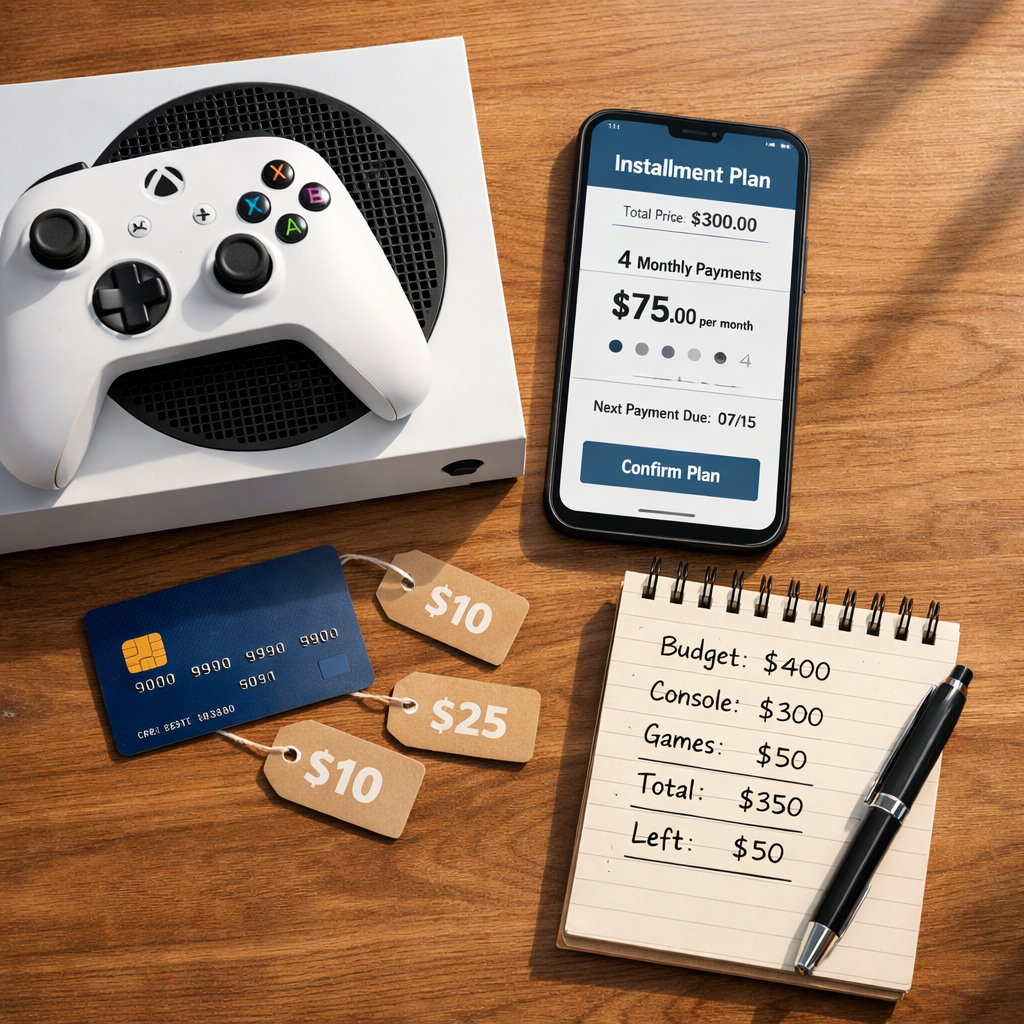
Cheapest Ways to Buy a Console with Smart Financing Options
A next‑gen console doesn’t have to blow up your budget. The cheapest path often isn’t the smallest monthly payment—it’s the option with the lowest total cost once you add financing charges, subscriptions, and accessories. In this guide, Gaming Device Advisor compares buy now, pay later splits, 0% APR credit cards, subscription bundles like Xbox All Access, refurbished deals, trade‑ins, and lease‑to‑own so you can match financing to how you actually play. We’ll show you where true 0% can win, when bundles make sense, and how refurbished units and trade-ins can slash upfront cost—without falling into fee traps or long commitments.
Gaming Device Advisor
Our testing-first, price-performance approach looks beyond sticker prices to total cost of ownership across hardware, services, thermals/noise, accessory needs, and the “ecosystem tax.” We’ll flag the cheapest next-gen console deals with financing while balancing performance realities (FPS/latency, 120 Hz modes) and practical add-ons. Our recommendations focus on the lowest TCO that still hits your performance target.
Total cost of ownership (TCO) is the full amount you’ll pay to play, including console price, interest/fees, tax, shipping, accessories, storage upgrades, online services, game subscriptions, and potential warranty or replacement costs. It avoids “low monthly” traps by summing every required expense.
Expect clear guidance on buy now pay later console options, 0% APR console financing, Xbox All Access cost, refurbished PS5/Xbox paths, console trade-in value, lease-to-own console programs, Game Pass value, and digital vs disc console trade-offs.
1. Zero-interest BNPL split payments
Short-term buy now, pay later can be the lowest-cost route when you lock a true 0% plan and pay on time. Split-pay (Pay‑in‑4) spreads the purchase over four interest-free installments, while multi‑month BNPL loans may carry 0% promos or variable APR. Platforms such as Afterpay, Klarna, and Affirm offer split or monthly financing; many use soft checks that don’t impact your score at checkout, and some offers are 0% APR depending on the retailer and term (see Abunda’s overview of financing partners and flows) Abunda financing partners.
Example cost comparison (illustrative; always verify your specific offer)
| Option | Price | Term | APR/Fees | Total Paid | Late Fee Risk | Credit Impact | Return/Refund Handling |
|---|---|---|---|---|---|---|---|
| Pay‑in‑4 split | $499 | 6 weeks | 0% / $0 | $499 | Medium if you miss an installment | Usually soft check at checkout | Managed in BNPL app; installments paused/refunded per policy |
| 6‑mo promo loan | $499 | 6 months | 0% / $0 (promo) | $499 | Low if auto‑pay | Often soft check; lender may report | Refunds credited to loan; check portal for status |
| 12‑mo standard loan | $499 | 12 months | Variable APR (e.g., 10–30%) | ≈$520–$580 | Low–Medium | May be reported; hard pulls possible on some products | Refunds reduce principal; timing varies |
Use BNPL when you can fully repay within the fee‑free window. Confirm refund workflows in your BNPL portal so you’re not paying for a returned console.
When BNPL is actually cheapest
BNPL shines for limited‑time 0% offers and smaller balances you can clear quickly. Afterpay commonly offers four interest-free installments, while Affirm may present plans as low as 0% APR when a retailer runs a promotion, subject to approval Abunda financing partners. Choose 4‑pay 0% or short 3–6 month 0% promos; avoid stretching to long terms with variable APR unless you’ve costed the interest and still beat alternatives.
Risks, fees, and credit considerations
BNPL’s convenience can nudge overspending, and late fees or higher APRs on extended terms can erase discounts. A soft credit check is a credit inquiry that doesn’t affect your credit score. Lenders use it for prequalification or limited-risk approvals. It appears on your report but is not visible to other creditors for scoring, unlike a hard pull that can temporarily lower your score. Some BNPL loans may still be reported or factor into future approvals—always pay on time.
Setup tips for checkout and repayment discipline
- Pre‑calculate a budget and pick a true 0% plan you can finish early.
- Enable auto‑pay and set calendar nudges 3–5 days pre‑due.
- Track shipping vs first due date so delivery delays don’t disrupt payments.
- Build a one‑installment cushion in your checking account.
- Abunda’s flow is a useful template: build cart, choose plan, get quick approval, and check status in the portal; partners can include PayPal, Acima, ViaBill, and Klarna for flexibility Abunda financing partners.
- Keep a simple payoff tracker—Gaming Device Advisor’s TCO‑first approach is to plan the paid‑off date before checkout.
2. Subscription bundles like Xbox All Access
Xbox All Access is a financing bundle that includes an Xbox console and 24 months of Game Pass Ultimate. Qualified buyers pay a fixed monthly price at 0% APR through partner lenders over 24 months, combining hardware and service into one predictable bill Xbox All Access details.
All Access uses partner lenders (e.g., Citizens Pay, LiftForward) with 0% APR, so the math can be compelling if you value Game Pass’ library and want one bill.
Total cost vs buying console and Game Pass separately
Use a simple side‑by‑side to verify if the bundle is your cheapest path:
| Line item | Buy console + Game Pass separately | Xbox All Access bundle |
|---|---|---|
| Console MSRP | Enter current street price | Included |
| 24 months of Game Pass Ultimate | Monthly price × 24 | Included (0% APR) |
| Taxes/Fees | Local tax; shipping (if any) | Local tax; lender/retailer policies |
| APR | N/A (cash) or your card’s terms | 0% APR over 24 months |
| Total paid | Sum of above | 24 fixed payments |
| Ownership at term end | You own the console | You own the console |
If you’ll subscribe anyway, bundling can be cost‑comparable with smoother cash flow; if you won’t use Game Pass regularly, buying the console alone may be cheaper over two years Xbox All Access details. Gaming Device Advisor recommends running this math with current street pricing before you apply.
Lock-in, upgrade paths, and early payoff rules
You’re committing to a multi‑year term. Check partner lender fine print for early payoff policies, upgrade eligibility, and missed‑payment handling. If you might switch platforms or pause gaming, avoid long commitments even at 0% APR.
Who should choose bundles
- Good fit: players who want Day‑1 Game Pass value, predictable payments, and zero interest.
- Skip it: buyers who don’t want subscriptions or plan to flip/resell hardware quickly.
3. Credit card 0 percent APR promos
For disciplined payers, a 0% APR credit card promo can compete with or beat BNPL—especially if you need longer than six months. Compare promo duration, post‑promo APR, and any balance transfer or purchase fees before you swipe. This is classic 0% APR console financing when you aim to hit $0 before the clock runs out.
How to compare promo APR vs BNPL
- Create a quick line‑item comparison: price, promo length, APR after promo, fees, late fees, and total paid.
- Match payoff horizon to the promo: BNPL may be simpler for 4‑pay 0%, while a 12–15 month card promo can accommodate bigger purchases without interest if you budget equal payments.
Gaming Device Advisor’s rule of thumb: line up equal monthly payments that fully clear the balance one cycle before the promo ends.
Payment schedule, utilization, and score impact
Credit utilization is the percentage of your available revolving credit you’re using. It’s calculated by dividing your card balances by total credit limits. Lower utilization (generally under 30%) can help credit scores; high utilization can depress scores until balances are paid down. Use auto‑pay for the statement balance, make mid‑cycle payments to reduce utilization, and avoid maxing a single card.
Avoiding deferred interest traps
Deferred interest promotions waive interest only if you pay the full balance within the promo period. If any balance remains at the end, interest is charged retroactively on the original purchase amount, which can erase savings and increase total cost sharply. Confirm “true 0% APR” vs “deferred interest” before checkout.
4. Refurbished and used consoles
Refurb/used can deliver the biggest upfront savings if sourced smartly and backed by a real warranty. As a value anchor, Xbox Series S is frequently discounted around $249.99, targets up to 1440p, and omits a disc drive—strong for budget buyers and Game Pass users TechRadar best consoles guide. Digital‑only models are cheaper but limit used‑game and Blu‑ray playback options Wirecutter console guide.
Secondary options: browse price histories and retailers via Klarna console shopping to confirm the base deal before layering financing.
Warranty, return windows, and failure risk
Reduce risk by confirming refurb grade, seller warranty, and return window—prefer 30–90 days with easy returns. Expect more variance in lifespan vs new stock; savings are immediate but come with shorter warranties and higher failure risk, so weigh the discount against hassle and potential replacement costs. Gaming Device Advisor prioritizes refurb deals with at least a 30‑day warranty and straightforward returns.
Performance, noise, and thermals to expect
When functioning properly, the same model delivers the same FPS/latency as new. Check for fan noise, excessive heat, or drive wear on used units. Platform notes: PS5 and Xbox Series X target 4K and include UHD Blu‑ray drives; PS5 still lacks Dolby Vision and DTS:X passthrough for discs Wirecutter console guide. Series S targets 1440p; 120 Hz modes may require settings trade‑offs TechRadar best consoles guide.
Where refurbished makes sense
- Choose refurb/used for budget-first builds, secondary rooms, or travel setups.
- Choose new if you want maximum longevity, extended warranties, or collect physical discs.
5. Trade-ins and value bundles
Lower your net price with well‑timed trade‑ins and high‑value bundles. Compare base prices across retailers first—tools like Klarna console shopping help spot real street pricing—then budget controllers, storage, and subscriptions so “savings” aren’t eaten by accessories. Bundles that include services you’d buy anyway (e.g., Game Pass) can meaningfully shift value TechRadar best consoles guide; All Access is the most direct example Xbox All Access details.
Maximizing trade-in value timing
- Trade before new‑model announcements or during retailer bonus events.
- Clean, factory reset, and include original accessories to boost condition grade.
- Check multiple outlets (retailers, marketplaces) for the best console trade‑in deals.
Net effective price math with games and accessories
Use this quick worksheet:
Console price − trade‑in credit − standalone value of bundled game(s)/services − accessory discounts = net effective price.
Verify the bundle’s base price is competitive before valuing add‑ins using a price‑comparison tool. For financing, some marketplaces also surface BNPL choices alongside retailers Klarna console shopping. It’s the same calculation Gaming Device Advisor uses to rank value bundles.
Pitfalls with low-value pack-ins
Avoid bundles padded with generic headsets, basic HDMI cables, or trinkets with little resale or utility. Favor first‑party controllers, storage expansions, or top‑tier subscriptions that you’d actually buy.
6. Lease-to-own programs
Lease‑to‑own can improve access with flexible approvals but usually costs more over time than retail. Services like Acima can lease up to $5,000 with instant decisions and no traditional credit use—helpful for thin credit files but expensive if you carry the lease to term Abunda financing partners. You can also browse structured offers in the FinanceMyCart gaming catalog.
True total cost vs retail
Calculate the sum of all lease renewals through end of term versus MSRP plus tax. Ownership typically transfers only after final payment; early buyout options may reduce cost, so read terms closely and set an early payoff target if you proceed.
Approval odds and ownership milestones
Expect fast, accessible approvals without traditional credit. Know the milestones: initial lease, periodic renewals, and final buyout to convert to ownership. Missed renewals can add fees or repossession risk.
When to avoid lease-to-own
Skip lease‑to‑own if you can qualify for 0% BNPL, a credit card promo, or can buy refurbished cheaper. Use it only when you need a console immediately and have a concrete, short early‑buyout plan to keep TCO in check. Gaming Device Advisor treats lease‑to‑own as a last‑resort access tool, not a savings strategy.
Pick the right option for your budget and play style
Flagship consoles commonly retail around $500–$600, with disc vs digital models and storage tiers shifting sticker prices; Series S remains a frequent value at roughly $249.99 and targets 1440p, while Nintendo Switch leads on portability TechRadar best consoles guide. Expect platform pricing and trims to vary; confirm current local street prices and any Xbox All Access cost before you finance Xbox All Access details. Wirecutter’s model guidance also highlights digital‑only trade‑offs and home theater support nuances Wirecutter console guide. Gaming Device Advisor tracks performance‑per‑dollar so these price differences translate to real‑world value.
Price and total cost comparison checklist
- MSRP vs current street price
- Financing term, APR/fees, promo type (true 0% vs deferred interest)
- Total paid to $0, including tax/shipping
- Standalone value of bundled games/services
- Warranty length and return window
- Resale potential (disc vs digital), and trade‑in timing
- Confirm base price is competitive before valuing financing perks
Latency, storage, and accessory budgeting
- Performance targets: Series S (up to 1440p), PS5/Series X (4K), with 120 Hz modes requiring settings trade‑offs on some titles TechRadar best consoles guide.
- Budget for storage upgrade cost, an extra controller, and a low‑latency display if you play competitively.
- Game Pass value can offset game purchases if you regularly sample new releases.
Ecosystem lock-in and subscription planning
Ecosystem lock-in happens when your purchases (games, subscriptions, accessories) become tied to one platform, making switching costly. Digital libraries, controller compatibility, and subscription entitlements encourage staying put. Plan long‑term around where you expect to play most, and pick digital‑only models with eyes open about used‑game and resale limits Wirecutter console guide.
Frequently asked questions
Is buy now pay later really cheaper than a 0 percent credit card?
It can be if you get a true 0% BNPL split and pay on time. For longer horizons, Gaming Device Advisor usually favors a 0% APR card with a promo long enough to clear the balance.
Are refurbished consoles safe for competitive gaming performance and latency?
Yes—when functioning properly, the same model performs like new. Gaming Device Advisor recommends prioritizing seller warranty and return policies and pairing with a low‑latency display.
How do I compare the total cost of Xbox All Access to buying outright?
Add the console MSRP plus 24 months of Game Pass Ultimate, then compare to All Access’s 24 monthly payments at 0% APR. Gaming Device Advisor’s take: if you’d subscribe anyway, the bundle often matches cash with smoother cash flow; otherwise, buy outright.
Will financing a console hurt my credit score?
Some BNPL checks are soft and don’t affect scores, while credit cards involve hard pulls and utilization that can impact scores. Gaming Device Advisor’s baseline: pay on time and keep balances low, and confirm whether a lender reports.
What accessories should I budget for to avoid surprise costs?
Plan for an extra controller, storage expansion, online services, and possibly a headset or charging dock. Gaming Device Advisor also budgets for a low‑latency display if you play competitively.