Expert-Picked Reliable Laptops Under $1,000 for Work and Play
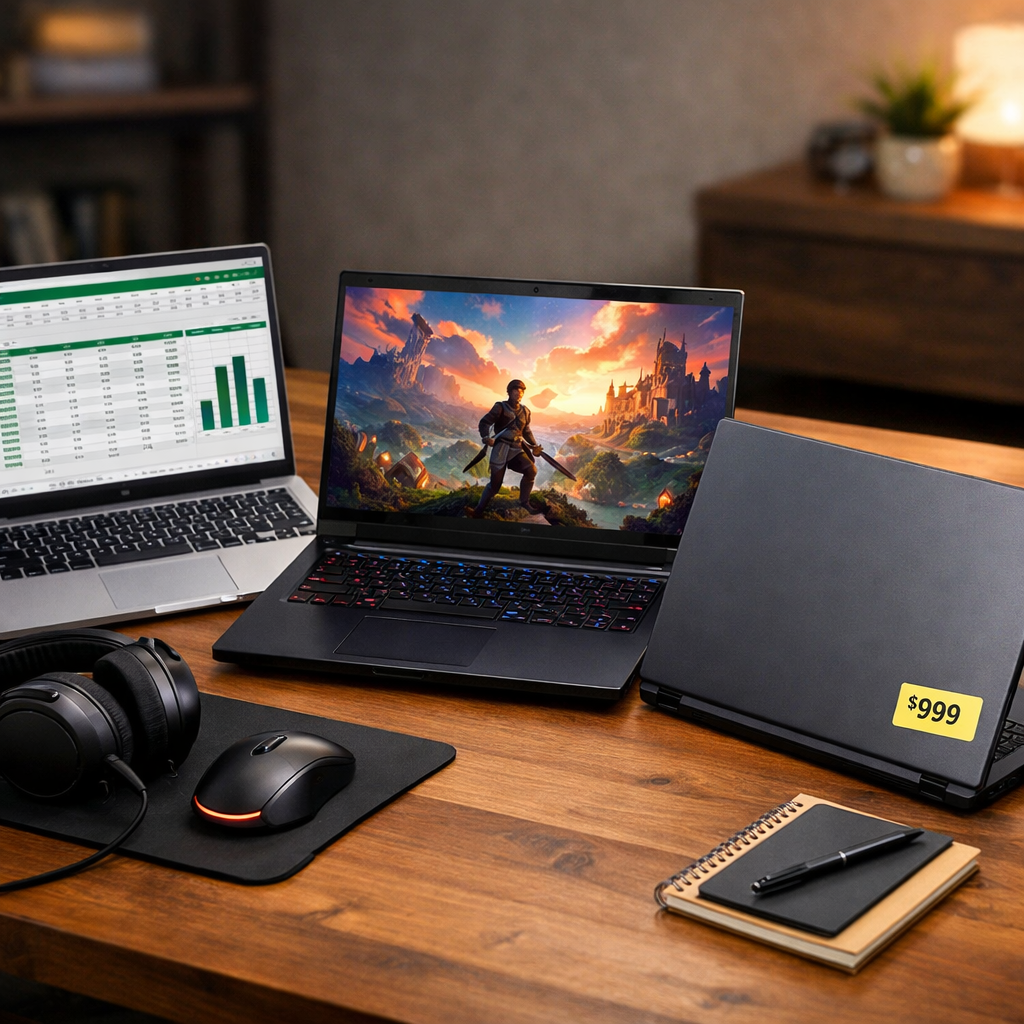
Expert-Picked Reliable Laptops Under $1,000 for Work and Play
Yes—you can buy a reliable, long-lasting laptop under $1,000 if you balance performance, portability, display quality, and whether you need a discrete GPU. Across recent expert roundups, the same value standouts repeatedly surface for macOS, Windows ultraportables, and budget gaming, confirming there are safe picks at this price ceiling from trusted brands and platforms (see expert rundowns from Digital Trends, ZDNET, PCMag, and RTINGS). At Gaming Device Advisor, we see the same pattern in our hands‑on testing: recommendations emphasize day-to-day stability, battery life, and build quality alongside raw speed—so you’re not trading reliability for price.
Quick picks (best for): MacBook Air M2 — macOS everyday; Dell XPS 13 — ultraportable Windows; Lenovo Yoga 7i — 2‑in‑1 versatility; Acer Nitro V — gaming value; Asus Zenbook A14 — ultralight OLED endurance; Lenovo ThinkPad E14 — business and typing; Framework Laptop 13 — longevity/repairability; MSI Katana 15 — gaming-first performance.
Link sources for expert lists: Digital Trends (best under $1,000), ZDNET (best under $1,000), PCMag (best under $1,000), RTINGS (best by price, under $1,000).
Gaming Device Advisor
Our verification-first approach mirrors how we game and work in real life. Our editors hands-on test each laptop for stability under sustained load, thermal behavior and fan acoustics, battery life, build quality, display fidelity, ports, and overall value—not just headline FPS. We weight sustained performance and reliability over short, synthetic peaks. That’s how we separate devices you’ll “buy once and enjoy for years” from those that look fast on paper but throttle or creak in daily use.
Reliability in laptops means consistent performance under load, stable thermals, quiet-enough acoustics, sturdy build quality, and minimal failure points over years of daily use. We assess not just FPS, but also heat, fan noise, keyboard/hinge integrity, and component choices that influence long-term durability.
Industry-wide, expert teams collectively test large numbers of machines each year to find the signal in the noise, and we draw on that body of evidence alongside our own measurements (see PCWorld’s ongoing best laptop coverage for scale and methodology context).
Apple MacBook Air M2
For macOS users, the M2 MacBook Air is the safest all-around pick when it dips under $1,000 during sales. Multiple expert lists place it at or near the top of sub-$1,000 recommendations for its snappy M2 performance and exceptional battery life—often stretching to roughly two full workdays in mixed use. The optional 10‑core GPU variant handles photo work, light editing, and casual games well, and the bright, color-accurate display is excellent for productivity. Upgrading to 16GB RAM improves headroom but adds cost, so watch for sale configurations that stay under budget. It’s also the sub‑$1,000 macOS pick we most often point to when sales align.
- Pros: silent and cool (fanless), long battery life, premium build and trackpad.
- Cons: RAM and storage are not user-upgradeable; the 16GB RAM upgrade is pricey.
Dell XPS 13
The XPS 13 remains a premium-feel Windows ultraportable that frequently appears on best-under-$1,000 lists as a compact all-rounder and credible Air rival. Target a modern Intel Core i5/Ultra 5 with 8–16GB RAM and a 256–512GB NVMe SSD for snappy daily performance. As with most thin-and-lights, upgrade options after purchase are limited—so buy enough RAM and storage up front. It’s ideal for travelers and students who prize portability, a crisp display, and build quality over gaming performance.
Lenovo Yoga 7i
The Yoga 7i is a versatile 2‑in‑1 with a 360° hinge, pen support, and practical port selection that makes it a productivity sweetheart. In our experience and third-party tests, a well‑specced 14‑inch configuration with a recent Intel CPU, 16GB RAM, and a 512GB SSD can push toward all‑day battery life—often landing around the mid‑teens in hours per charge depending on panel and workload. OLED and touch options are common in deals, adding visual punch without wrecking efficiency.
A 2‑in‑1 laptop is a notebook with a 360° hinge or detachable design that converts between laptop and tablet modes. Benefits include pen input, touch-first apps, and flexible use on couches, planes, or in class—often without sacrificing full desktop apps.
Acer Nitro V
If you want the best budget gaming value, the Acer Nitro V line keeps rising to the top with discrete NVIDIA GPUs and high‑refresh displays. Recent expert roundups have spotlighted the Nitro V 16 as a “best under $1,000” gaming pick for its strong dollar‑to‑FPS balance. Look for RTX 3050/4050/5050‑class graphics, 16GB RAM, a 512GB SSD, and a 1080p (or higher) display at 120–165Hz. Expect smooth esports performance and playable AAA at 1080p on medium settings with DLSS/FSR where available. For context, Dell’s budget “G” models at this price often ship with RTX 3050 and 1080p panels—useful for framing expectations in this tier per comparative testing on RTINGS. It also hits our value formula: an RTX‑class GPU paired with a high‑refresh panel under $1,000.
Asus Zenbook A14
The Zenbook A14 stands out as an ultralight with an OLED display and exceptional endurance potential, with expert coverage citing claims up to 27 hours on select configurations. It’s one of the stronger showcases for portability-first Windows machines. Note that some versions use Windows on Arm: performance and app compatibility have improved significantly, but niche or older apps may still have hiccups—double-check mission‑critical software before you commit. This is a traveler’s dream: low weight, gorgeous screen, marathon battery, and no need for a gaming‑class GPU. It’s a top travel pick in our notes when battery life and display quality take priority over GPU power.
Lenovo ThinkPad E14
ThinkPad E14/E15 models are business-value standouts thanks to sturdier keyboards, better port arrays, and support options uncommon at this price. Thunderbolt 4 appears in many modern trims, and extended three‑year warranty options are often available. For office reliability, aim for a Core i5 or Ryzen 5 (or newer), 16GB RAM, a 512GB SSD, and a matte 1080p IPS panel. If you prioritize typing feel, port selection, and serviceability over razor‑thin styling, the E‑series delivers. It’s the E‑series we routinely recommend to typing‑focused buyers at this price.
Framework Laptop 13
For longevity and repairability, Framework is hard to beat. The Framework Laptop 13 (2025) starts at $899, giving you a sub‑$1,000 entry into a modular platform where you can replace RAM, storage, battery, I/O modules, and even the mainboard over time—lowering total cost of ownership.
Repairability is the ease of replacing or upgrading parts like RAM, storage, battery, I/O modules, or even mainboards. High‑repairability laptops lower e‑waste and ownership costs by enabling user‑serviceable fixes and performance upgrades over time.
Who it’s for: DIY upgraders, long‑term owners, and sustainability‑minded buyers who want control over ports and components. It’s one of the few sub‑$1,000 platforms we expect owners to keep viable across several upgrade cycles.
MSI Katana 15
The Katana 15 is a gaming‑first choice with entry RTX GPUs, solid cooling, and DLSS benefits for steady 1080p play. Coverage of recent HX models highlights configurations with GeForce RTX 5050 and DLSS 4 support—useful for boosting frames in modern titles. Prioritize 16GB RAM and a 512GB SSD minimum, and leverage performance/balanced fan profiles to keep thermals in check during longer sessions. Compared with the Nitro V, the Katana leans performance‑first while the Nitro tends to win on sheer value and configuration breadth.
How we pick and test for reliability and value
At Gaming Device Advisor, we evaluate laptops on pillars that predict long-term satisfaction:
- Stability under sustained CPU/GPU load (no abrupt throttling)
- CPU/GPU balance for your tasks (no wasted silicon)
- Thermals and acoustics (heat and fan noise) during work and gaming
- Battery life in mixed office/web/video workflows
- Build quality, keyboard, and trackpad consistency
- Display quality (brightness, contrast, color, refresh rate where relevant)
- Ports and expandability (USB‑A/C, HDMI/DP, Thunderbolt, SD)
- Price-to-performance and serviceability/upgradeability
Mini‑glossary:
- Thermal design: how well a laptop dissipates heat via cooling hardware and firmware, affecting performance consistency and longevity.
- Acoustics: measurable fan noise levels and tonal quality under idle, load, and gaming scenarios.
We also triangulate across large sample sizes from independent labs and trackers—RTINGS, for instance, maintains broad price‑tier comparisons—while our editors and peers review dozens upon dozens of models annually to refine shortlists (see PCWorld’s best PC laptops for ongoing methodology context).
What to look for under $1,000
Use this Gaming Device Advisor checklist to balance productivity and casual gaming without overspending.
| Component | Minimum (gets the job done) | Preferred (more headroom) |
|---|---|---|
| CPU | Intel Core i5 / Ryzen 5 / Apple M2 | Latest‑gen Core Ultra / Ryzen 7 / higher‑bin M‑series |
| RAM | 8GB | 16GB (especially for gaming/creative) |
| Storage | 256GB NVMe SSD | 512GB NVMe SSD |
| Display | Full HD (1920×1080) | 1080p+ with good brightness; OLED or 120–165Hz where it fits |
| GPU | Integrated graphics for office/streaming | RTX 3050/4050/5050 class for 1080p gaming value |
| Ports | USB‑A, USB‑C, HDMI | Add Thunderbolt 4/USB4 and SD if possible |
Expect to pay around $1,000 for a laptop that will last you several years, a common threshold echoed by long‑running buyer’s guides from Wirecutter. For more spec guidance and mainstream configurations, Dell’s buying advice and UltrabookReview’s budget ultrabook roundups offer helpful context.
Buying tips to catch the best configurations and deals
- Prioritize 16GB RAM and a 512GB SSD when possible—they’re the biggest quality‑of‑life upgrades at this price.
- Deals drive winners here: midrange GPUs and the MacBook Air M2 frequently drop under $1,000 during back‑to‑school and holiday sales per recent expert roundups.
- At this tier, expect lots of RTX 3050/4050 and 1080p high‑refresh panels; compare generation‑over‑generation gains before you buy.
Step‑by‑step purchase flow:
- Define your use (work, school, gaming).
- Set non‑negotiables (ideally 16GB RAM, 512GB SSD).
- Pick your GPU path (integrated vs. RTX 3050/4050/5050).
- Check thermals and long‑session stability in reviews.
- Validate ports (USB‑C/TB4, HDMI, SD) for your setup.
- Price‑watch trusted retailers and pull the trigger when your config hits budget.
Frequently asked questions
Can I get a reliable laptop for under $1,000?
Yes. See Gaming Device Advisor’s recommendations and aim for a modern i5/Ryzen 5 or M2, 16GB RAM, and an NVMe SSD for several years of dependable use.
How much RAM and storage do I need for work and light gaming?
Target 16GB RAM and a 512GB NVMe SSD to avoid multitasking slowdowns and constant storage micromanagement; that’s our baseline under $1,000.
Do I need a discrete GPU or are integrated graphics enough?
Integrated GPUs handle office work and streaming; for esports or smoother 1080p AAA, choose an RTX 3050/4050/5050. That matches Gaming Device Advisor’s guidance for 1080p value.
How important are thermals and fan noise for longevity?
Very. Cooler, quieter systems sustain performance and reduce component stress—core parts of Gaming Device Advisor’s testing.
Will a laptop under $1,000 last me several years?
With balanced specs and solid build quality, yes—expect a reliable 3–5‑year run for work and light gaming if you choose wisely. Our picks are curated with that horizon in mind.