Flight Simulator 2024 Xbox Mods and Marketplace: 2026 Status Check
Flight Simulator 2024 Xbox Mods and Marketplace: 2026 Status Check
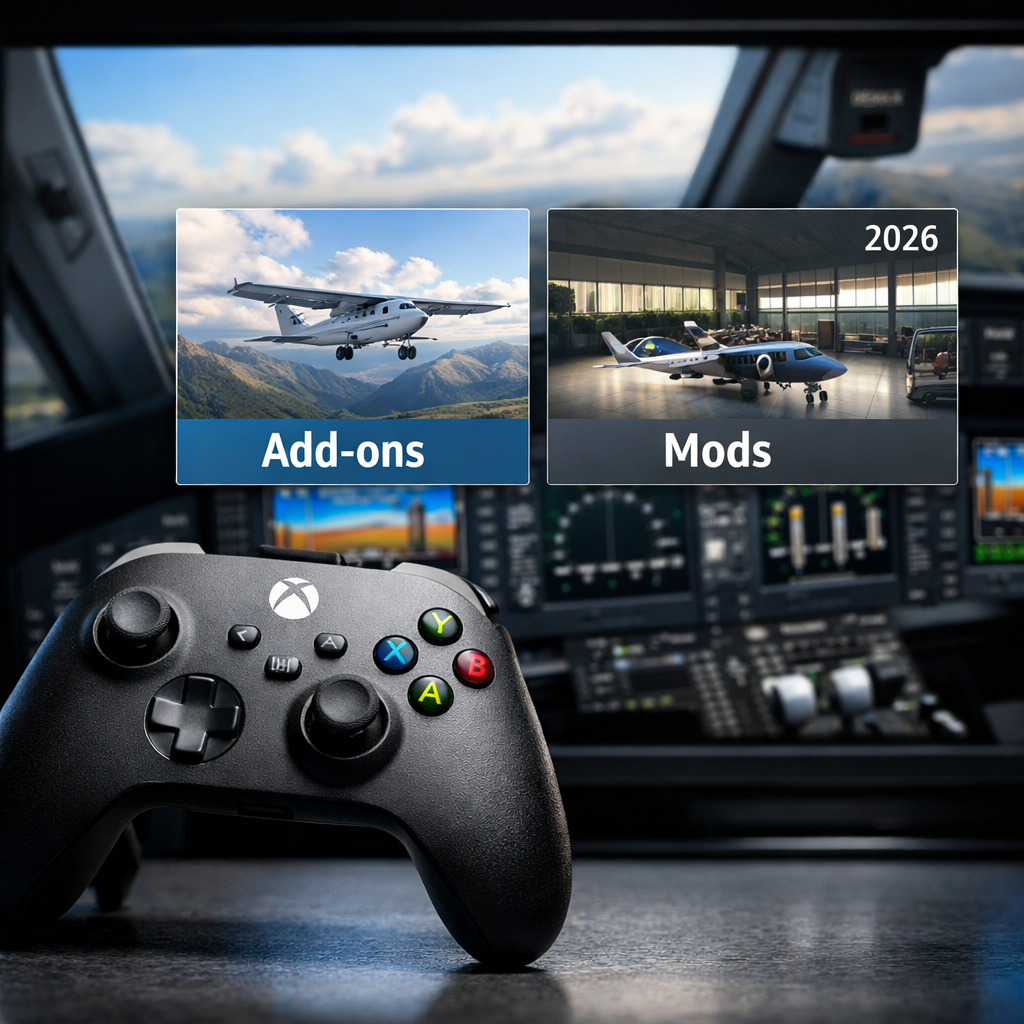
Microsoft Flight Simulator 2024 on Xbox does support “mods,” but only through the in‑sim Marketplace. There’s no sideloading on console. As of 2026, Xbox players can buy and install third‑party aircraft, airports, liveries, and utilities from a catalog that’s updated on a reliable weekly cadence, with many listings explicitly marked “PC and Xbox” to signal parity. Microsoft publishes detailed Marketplace updates and timing windows that help you plan purchases and spot what’s truly available on console the same week it launches on PC. Stability and install UX have improved, though some console-specific friction remains. Below is Gaming Device Advisor’s snapshot—how Xbox mod support works, what you can buy today, when new content arrives, pitfalls to avoid, and the outlook heading into late 2026.
Xbox mod support overview
On Xbox in 2026, add-ons are fully supported via the in‑sim Marketplace. That’s the sanctioned path for aircraft, liveries, airports, scenery, and utilities built for MSFS—no third‑party sideloading or manual file installs on console. Microsoft’s official Marketplace page outlines a curated storefront with weekly updates and predictable go‑live windows, and purchase entitlements follow your Microsoft account across Series X|S—and into Xbox Cloud Gaming when supported.
The Marketplace is the in-sim storefront where Microsoft curates and sells third-party add-ons: aircraft, scenery, liveries, and utilities built for Microsoft Flight Simulator. On Xbox, it’s the only supported way to install content, with purchases tied to your Microsoft account for cross-device access across consoles.
What the Marketplace enables on Xbox
Xbox players can install a wide range of third‑party content, and 2026 listings routinely note “PC and Xbox” to confirm parity. Recent examples that are available on console:
- PMDG 777‑200LR — new on PC and Xbox, $44.99 (see Microsoft’s Marketplace Update: Week of April 6, 2026).
- Boeing 727‑200F by FlightSim Studio AG — new on PC and Xbox, $49.99 (same weekly update).
- PMDG 777‑200LR World Livery Pack — new on PC and Xbox, $4.99 (same weekly update).
- Learjet‑35A‑2024 by Flysimware — updated on PC and Xbox, $65.99 (see Marketplace Update: Week of March 30, 2026).
Microsoft positions the Marketplace as a curated, monetized channel spanning aircraft, liveries, airports, and utilities, sustaining a steady flow of console‑ready content and recurring revenue for creators and the platform alike (outlined on Microsoft’s Marketplace page).
What Xbox can do vs. cannot:
- Can: Buy and install curated add‑ons via the in‑sim Marketplace; benefit from cross‑platform listings labeled “PC and Xbox.”
- Cannot: Install unsigned PC mods or packages from third‑party sites on console.
Release cadence and cross-platform parity
Microsoft maintains a predictable rhythm: Marketplace updates typically go live Mondays and Thursdays between roughly 2:00pm–5:00pm PDT, giving both buyers and creators a clear window for releases and patches (documented on the official Marketplace page). Weekly posts also highlight pipeline speed; recent entries show items moving from creator sign‑off to release in as little as 0–9 days, reflecting shorter approval cycles and faster Xbox availability (see Marketplace Update: Week of March 30, 2026).
Cross-platform parity means an add-on launches on PC and Xbox with comparable features, performance, and timing. It minimizes confusion, keeps updates synchronized, and builds buyer confidence—especially when Marketplace entries clearly state availability for both platforms, such as labels reading new on PC and Xbox today.
Third-party developer activity on Xbox
The Xbox catalog shows healthy third‑party engagement. High‑profile airliners and classics—including PMDG’s 777‑200LR and FlightSim Studio AG’s 727‑200F—have landed on console day‑and‑date as called out in the Marketplace Update: Week of April 6, 2026. Many listings now carry explicit “PC and Xbox” tags, a sign of improving parity and packaging maturity.
Useful resources that track breadth and momentum:
- Gaming Device Advisor’s six-step Xbox buying flow in this guide (see Practical buying guidance below).
- A community tracker aggregating released and in‑development items for 2026 (Reddit’s rolling list).
- MSFS Addons news and reviews with frequent updates and quick changelog scans (MSFS Addons).
- Video rundowns of popular liveries and bundle picks that reflect strong interest (YouTube livery overview).
Stability and install UX on console
Community reports across 2024–2026 cite recurring pain points that can affect both PC and Xbox: intermittent crashes, visual/glitch anomalies, peripheral quirks, stutters on complex airliner approaches, and avionics/EFB map hiccups—especially around major sim updates and hotfix cycles (see coverage of launch challenges and ongoing stabilization). For the in‑sim store on Xbox, players also flag friction such as purchases stuck on a “please wait” loop and non‑persistent filters that make browsing and reinstalling tedious (Marketplace feedback polls).
Troubleshooting mini‑checklist for Xbox (Gaming Device Advisor):
- Check for core sim updates before installing new add‑ons.
- Install add‑ons one at a time; reboot the console between large airport/aircraft downloads.
- If a purchase hangs, return to the Xbox dashboard and relaunch the sim; verify network status; try again after the Marketplace update window.
Discovery and purchase experience
Microsoft has been soliciting feedback to refine discoverability and checkout, launching an in‑sim Marketplace survey to gather user input on search, filters, and purchase flows (survey announcement coverage). Common console pain points remain: filters that don’t persist between categories, unclear edition upgrade pricing/eligibility, and occasional purchase flow hangups (Marketplace feedback polls).
Current UX vs. Desired UX
| Area | Current UX | Desired UX |
|---|---|---|
| Filters | Reset when changing categories | Persist across categories and sessions |
| Purchases | Occasional “please wait” hang | Reliable confirmation with auto‑retry on transient errors |
| Upgrades | Unclear pricing/ownership checks | Transparent upgrade paths with clear entitlement status |
Practical buying guidance for Xbox players
Follow this six‑step flow from Gaming Device Advisor to reduce buyer’s remorse and install headaches:
- Check the week’s Marketplace Update posts for “PC and Xbox” tags and price changes (start with the latest weeks like March 30 and April 6, 2026).
- Scan community trackers and recent reviews/changelogs for stability notes (use the Reddit tracker and MSFS Addons).
- Avoid bulk installs; add content incrementally and test in varied scenarios.
- Favor creators with frequent updates and clear Xbox parity language in listings.
- If transactions feel slow, purchase outside the Mon/Thu update window to avoid peak traffic.
- Keep a simple rollback plan: uninstall the last item added if new issues appear.
A changelog is a concise, versioned list of changes published with an add-on update: fixes, new features, and known issues. For Xbox buyers, recent changelogs demonstrate active support, signal compatibility with the current simulator build, and help predict stability before purchasing or installing new content.
Outlook for 2026 and what to watch
Outlook: The Xbox Marketplace is maturing into a robust, console‑friendly storefront with strong third‑party participation, faster release pipelines, and more day‑and‑date parity (as seen in weekly updates). Sustained player satisfaction, however, hinges on continued stability work, clearer upgrade/install flows, and better discovery (echoed across coverage and community polls). Gaming Device Advisor will continue focusing guidance on parity signals, stability notes, and purchase timing as these evolve.
While the predictable cadence underpins creator planning and buyer confidence, unresolved issues—crashes around heavy airliners, avionics quirks like G1000/3000 anomalies, and LOD/scenery oddities—can erode trust if not addressed promptly (ongoing stabilization reporting).
Watch list for Xbox in 2026:
- Marketplace UX improvements: filter persistence, purchase reliability.
- High‑impact crash and avionics fixes tied to sim updates.
- Cross‑platform parity signals in weekly posts—look for “new on PC and Xbox.”
Frequently asked questions
Can Xbox use free PC mods from sites outside the Marketplace?
No. Xbox only supports add-ons installed through the in‑sim Marketplace; Gaming Device Advisor recommends avoiding unofficial sideloading attempts.
How often does new Marketplace content arrive on Xbox?
Typically twice a week—Mondays and Thursdays in the afternoon (PDT); plan purchases around those windows, as Gaming Device Advisor suggests.
Why do some add-ons list PC first and arrive later on Xbox?
Console builds go through additional curation, packaging, and testing; parity is improving as Microsoft shortens the Marketplace pipeline.
How can I reduce crashes or install issues with Marketplace content on Xbox?
Install add-ons one at a time, reboot after large downloads, and keep the sim updated; Gaming Device Advisor also suggests retrying outside the update window if a purchase hangs.
Do I lose purchases if I switch between Xbox Series X and Series S or use cloud gaming?
No. Marketplace purchases tie to your Microsoft account, so you can access owned content across supported Xbox consoles and cloud sessions when available; Gaming Device Advisor advises verifying entitlements before large installs.