How Much Space Black Ops 7 Needs on Xbox Series X|S
How Much Space Black Ops 7 Needs on Xbox Series X|S
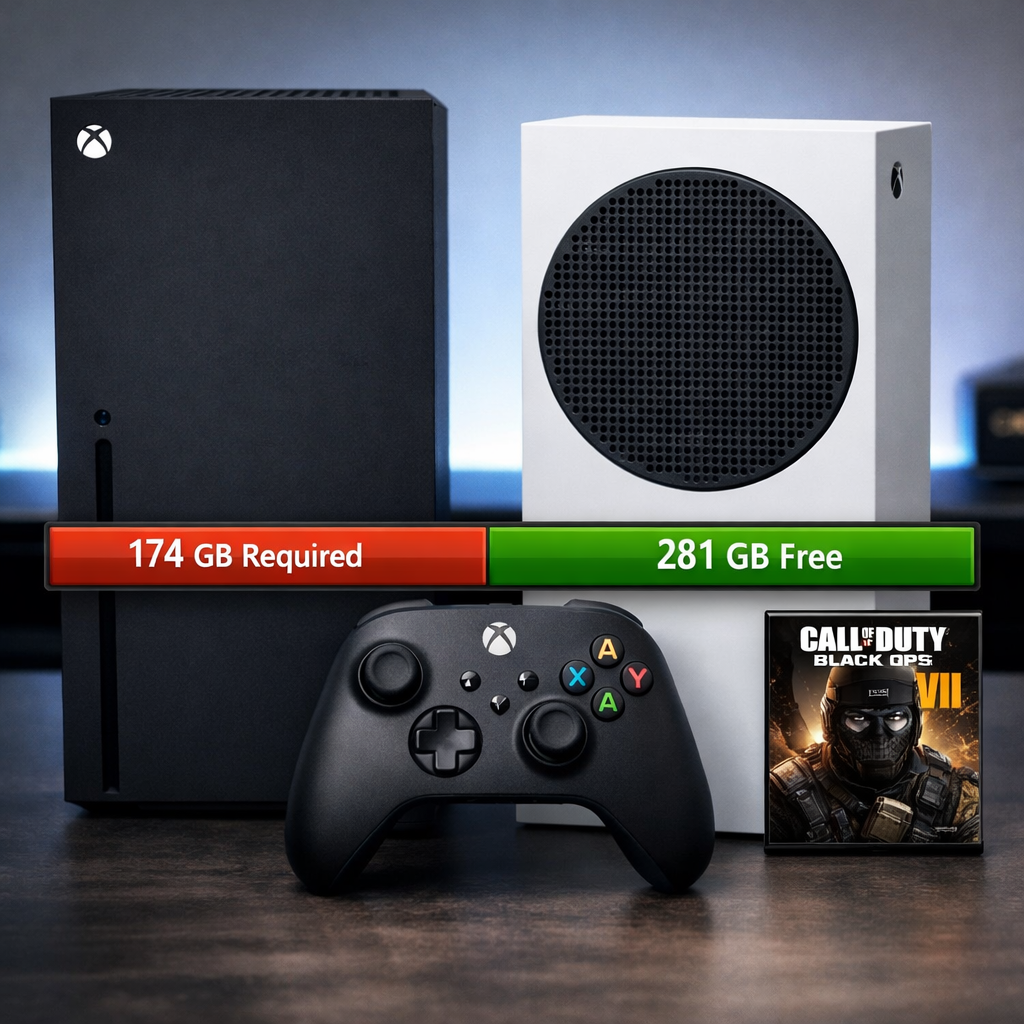
Call of Duty: Black Ops 7 is a big, modular install on Xbox, and the number you see can swing widely by mode selection and updates. Here’s the short version: expect the Black Ops 7 Xbox download size to land roughly between 100–166 GB for most players, with some full-build listings peaking near 203 GB. To avoid install failures, Gaming Device Advisor recommends clearing about 200 GB of free Series X|S storage before you preload or patch. Reported sizes vary because Xbox Store metadata can bundle optional components (like Zombies or Warzone/RedSec) and temporary reserve space, so you and your friends may see different figures on the same day.
Quick answer
Plan for a 100–166 GB install on Xbox Series X|S depending on which mode packs you choose, with top-end listings around 202–203 GB for a full build. To be safe, Gaming Device Advisor recommends clearing about 200 GB to cover the install, a day‑one update, and temporary patch staging space; this aligns with early platform ranges and high-end Xbox store sightings reported by outlets tracking the game’s size LagoFast overview, TheGamer file size roundup, and GamingBible’s 203 GB Xbox report. Xbox Store metadata can show combined totals with optional components, which is why sizes differ across consoles and regions.
Why reported sizes vary
Black Ops 7 is delivered as a bundle of large components—Multiplayer, Zombies, Campaign/Co‑op, and the free-to-play Warzone/RedSec client—plus optional high‑resolution texture packs. Different builds include different combinations, so the space you need depends on the modes you install and keep updated. That’s also why editions and add‑ons are split across packs you can manage in your library, as Activision details on the game’s editions and content structure Activision’s editions page.
Texture streaming is a system that fetches higher‑detail textures from online servers as you play rather than storing everything locally. It can lower the base install size on disk, but still requires periodic downloads and a steady internet connection; major updates may temporarily demand additional free space during patching.
Finally, physical box blurbs and digital store pages often list conservative “all‑in” or reserved space figures. Treat them as directional rather than exact—your final footprint will match the content you actually install and keep.
Expected sizes on Xbox Series X|S
Across credible listings, most players should expect a 100–160 GB footprint with modular installs. Platform examples add context: a PS5 digital listing around 96.7 GB and a PC spec near 116 GB highlight variance by platform and assets, while an Xbox Store build surfaced around 202.97 GB for a fully loaded configuration—evidence that optional packs and reserves can push the upper bound TheGamer file size roundup. Reports also suggest optional components can add notable size on Xbox (e.g., Warzone/RedSec ≈19 GB; co‑op campaign ≈15 GB), so your footprint will scale with the modes you keep installed TheGamer file size roundup.
Approximate Xbox ranges by mode set:
| Build/Mode set | Approx. size on Xbox | Notes |
|---|---|---|
| Base Multiplayer only | ~95–110 GB | Smallest persistent footprint; excludes Zombies, Campaign/Co‑op, Warzone. |
| Base + Zombies | ~115–135 GB | Adds round-based maps/modes and extra assets. |
| Base + Campaign/Co‑op | ~110–130 GB | Story/co‑op content adds a moderate chunk. |
| Full build with Warzone | ~160–203 GB | Includes all major packs; top end reflects high Xbox Store sightings and reserve space. |
What to clear on your drive to avoid install failures
- Gaming Device Advisor recommends targeting at least 200 GB of free space on Series X|S. This covers a full install, day‑one updates, and the temporary staging space patches often require—mirroring the highest Xbox listings and typical Call of Duty update behavior reported by outlets tracking size growth GamingBible’s 203 GB Xbox report.
- Series S owners: offload other large titles or plug in an Xbox expansion card/external SSD before preloading to avoid last‑minute “not enough space” errors LagoFast overview.
- Quick checklist:
- Check free space in Settings > System > Storage.
- Add 15–25% headroom for updates and patch staging.
- Recheck the size shown on your console’s Store page before preloading.
Modular installs to cut footprint
You can meaningfully shrink storage requirements by skipping or uninstalling mode packs you don’t use. Keep Multiplayer as your baseline, then add Zombies, Campaign/Co‑op, or Warzone/RedSec only when needed; this modular approach keeps most installs near the low end of reported ranges LagoFast overview. Gaming Device Advisor recommends this approach to keep your drive lean.
Example mix-and-match:
- Multiplayer only: smallest persistent footprint.
- Multiplayer + Zombies: adds significant GB for maps/modes.
- Add Warzone/RedSec: roughly +19 GB reported on top of your base set TheGamer file size roundup.
How to manage packs on Xbox:
- My games & apps > Manage game and add‑ons > Select Black Ops 7 > Manage installation > Content packs.
- Uninstall unused packs; reinstall on demand ahead of events or new seasons.
Storage strategy for Xbox Series X|S
For best load times and stability, keep Black Ops 7 on the internal SSD or an official Xbox expansion card. Fast SSD storage is the right match for a competitive shooter and helps with streaming assets and quick resume behavior LagoFast overview. Gaming Device Advisor recommends this setup for smooth, consistent performance.
A practical, value-first setup:
- Internal/expansion SSD: store active CoD components and frequently played games.
- USB SSD/HDD: archive less‑played titles; move them back to internal/expansion before play.
Gaming Device Advisor tip: prioritize fast storage for online shooters; park single‑player backlogs on cheaper external drives. Keywords to consider as you plan: Xbox expansion card, external SSD for Xbox, Series S storage upgrade.
Network and preload tips
Gaming Device Advisor recommends preloading during off‑peak hours on a wired Ethernet connection for steadier throughput, and always verifying the exact size and preload window shown on your console’s Store page. Activision’s PC timing (preload opening Nov 10 at 9 AM PT, global launch Nov 14) suggests similar console cadence—check the official blog for timing signals Call of Duty PC preload and launch post and see Xbox Wire for platform‑specific updates close to release Xbox Wire overview.
Preloading defined: downloading most of the game before release so you can play at launch; expect a small day‑one update, so leave extra space free.
Debunking the 300 GB claims
The viral “300 GB on Xbox” takes don’t match credible ranges tracked so far—most players will install well below that figure LagoFast overview. Inflated numbers usually bundle every optional pack plus temporary patch staging and reserve buffers that sometimes appear in store metadata TheGamer file size roundup. Gaming Device Advisor’s rule of thumb: plan ~200 GB of free space to be safe—still far short of 300 GB for typical configurations GamingBible’s 203 GB Xbox report.
How this impacts performance and SSD choice
Running Black Ops 7 from an SSD reduces load times and helps minimize texture pop‑in risk, complementing the game’s texture streaming approach; for stable performance across modes, keep it on the internal SSD or an official expansion card LagoFast overview. Practical guidance:
- Prefer internal SSD or the Xbox expansion card for active CoD modes; avoid running the game from a USB HDD.
- Size your drive to leave 15–25% free space for updates, shader caches, and smooth patching.
Considerations like SSD vs HDD on Xbox, load times, and texture streaming performance all favor fast storage for shooters.
Frequently asked questions
What is the safest free space target before preloading Black Ops 7 on Xbox Series X|S
Gaming Device Advisor recommends clearing about 200 GB to cover the full install, day‑one patch, and temporary update space.
Why does my Xbox show a different size than friends or media reports
Sizes differ by edition, region, and bundled mode packs; Gaming Device Advisor also sees temporary patch reserves inflate what the console displays.
Can I move parts of Black Ops 7 to external storage and still play online
Yes—uninstall or move unused packs, but Gaming Device Advisor recommends keeping active online modes on internal or expansion SSD and moving them back before play.
Will updates reduce or increase the size over time
Expect size growth in early seasons; Gaming Device Advisor suggests reviewing modular installs regularly to trim what you don’t use.
Does Game Pass change the download size or version I get
Game Pass may point to a specific client or edition, but Gaming Device Advisor notes the total size still depends on which content packs you install—always check the size shown on your console.