How to Track Silksong’s Xbox Game Pass Status Before Launch
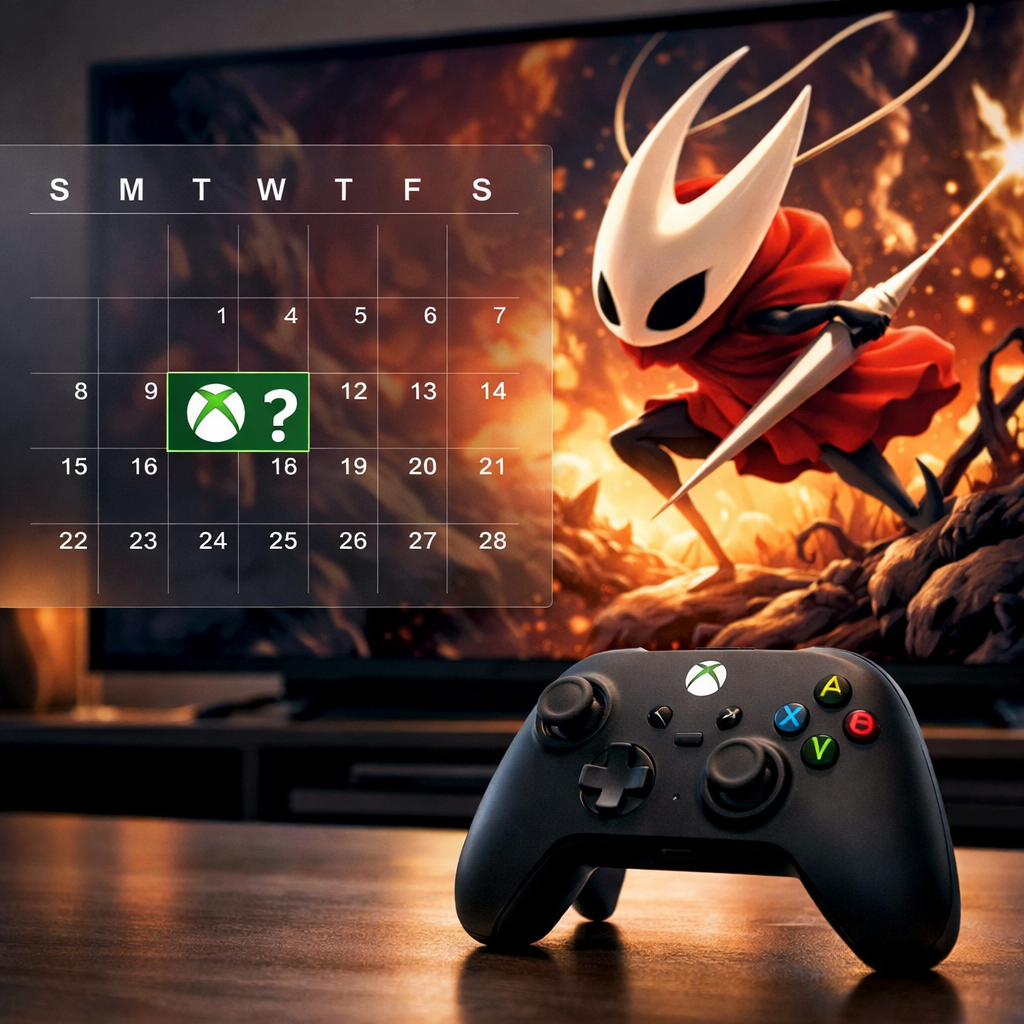
How to Track Silksong’s Xbox Game Pass Status Before Launch
If you’re only here for the bottom line: Hollow Knight: Silksong is a day-one Game Pass title across Cloud, Console, and PC. The fastest way to verify access, preload timing, and platform flags is to check the official Xbox product page, then cross-check the latest Xbox Wire roundup. This guide gives you a clean, reliable workflow to confirm inclusion, see when “Pre-install” flips on, and choose the right Game Pass tier for your setup—without rumor-chasing. We also call out platform/performance notes like 4K/60FPS and Play Anywhere so you can plan your downloads and devices confidently. At Gaming Device Advisor, we rely on official Microsoft pages and repeatable checks so you can confirm status without noise.
Quick answer
- Status: Yes—Silksong launched on Xbox Game Pass day one for Cloud, Console, and PC, confirmed in the Xbox Wire September 2025 roundup and reiterated on the official product page (see the Xbox Wire September 2025 roundup and the official Silksong product page).
- Release times: 7am PT / 10am ET / 3pm BST / 4pm CEST on Sept 4, 2025 (see the PureXbox release-times guide).
- One-step check: For current status and preload availability, Gaming Device Advisor recommends checking the product page first, then the latest Xbox Wire post.
Step 1: Follow official confirmations
Make Microsoft’s own channels your source of truth. Xbox Wire’s “Coming to Game Pass” posts explicitly listed Silksong as day-one for Cloud, Console, and PC, and they’re where timing, platforms, and last-minute changes are published. Bookmark the Silksong product page as well; it surfaces the Join Game Pass callout, platform badges (PC, console, cloud), and Play Anywhere support when applicable.
“Xbox Wire is Microsoft’s official newsroom for Game Pass additions, timing updates, and platform availability. When it lists a game as day one—or updates release timing—that’s the authoritative prelaunch signal to trust for access, preload windows, and any region-specific notes.”
Gaming Device Advisor prioritizes Xbox Wire and the product page as the definitive signal before launch.
Step 2: Monitor the Xbox product page
The store page is often the first place to reflect live access and metadata. Scan it quickly for inclusion banners, platform badges, and optimization notes.
- Look for the Included with Game Pass banner, badges for Cloud/Console/PC, Xbox Play Anywhere, and optimization tags like 4K Ultra HD and 60FPS on Series X|S.
- If preload isn’t live yet, you may only see “Add to wishlist” or “Add to play later” until the Pre-install/Install button appears near launch. At Gaming Device Advisor, we verify these badges before making any tier or platform call.
| Indicator | Where it appears | What it means |
|---|---|---|
| Included with Game Pass | Product page header | Active Game Pass inclusion; access depends on your tier and platform. |
| Cloud/Console/PC badges | Product page features | Confirms Xbox Cloud Gaming, console, and PC support on day one. |
| Xbox Play Anywhere | Product page features | One entitlement across Xbox and PC with shared progress. |
| 4K Ultra HD / 60FPS (Series X | S) | Optimization section |
| Pre-install/Install | Xbox app or console store | Preload is live; downloads start immediately. |
| Add to wishlist/play later only | Xbox app/store | Preload not live yet; check back closer to release. |
| “Install To” enabled | Xbox app device picker | Remote install available; if missing/failing, preload isn’t open yet. |
Step 3: Use the Xbox and PC apps for preload
When Microsoft flips the switch, the apps are the quickest way to trigger downloads.
- Search “Silksong” in the Xbox app (PC or mobile).
- Add to your library or select the game.
- If “Install To” appears, choose your target console/PC to start the download.
- If it errors or isn’t visible, wait—preload often unlocks only hours before release.
For quicker discovery, check the Coming to Game Pass rail in the Xbox app; when Microsoft enables it, the prompt changes to Pre-install/Install. “Preload means downloading the game files before release so you can play immediately at launch; buttons flip from wishlist-only to Pre-install/Install as access goes live.” Gaming Device Advisor routinely uses this method across test consoles and PCs to start preloads as soon as they’re available.
Step 4: Track Xbox Wire roundups and news posts
Use Xbox Wire roundups in tandem with the store page for certainty. The roundup listing that includes Silksong confirms the day-one Game Pass arrival and the platforms (Cloud/Console/PC). Plan your download around the published release times—7am PT / 10am ET / 3pm BST / 4pm CEST—so you’re not waiting at launch. Subscribe to the Xbox Wire RSS feed and enable push alerts so you’ll catch “preload is live” and timing edits fast. Gaming Device Advisor tracks the RSS feed to confirm when listings and timing change.
Step 5: Set store and RSS alerts
Automate the last-mile checks so you don’t have to refresh pages.
- Add Silksong to your Microsoft Store wishlist for push/email alerts when status flips to preload or live.
- Subscribe to Xbox Wire via RSS/email to capture platform confirmations and timing updates.
- Pro tip: Turn on Xbox app notifications on your phone to mirror store changes and instantly remote-install when “Install To” unlocks. Gaming Device Advisor readers report this combo catches flips fast without constant refreshing.
Step 6: Validate community reports against official sources
Community posts (subreddits, fan discords, social) are great early pings, but confirm before acting to avoid failed installs.
Quick validation checklist:
- Check the Xbox product page badges and buttons.
- Verify inclusion in the latest Xbox Wire roundup.
- Attempt “Install To” only if you see a visible Pre-install/Install state.
Communities help with speed; Microsoft-owned pages ensure accuracy.
Choose the right Game Pass tier
The right tier depends on where you play and whether you want cloud and console access.
- PC-only: PC Game Pass is the value pick if you plan to play on Windows only. Recent guides cite PC Game Pass at about $11.99/month and Game Pass Ultimate at about $19.99/month (see the Game8 Game Pass guide).
- Cross-device: Choose Game Pass Ultimate for console + PC + cloud, online multiplayer, and cross-progression perks.
- Note: Game Pass Standard/Core do not include new day-one titles like Silksong at launch per contemporary guides.
Mini comparison:
- PC Game Pass: PC access, includes EA Play on PC; no console/cloud, no console online multiplayer.
- Game Pass Ultimate: Console + PC + cloud, online multiplayer, cross-progression, EA Play. Gaming Device Advisor’s rule of thumb: PC-only players choose PC Game Pass; mixed-device players choose Ultimate.
What to expect before launch
- Day-one inclusion: Microsoft announced Silksong as a day-one Game Pass title for Cloud, Console, and PC via Xbox Wire, with the product page reflecting inclusion.
- Platform/performance flags: Expect Xbox Cloud Gaming, Xbox Play Anywhere, and Series X|S optimization targeting 4K and 60FPS called out on the product page.
- Preload timing: Preloads typically switch on in the days or hours before release; “Install To” may be flaky until Microsoft fully enables pre-install.
Troubleshooting common issues
- “Install To” fails or is missing: Wait for preload to open; until then you’ll likely only see wishlist/play later.
- Unsure if your tier includes access: Verify the inclusion banner and platform badges on the product page; Ultimate covers Cloud/Console/PC, PC Game Pass covers PC only.
- Timing conflicts: Use the published release times (7am PT / 10am ET / 3pm BST / 4pm CEST) to schedule downloads or preload earlier if available.
Frequently asked questions
Will Silksong be available via Game Pass on Xbox at launch
Yes—Silksong launched day one on Xbox Game Pass for Cloud, Console, and PC. Gaming Device Advisor recommends verifying current access on the official product page for your tier.
When do preloads usually appear and how can I tell they are live
Preloads typically appear shortly before release. Gaming Device Advisor looks for the Pre-install/Install button in the Xbox app or product page; if you only see Add to play later, preload isn’t live yet.
Do I need Game Pass Ultimate or is PC Game Pass enough
If you play only on PC, Gaming Device Advisor recommends PC Game Pass. Choose Game Pass Ultimate for console access, cloud streaming, online multiplayer, and cross-progression.
How do I confirm regional release times and platform availability
Check the official Xbox product page for platform badges and use Xbox Wire for regional timing. Gaming Device Advisor’s quick scan is Cloud/Console/PC tags plus the listed release window.
Why doesn’t the Install To option work before preload opens
The “Install To” action can be unreliable until Microsoft enables preload. Gaming Device Advisor recommends waiting until the store flips from wishlist-only to a visible Pre-install button.