Is Xbox Game Pass Ultimate Worth It? Benefits Beyond Base Plans
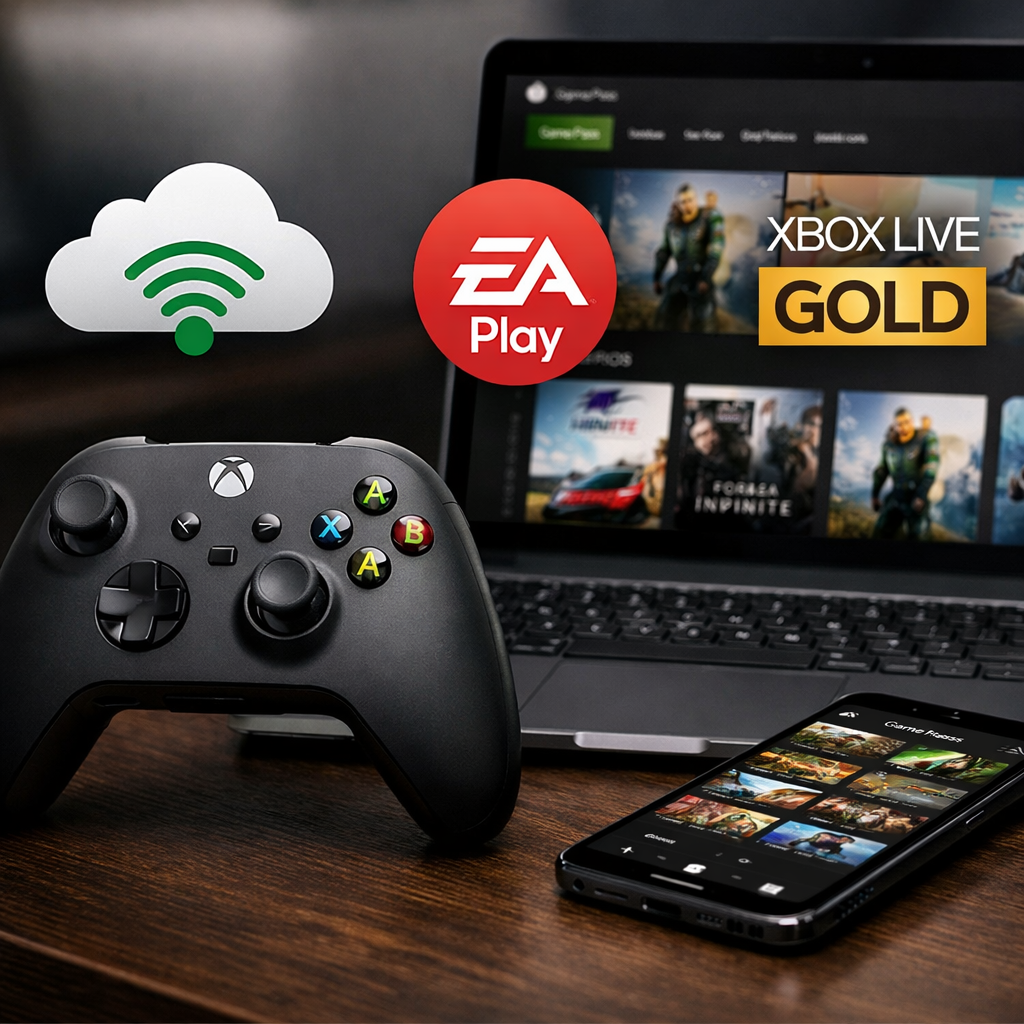
Is Xbox Game Pass Ultimate Worth It? Benefits Beyond Base Plans
If you bounce between console, PC, and the couch TV—and you want new releases without waiting—Game Pass Ultimate is usually the smartest spend. At Gaming Device Advisor, that rule of thumb holds up for most mixed‑platform setups. If you mainly grind one game on a single device, the base tiers (or outright ownership) may pencil out better. Prices and features have shifted repeatedly in recent years, so think in terms of value delivered, not labels or legacy expectations, and expect periodic changes to cadence and catalog as Microsoft tunes the service over time (see IGN’s pricing guide and plan notes; CNET’s plan explainer) (IGN, CNET plans).
“Xbox Game Pass Ultimate is Microsoft’s all-inclusive gaming membership that combines the console and PC libraries with Day-One releases, cloud streaming to phones, browsers, and TVs, online multiplayer, and rotating partner perks. It’s built for cross-device play and discovery, trading permanent ownership for convenience, breadth, and ongoing benefits.”
Compared to PC Game Pass or console-only tiers, Ultimate unifies libraries, adds the highest-quality cloud gaming performance, bundles partner services, and covers console multiplayer—removing most a la carte surprises (Xbox compare).
How Game Pass Tiers Compare
| Plan | Platforms | Library scope | Day‑One access | Cloud streaming | Multiplayer | Partner perks | Best for |
|---|---|---|---|---|---|---|---|
| Ultimate | Xbox consoles + Windows PC + supported cloud endpoints | Combined console+PC catalogs; includes EA Play, Ubisoft+ Classics (50+), Fortnite Crew | Yes: Xbox first‑party and many third‑party Day‑One titles (with recent exceptions) | Yes (highest quality in the lineup) | Included for console play | EA Play, Ubisoft+ Classics, Fortnite Crew, rotating in‑game benefits | Players using multiple devices who value new releases and perks |
| PC Game Pass | Windows PC | PC catalog; includes EA Play on PC | Yes for most Xbox‑published PC titles and many indie/AA launches | No | PC multiplayer (no extra sub required) | EA Play on PC | PC‑only players |
| Console (Premium/Essential; region‑dependent) | Xbox consoles | Console catalog; fewer perks | Limited; Xbox‑published titles may arrive later (e.g., within 12 months) | No | Console multiplayer included under current console plans | Limited or none | Budget console gamers |
| Core | Xbox consoles | Curated library (≈25+ rotating titles) | No | No | Console multiplayer included | None | Players who mainly need online console multiplayer |
Day-One release means a game is playable in the subscription the same day it becomes commercially available, without additional purchase. Think of it as replacing the $60–$70 upfront buy with immediate access, which is especially valuable for big franchises or heavily anticipated indies arriving in a steady monthly cadence (IGN).
IGN tracks roughly 75+ Day-One titles per year, though specifics ebb and flow; notably, Call of Duty’s Day-One availability changed in April 2026, underscoring that marquee franchises can shift policies over time (IGN). Online console multiplayer is covered under today’s Game Pass umbrella—no separate “Live” needed—though plan names and inclusions can vary by region (as CNET notes).
What Ultimate Adds Beyond Base Plans
Ultimate’s incremental benefits over entry and mid tiers show up in daily play:
- Full access to both console and PC catalogs in one membership
- Highest-quality cloud streaming to mobile, browsers, and supported TVs
- EA Play library and trials seamlessly integrated
- Ubisoft+ Classics: a curated collection of 50+ Ubisoft back‑catalog titles added to Ultimate
- Fortnite Crew included: current Battle Pass plus 1,000 V‑Bucks monthly—real cash value for active players
- Online console multiplayer included
- Rotating in‑game benefits, quests, and member discounts across select titles
- Microsoft Rewards integration that can offset future months
These bundled services (and the friction they remove) are the core reasons Ultimate tends to deliver more value to cross‑device players and frequent game‑samplers than lower tiers (Xbox Game Pass overview).
Library Depth and Day One Access
Catalog size fluctuates, but the scale is substantial. PCMag’s review cites 500+ games at points in time, while CNET has reported 800+ during peaks, with regular rotation as licenses change (PCMag review, CNET review). Expect that number to rise and fall monthly.
Day-One access is the standout driver of perceived value, with roughly 75+ new titles per year landing immediately for subscribers. Still, avoid blanket assumptions: Call of Duty’s Day-One status shifted after April 2026, a reminder that some blockbusters can be exceptions even when first‑party alignment seems likely (IGN, PCMag review).
Churn—the regular addition and removal of titles—matters if you’re a completionist. You retain access until a game exits the library; saves persist locally/cloud-side, and you can often buy departing games at a discount to keep playing permanently (CNET review).
Cross‑Device Play and Cloud Streaming Quality
Cross‑save and platform flexibility are Ultimate’s everyday superpowers: play a campaign on Xbox, continue on your PC, then stream a session to a phone or compatible TV when you’re away. Xbox lists support for Xbox Series X|S/One, Windows PC, mobile devices, and select smart TVs—with expanding hardware coverage (Xbox compare). Microsoft’s overview video also shows the cross‑device experience and quick‑resume convenience in action (Game Pass video overview).
Cloud streaming is playing games rendered on remote servers and delivered to your screen over the internet, letting you run demanding titles on lightweight devices. It trades local hardware load for network dependence; latency and visual quality vary with your connection, location, and server proximity.
Ultimate offers the highest-quality cloud streaming among Game Pass tiers. For smooth results, use fast, stable internet—ideally 5GHz Wi‑Fi or wired Ethernet—and expect the best experience in regions with strong data center coverage (PCMag review, IGN).
Partner Services and Perks Value
EA Play expands the catalog with a sizable vault plus timed trials for newer releases. Ubisoft+ Classics layers in 50+ Ubisoft favorites spanning action, open‑world, and tactics. Fortnite Crew folds in the current Battle Pass and 1,000 V‑Bucks monthly—meaning active Fortnite players can effectively offset a portion of Ultimate’s fee with items they’d buy anyway (Xbox Game Pass overview).
Simple math many players use:
- If you typically buy 2–3 AAA games a year, that spend often equals or exceeds a year of Ultimate; several months of Game Pass can be cheaper than one big-budget release, depending on your timing (CNET review).
- Community budgeting threads echo the same: stacking Day-One play, back catalog, and perks turns Ultimate into a reliable “try before you buy” funnel and a long‑term savings plan for variety‑seekers (community discussion).
Multiplayer, Discounts, and Rewards
Console online multiplayer is covered under current Game Pass plans, so you aren’t juggling a separate subscription. Member discounts on games and DLC are common (often 10–20% on titles and add‑ons), and perks rotate monthly across popular live‑service games and seasonal events (Xbox in‑game benefits).
Rewards points stack up through daily/weekly quests and Microsoft Store activity. For engaged players, that can equate to a sizable annual offset—up to roughly $100/year in redeemed value—further improving Ultimate’s effective cost over time (Xbox Game Pass overview).
Price, Churn, and Ownership Trade‑offs
Plan prices and inclusions have changed several times recently, which is why “Is Xbox Game Pass Ultimate worth it in 2026?” depends on how you play and how you value access versus ownership. Expect regional differences and occasional adjustments that alter month‑to‑month math (IGN, CNET plans). Gaming Device Advisor evaluates this on a rolling basis and recommends you budget similarly month to month.
Catalog churn is the ongoing rotation of games in and out of the library as licenses renew, expire, or shift. It impacts long RPGs and backlog planning: you can play a title until it leaves, your saves persist, and you can often purchase at a discount to retain permanent access (CNET review).
Quick TCO checklist:
- New releases you’ll play in the next 12 months (Day-One cadence)
- Platforms you’ll use (Xbox, PC, cloud)
- Tolerance for price swings and catalog rotation
- Preference for ownership versus convenience and discovery
Who Should Choose Ultimate vs Other Tiers
- Choose Ultimate if you play across Xbox + PC + mobile/TV, want Day-One access, and will use EA Play, Ubisoft+ Classics, and Fortnite Crew regularly.
- Choose PC Game Pass if you’re PC‑only but still want Day-One PC titles and EA Play on PC.
- Choose Premium or Essential (region‑dependent) if you’re budget‑minded, can wait for Xbox‑published titles to arrive (often within 12 months), or only need basics.
- If you mainly play one live‑service title, Ultimate is usually less cost‑effective than buying that game and its DLC outright (CNET review).
Impact on PC Gaming Setups and Hardware Value
- Budget PC: Use cloud to sample new AAA releases without hammering a modest GPU, then buy locally if you commit. This can delay upgrades while you evaluate thermals, noise, and performance targets across your library.
- High‑end PC: Play competitive titles locally for maximum FPS and minimal latency. Let Ultimate be a discovery engine that exercises your premium monitor, audio, and peripherals between esports sessions.
Ultimate’s cross‑device flexibility also helps you keep playing on a travel laptop or living‑room TV without relocating your battlestation. When you do plan upgrades, think performance‑per‑dollar and acoustics first; Gaming Device Advisor’s top‑rated gaming PC and RGB lighting guides are good companions to maximize immersion and longevity.
Our Recommendation
From Gaming Device Advisor’s perspective, Ultimate is worth it if you routinely play new releases, use multiple platforms, or will leverage bundled services and perks. It’s less compelling if you stick to a single game or strongly prefer permanent ownership—and you should expect occasional price and catalog changes as the service evolves (IGN, CNET plans).
Quick ROI test:
- How many Day-One titles will you actually play in the next 12 months?
- How many platforms (Xbox, PC, cloud) will you use weekly?
- Will you reliably use EA Play, Ubisoft+ Classics, Fortnite Crew, discounts, and Rewards?
If you’re on the fence, trial a month during a heavy release window and measure your real usage. Content creators and streamers often see outsized value from breadth and cross‑device capture flexibility.
Frequently asked questions
What is the main difference between Game Pass Ultimate and lower tiers?
Ultimate combines console+PC libraries, highest‑quality cloud streaming, online multiplayer, and bundled services like EA Play, Ubisoft+ Classics, and Fortnite Crew. Gaming Device Advisor usually recommends it for cross‑device play.
Is Ultimate worth it if I mostly play one or two games?
Usually no. Gaming Device Advisor suggests buying that game (and DLC) outright instead of paying for a recurring subscription.
How often do games leave the library and what happens to my saves?
Games rotate periodically. Gaming Device Advisor advises purchasing at the member discount if you want to keep playing after a title exits.
How good is cloud streaming performance and what internet speed do I need?
Performance is solid on many connections but varies by region and network quality. For smoother play, Gaming Device Advisor recommends a fast, stable connection over 5GHz Wi‑Fi or Ethernet (wired is best for latency‑sensitive genres).
Can I switch plans or cancel without losing my downloaded games?
You can switch or cancel anytime. You’ll lose access to subscription‑licensed titles when your plan lapses or a game leaves the catalog, but your saves remain and reactivate if you resubscribe or purchase the game.