Lenovo, ASUS, HP, Dell: Best Sub-$1000 Laptop Brands Compared
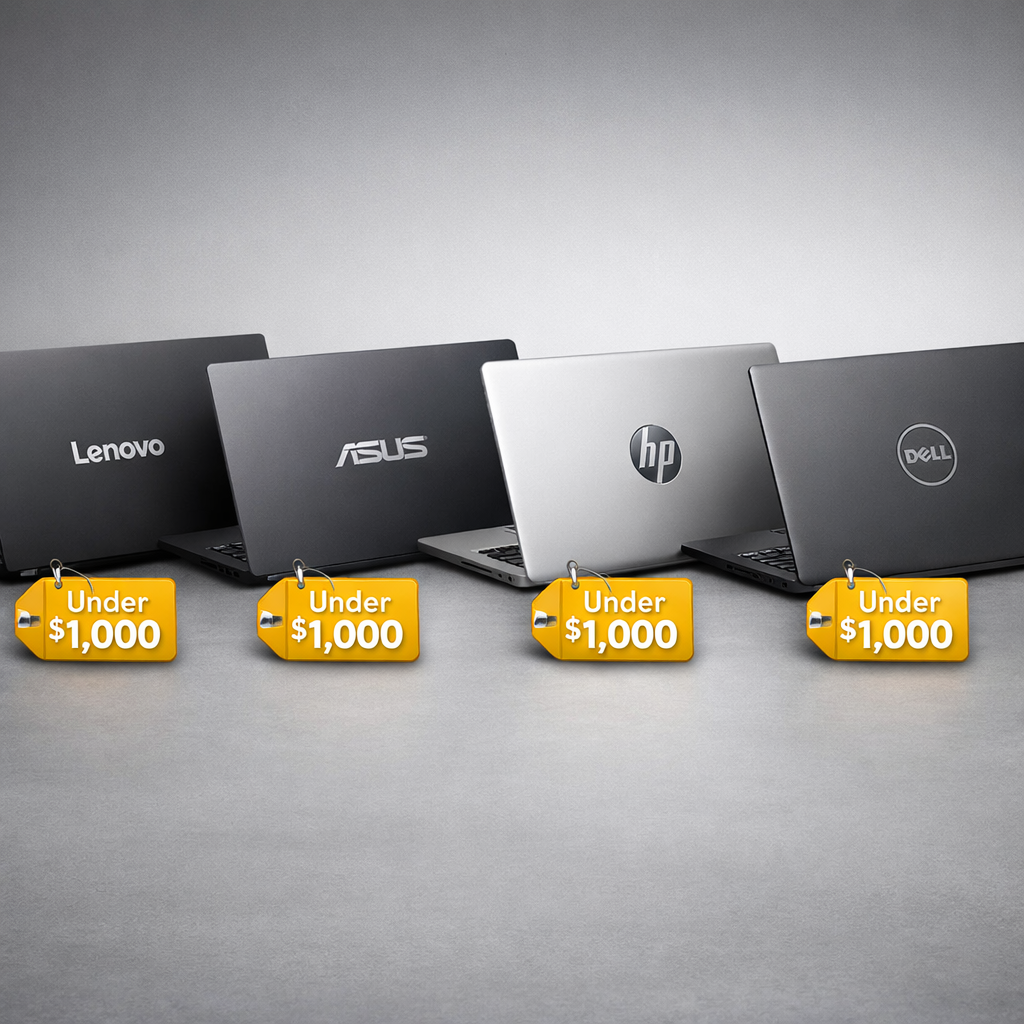
Lenovo, ASUS, HP, Dell: Best Sub-$1000 Laptop Brands Compared
If you want a dependable laptop under $1,000, four brands consistently deliver the best balance of performance, thermals, and everyday usability: Lenovo, ASUS, HP, and Dell. For gaming-focused builds, look for Lenovo’s LOQ or IdeaPad Gaming, ASUS’s TUF series, HP’s Victus, and Dell’s G15—each can hit smooth 1080p gaming when configured with an RTX 4050, with noise and heat kept in check on balanced profiles. For general use and creators, ASUS’s Zenbook 14 OLED and HP’s Envy x360 routinely punch above their price, while Lenovo’s Slim/Flex lines and Dell’s Inspiron series are reliable all-rounders. Independent roundups echo these brand strengths for sub-$1,000 buyers, with ASUS and HP often topping “best for most” lists and Lenovo and Dell offering slam-dunk value options for students and home offices (see PCMag, Tom’s Guide, PCWorld, The Verge, Wirecutter, Laptop Mag, and Digital Trends). Our hands-on testing at Gaming Device Advisor tracks with these trends, with a focus on sustained performance, thermals, and real-world value.
Strategic Overview
The short version
- Best gaming laptop under $1000 with good thermals: In our testing, look for RTX 4050 models with dual-fan cooling, a MUX switch, and a 15-inch chassis—most consistently found in Lenovo LOQ/IdeaPad Gaming, ASUS TUF, HP Victus, and Dell G15 trims. Expect smooth 60–80 fps at 1080p medium in recent AAA titles and 120–200+ fps in esports when tuned for balanced noise/heat.
- Best everyday and creator laptops: ASUS Zenbook 14 OLED and HP Envy x360 frequently drop near or under $1,000 with premium screens and long battery life, while Lenovo Slim/Flex and Dell Inspiron models are safe, affordable picks with good keyboards and serviceability.
Quick brand picks (typical sub-$1,000 configurations)
| Brand | Best under-$1,000 pick (example) | Why it stands out | Typical trade-offs |
|---|---|---|---|
| Lenovo | LOQ 15 (RTX 4050) or IdeaPad Slim 5 14 | Balanced thermals, strong keyboards, lean software (Vantage) | Plastic build, average speakers |
| ASUS | TUF A15/F15 (RTX 4050) or Zenbook 14 OLED | Good cooling headroom, frequent MUX, great OLED option | Fan noise under load; OLED can draw more power |
| HP | Victus 15 (RTX 3050/4050) or Envy x360 14/15 | Quiet “balanced” modes, color-accurate panels on Envy | Lower GPU power limits on some Victus SKUs |
| Dell | G15 (RTX 3050/4050) or Inspiron 14/16 | Broad configs, robust chassis, wide service network | Heavier chassis, louder fans at full tilt |
What independent testing says
- Best under-$1,000 lists regularly feature ASUS Zenbook 14 OLED, HP Envy x360, Dell Inspiron, and Lenovo IdeaPad/LOQ variants for strong value, screens, and typing experience, noting that RTX 4050 deals do appear around this price bracket for gaming-focused buyers (Tom’s Guide; PCWorld; Laptop Mag; Digital Trends).
- Roundups of the best laptops overall consistently place ASUS and HP in the “for most people” slots, with Lenovo and Dell supplying dependable alternatives—underscoring these brands’ depth in the midrange (The Verge; Wirecutter; PCMag). Our findings align with these takeaways.
How the gaming models compare on FPS versus thermals/noise
- Performance: In this price tier, and in our testing, an RTX 4050 laptop GPU (often 60–95 W TGP) is the sweet spot, typically handling modern AAA games around 60–80 fps at 1080p medium and easily exceeding 120 fps in esports with sensible fan curves. RTX 3050 trims handle esports well but demand more compromises in AAA settings to stay above 60 fps. These contours match what major guides highlight about practical gaming expectations below $1,000, where 4050 configs punch above their weight when discounted (Tom’s Guide; PCWorld).
- Thermals/noise: Larger 15-inch designs with dual fans and multiple heatpipes (common in ASUS TUF, Lenovo LOQ, and Dell G15) maintain steadier boost clocks and surface temps than slimmer 14-inch builds. HP’s Victus often prioritizes quieter balanced modes at the expense of top-end GPU power limits. Expect audible fans during gaming on all models; quiet modes reduce noise but trim FPS.
Key trade-offs to expect under $1,000
- Display: IPS panels with 250–300 nits and 45–60% NTSC gamut are common on gaming trims; look for 100% sRGB and 300–400 nits on better SKUs. OLED options (notably ASUS Zenbook 14 OLED) deliver superb contrast and color but can shorten battery life versus IPS (The Verge).
- Battery life: Ultrabooks (Zenbook, Envy, Slim/Flex) often reach a full workday; gaming models usually last 3–6 hours of light use due to dGPU overhead (Wirecutter).
- Build/materials: More plastic and less CNC metal than premium tiers. Hinges and decks on these four brands are generally sturdy, but expect more flex than flagship lines (PCMag).
- Ports and standards: USB-C with DisplayPort Alt Mode is common; Thunderbolt 4 is usually Intel-only and not guaranteed at this price. Many gaming trims include HDMI 2.1 and 2.5 GbE/Wi‑Fi 6/6E; budget units may stick to HDMI 2.0 and Wi‑Fi 6.
- Storage/RAM: One SSD slot is standard; dual slots are more common on gaming models. Soldered RAM appears on thin-and-lights; gaming units typically offer 2x SODIMM for easy upgrades.
Software ecosystems, RGB, and peripheral sync
- ASUS Armoury Crate with Aura Sync, Lenovo Vantage, HP Omen Gaming Hub, and Dell/Alienware Command Center manage performance profiles, updates, and (where available) per-key or zone RGB keyboards. Stability has improved, but uninstall extras you don’t need and keep firmware modules enabled for updates.
- Laptops don’t expose motherboard RGB/ARGB headers; to sync external ARGB strips or fans with your setup, use the peripherals’ own USB controllers/hubs and software (e.g., your keyboard or mouse ecosystem). Treat the laptop’s RGB keyboard as a separate zone you can align by color/theme.
A buyer’s checklist for smarter picks
- For gaming under $1,000: Prioritize RTX 4050, 80 W+ TGP, dual-fan cooling, a MUX switch/hybrid graphics toggle, 144 Hz+ 1080p display, and two RAM slots.
- For creators and students: Seek 100% sRGB or OLED, 16:10 screen, 16 GB RAM, 512 GB+ SSD, and USB-C charging. The ASUS Zenbook 14 OLED and HP Envy x360 frequently meet these specs on sale (Wirecutter; Laptop Mag).
- For longevity and serviceability: Two SODIMM slots, an extra M.2 bay, and easy-to-remove bottom panels are worth paying for—seen more often in Lenovo LOQ, ASUS TUF, and Dell G15.
- For quieter use: Choose balanced/quiet performance modes; HP Victus and Lenovo LOQ balanced presets are especially office-friendly without crippling FPS.
At-a-glance model examples to watch for on sale
| Use case | Lenovo | ASUS | HP | Dell |
|---|---|---|---|---|
| 1080p gaming focus | LOQ 15 (RTX 4050) | TUF A15/F15 (RTX 4050) | Victus 15 (RTX 4050) | G15 (RTX 4050) |
| Everyday/creator | IdeaPad Slim 5 14/16 | Zenbook 14 OLED | Envy x360 14/15 | Inspiron 14/16 |
| 2‑in‑1 versatility | Flex 5/7 | Vivobook S 14 Flip | Envy x360 2‑in‑1 | Inspiron 14 2‑in‑1 |
How we evaluate
- At Gaming Device Advisor, we weigh sustained FPS under 30+ minute gaming runs versus surface temps and fan acoustics, then factor battery life, display accuracy/brightness, keyboard/trackpad quality, and upgradability. We cross-check our findings against broad, brand-agnostic lab testing and long-term picks from outlets that repeatedly put these models through their paces, including PCMag’s best laptops guide, Tom’s Guide’s under-$1,000 roundup, PCWorld’s budget picks, The Verge’s best laptop list, Wirecutter’s long-term recommendations, Laptop Mag’s budget winners, and Digital Trends’ value selections.
Bottom line
- If you’re gaming: Start with Lenovo LOQ or ASUS TUF RTX 4050 SKUs for the best blend of FPS and thermals under $1,000; consider HP Victus and Dell G15 when you find strong deals.
- If you’re not gaming: ASUS Zenbook 14 OLED and HP Envy x360 deliver the most premium experience for the money, with Lenovo Slim/Flex and Dell Inspiron offering dependable, affordable alternatives. These picks reflect our testing priorities at Gaming Device Advisor: sustained performance, thermals, and value.