Should You Wait for Silksong Cross-Platform Launch or Xbox First?
Should You Wait for Silksong Cross-Platform Launch or Xbox First?
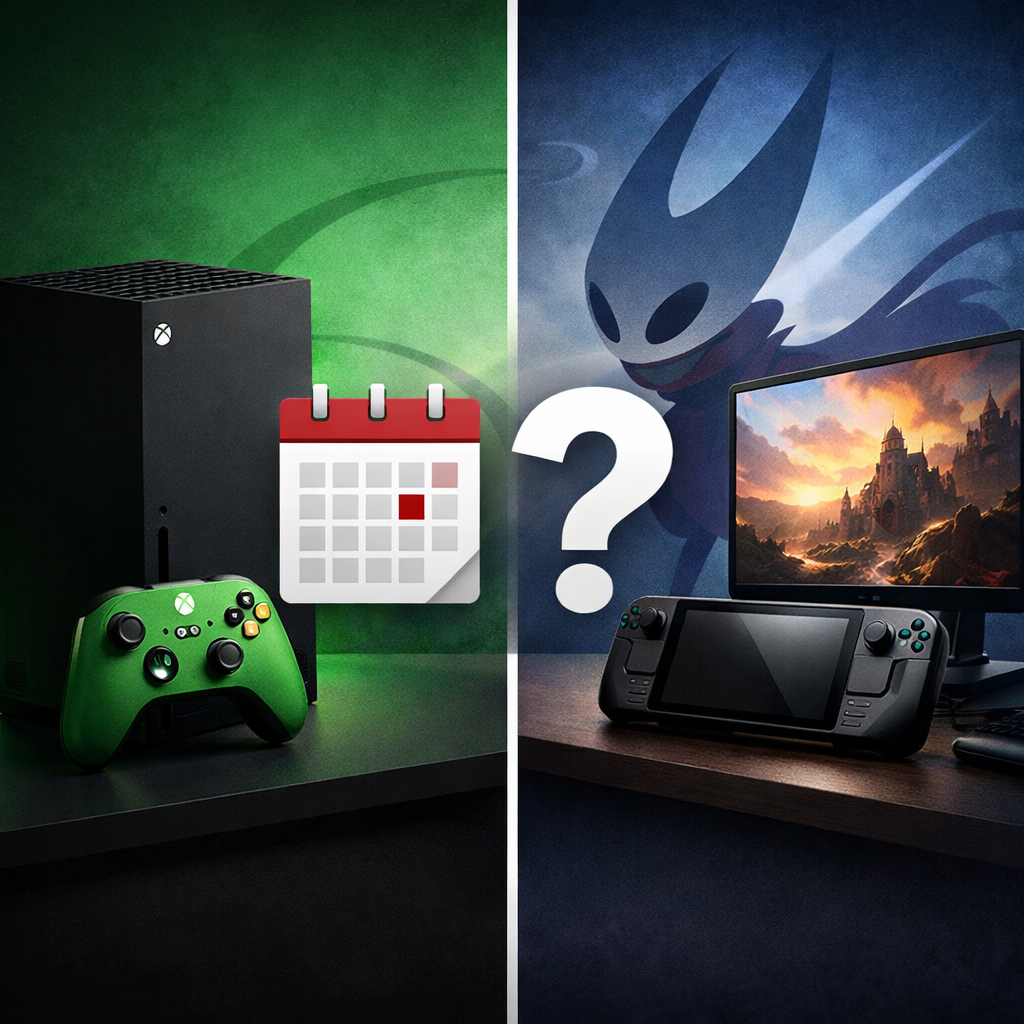
Hollow Knight: Silksong is out everywhere, so there’s no reason to delay. Team Cherry launched the game simultaneously across PC, PlayStation, Nintendo Switch/Switch 2, and Xbox on September 4, 2025, and the price is a flat $19.99 in the U.S. That makes your choice less about exclusivity and more about value and play style. If you want the cheapest path and seamless couch-to-cloud flexibility, Xbox via Game Pass is the easy start. If you want the cleanest image quality, lowest latency, and mods, go PC. If you care most about handheld play without tinkering, Switch is the most convenient. Below, Gaming Device Advisor maps priorities to platforms so you can start Silksong where it fits you best.
Quick answer
No need to wait—Silksong launched simultaneously on all major platforms on September 4, 2025, so Xbox is not a timed exclusive (see the IGN launch timing and price reveal). Xbox is best for day-one Game Pass access, PC for fidelity and mods, and Switch for handheld play (as confirmed in the Xbox Games Showcase 2025 recap). Gaming Device Advisor’s take: choose based on the ecosystem you already use and value most.
Price parity keeps things simple: $19.99 U.S.; €19.99; ¥2300, so ecosystem fit matters more than MSRP (see NintendoEverything’s price update).
Release and platform availability
Silksong’s global release date was September 4, 2025, with an ESRB rating of E10+. It’s available on PC (Steam/GOG), PS4/PS5, Nintendo Switch/Switch 2, and Xbox One/Series X|S. Global unlocks hit at 7am PT / 10am ET / 4pm CEST / 11pm JST, so most players could start at the same time worldwide (as detailed by IGN).
A simultaneous release means the game becomes available on multiple platforms on the same global date, often with synchronized regional unlock times. This avoids platform-specific waiting periods and ensures parity in content and support from day one for most players.
Pricing and value considerations
Silksong’s MSRP is $19.99 (U.S.), €19.99, and ¥2300. Team Cherry framed this as a “reasonable” price for a “very large” game during the final rollout (see NintendoEverything’s price coverage). For Xbox players, the game was available on Xbox Game Pass day one, letting subscribers play at no additional cost beyond their existing plan (as noted in Microsoft’s Xbox Games Showcase 2025 recap). If the title is flagged as Xbox Play Anywhere, a single digital purchase lets you play on console and PC within the Xbox ecosystem; as we advise at Gaming Device Advisor, always verify the store listing first.
Cost scenarios at a glance:
- Upfront purchase (PC/PlayStation/Nintendo): Pay $19.99 once, keep forever.
- Game Pass access (Xbox): $0 additional if you already subscribe; if subscribing just for Silksong, compare your monthly fee versus finishing in 1–3 months.
| Option | What you pay today | 3-month total | 6-month total | Notes |
|---|---|---|---|---|
| Buy (PC/PS/Nintendo) | $19.99 | $19.99 | $19.99 | Perpetual access on that platform. |
| Game Pass (Xbox) | $0 if already subscribed | Your monthly rate × 3 | Your monthly rate × 6 | Includes console, cloud, and (where applicable) PC access. Cancel anytime. |
How the platforms compare
If you value stable performance and low input latency, any modern device will run Silksong well, with Series X and modern PCs drawing the most praise for responsiveness, while Switch remains fully playable with expected handheld trade-offs (see review highlights below). Critics also note a tougher early game and a few launch bugs—check post-release patches (see GamesRadar’s review).
| What you value | Best platform | Why |
|---|---|---|
| Lowest upfront cost | Xbox | Xbox Game Pass day one access; cloud play on multiple screens; strong achievement ecosystem. |
| Fidelity and mods | PC | Highest potential resolution/refresh, ultrawide support, PC mods for Silksong, flexible inputs with Steam controller support. |
| Handheld-first play | Nintendo Switch/Switch 2 | Native portable experience, instant suspend/resume, community save ecosystem. |
| Achievement/trophy ecosystem | Xbox or PlayStation | Robust achievement/trophy tracking and social features tied to each network. |
| Cloud access on the go | Xbox | Console-to-cloud continuity and easy device hopping within the subscription. |
Secondary considerations:
- Series X performance: smooth with responsive controls in reviews.
- Switch docked vs handheld: dock for stability and clarity; handheld favors convenience.
- PC: broad controller options via Steam Input and native drivers.
Xbox
Pick Xbox first if you want immediate, low-friction access. Day-one Game Pass let subscribers start without another purchase, and the Microsoft ecosystem supports cloud/PC streaming and preserves achievements and progress across devices. Reviews also reported smooth Series X performance and positive control feel, with early map/compass/fast travel access helping shorter session play (see XboxEra’s review).
PC
Choose PC if fidelity, control flexibility, and mods matter most. You’ll get the highest potential image quality, ultrawide and higher refresh-rate options, and fertile mod support via Steam/GOG. Precision controls (keyboard, wired pads, low-latency Bluetooth) and tuned displays make agile combat shine (see Game8’s review). Typical PC checklist: keep GPU drivers current, match VRR (G‑Sync/FreeSync) to your monitor, and confirm controller mappings before boss runs.
Nintendo Switch and Switch 2
Go Switch if handheld-first convenience wins. Silksong is fully playable on the go, with fast suspend/resume and HD Rumble enhancing cues. Expect normal cross-platform variance in framerate and loads compared to high-end systems; docked mode improves clarity for longer sessions. Nintendo’s ecosystem makes it easy to keep portable saves in one place. For a sense of how it looks in motion across platforms, see the official trailer footage.
Performance and controls
Input latency is the time between a player’s action and the on-screen response. Lower latency feels more immediate and controllable, which is crucial for precision platforming and tight combat. Latency is affected by hardware, display modes, controllers, and network conditions.
Overall reports point to smooth play on Series X and modern PCs, capable performance on portable Windows handhelds, and solid playability on Switch with typical cross-platform variance (as reflected in multi-platform reviews).
Frame rate and stability
- Reviewer sentiment was broadly positive across platforms at launch, with isolated bugs; check for stability patches before long sessions.
- Tips:
- Xbox Series X/PC: enable VRR and prefer performance modes if available.
- PC: cap frame rate to display refresh to stabilize frame pacing.
- Switch: keep the docked setup ventilated and consider docked play for extended boss attempts.
Input latency and control feel
Hornet’s higher mobility and expanded abilities reward tight timing, so aim for a 60Hz or higher display and low-latency input chains. Quick wins:
- Use wired controllers or low-latency Bluetooth adapters.
- Enable Game Mode on TVs; disable heavy post-processing.
- On PC, prefer exclusive fullscreen, reduce buffer/queue settings in drivers.
Critics consistently praised responsive controls and agile combat, underscoring the value of a stable 60Hz delivery (see GamesRadar’s review).
Handheld and docked considerations
- Handheld checklist: set conservative brightness, prefer performance-priority settings, add grips for long sessions, and use earbuds to hear audio tells.
- Portable Windows handhelds (ROG Ally/Legion Go class) ran the game well with tuned TDP and 60Hz caps.
- Switch remains fully playable; dock when you want clearer readability and longer, steadier fights.
Cloud versus native play
Cloud gaming streams the game from remote servers to your device, offloading rendering to the cloud. It enables play on lower-powered hardware but introduces network-dependent latency and compression artifacts. Native play runs locally, usually delivering lower latency and more consistent image quality.
Xbox cloud and PC streaming made day-one hopping between screens easy for Game Pass users, but for boss-heavy sessions, Gaming Device Advisor recommends native play. To minimize cloud latency:
- Use wired Ethernet when possible.
- Prefer 5GHz Wi‑Fi.
- Enable QoS for your console/PC.
- Close network-heavy apps.
- Turn on low-latency mode on your TV/monitor.
Save management and progression continuity
Xbox’s cloud-first ecosystem preserves achievements and progress across devices, and Play Anywhere—when supported—unlocks cross-device ownership in the same account. On PC, enable Steam Cloud or GOG Galaxy backups; on Nintendo, confirm Nintendo Switch Online cloud-save status. Avoid hopping platforms mid-quest unless you’ve verified cloud-save sync—Gaming Device Advisor’s baseline advice. Keywords to know: cross-save, cloud saves, and cross-progression.
Recommendation by player priority
| Priority | Pick | Why it fits |
|---|---|---|
| Lowest cost | Xbox (Game Pass) | Day-one access with no extra purchase for subscribers; strong cloud and achievement features. |
| Fidelity/mods | PC (Steam/GOG) | Highest image quality potential, VRR/ultrawide, community mod options, and flexible inputs. |
| Portability | Nintendo Switch/Switch 2 | Native handheld play, quick suspend/resume, straightforward saves in one ecosystem. |
Price is consistent across platforms, so choose based on ecosystem strengths and your hardware. Silksong can be challenging early; a stable 60Hz setup and reliable cloud saves reduce frustration.
Best for lowest upfront cost
Xbox via Game Pass is the easiest start if you already subscribe. If you plan to subscribe just for Silksong, compare 1–3 months of your plan versus a $19.99 purchase; Play Anywhere (when applicable) adds value to a digital buy within Xbox.
Best for fidelity and mods
Go PC (Steam/GOG) for the best image quality, control flexibility, and community mod potential. Tip: keep GPU drivers current and cap frame rate to your display’s refresh for smooth pacing.
Best for portable play
Choose Nintendo Switch/Switch 2 for effortless handheld sessions and simple, single-ecosystem saves. If you prefer your PC library on the go, Windows handhelds are a strong alternative with tuned settings.
Gaming Device Advisor perspective
Prioritize consistent frame delivery over peak FPS. A locked 60Hz with low input latency will carry you through Silksong’s tighter boss fights, and reviewers’ praise for agile, responsive controls supports this stability-first approach. On PC—especially if you also dabble in VR—favor balanced GPU/CPU choices, quiet cooling, and VRR alignment with sensible frame caps. Skip the RGB tax, invest in ergonomic controllers, and keep cable management clean if you swap between docked/handheld or console/PC setups.
Frequently asked questions
Is Silksong a timed exclusive on Xbox?
No. It launched on all major platforms the same day, and Gaming Device Advisor confirms there’s no timed exclusivity.
Does Silksong support cross-save or cross-progression?
Each platform manages cloud saves within its own ecosystem; confirm settings before switching devices. Gaming Device Advisor recommends verifying cross-save or cloud-save status in your store account.
Will Game Pass be the cheapest way to play long term?
If you’re already subscribed, it’s the lowest upfront cost. Gaming Device Advisor suggests comparing your subscription total over your expected playtime to the $19.99 purchase.
Are there meaningful performance differences between platforms?
Reviews report smooth performance on modern consoles and PCs, with handhelds fully playable; typical cross-platform differences like framerate and loading aren’t game-breaking for most players. Gaming Device Advisor recommends prioritizing a stable 60Hz setup.
Should VR-focused PC owners consider any special settings?
Cap frame rate to your display’s refresh, enable VRR, and use low-latency controller paths. Gaming Device Advisor also recommends quiet, consistent thermals for long sessions.