Where To Trade In Used Xbox Accessories: Retailer Policies Compared
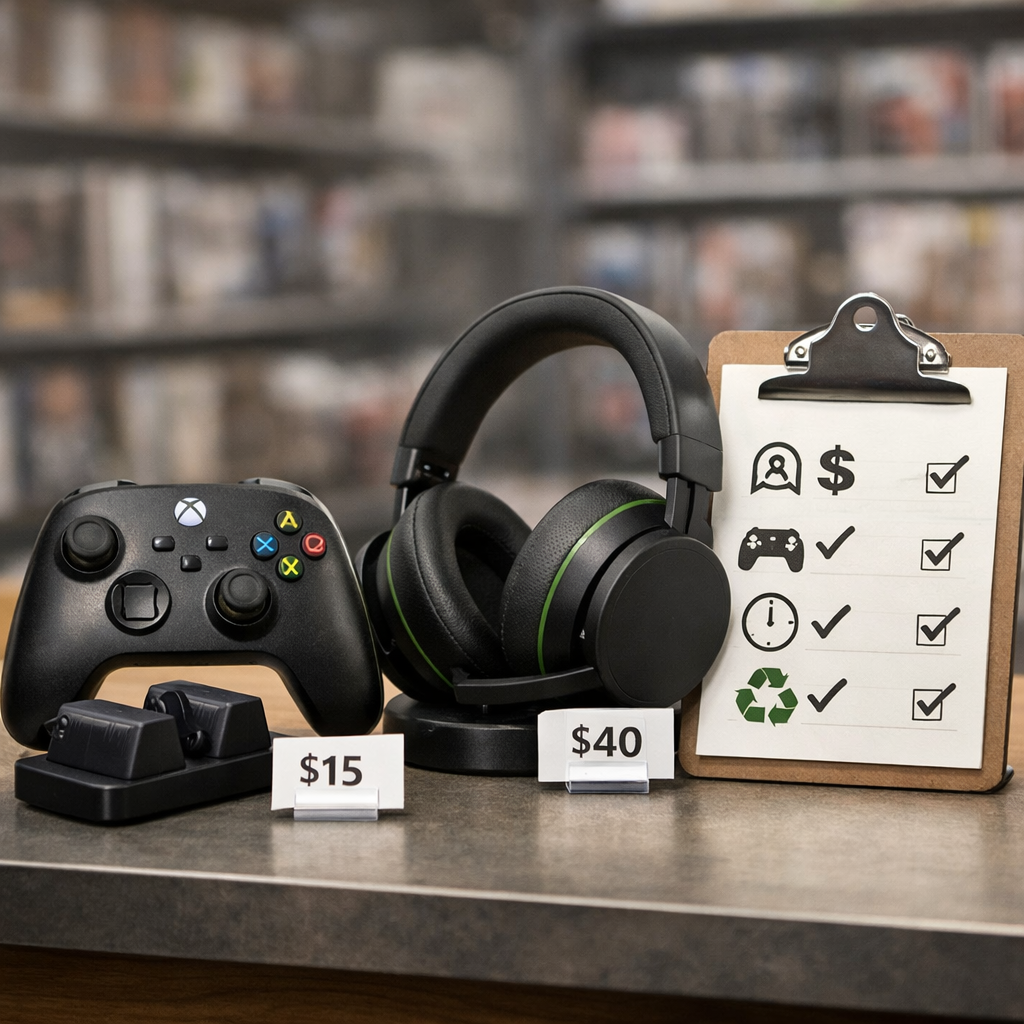
Where To Trade In Used Xbox Accessories: Retailer Policies Compared
Quick answer for upgrading to new Xbox hardware
Yes—used Xbox accessories can be traded in, but eligibility and value depend on where you sell. Official retailer programs offer structure and speed, while consumer marketplaces often deliver higher cash with more effort. Microsoft’s program is the most predictable: Microsoft Trade-In runs through a vetted recommerce partner, provides a firm quote subject to inspection, and pays by bank transfer, typically within 30 days of approval once your item is received. Many retailers center their programs on consoles, yet controllers, headsets, and select peripherals are accepted when listed as eligible. If you want maximum cash for used Xbox controllers, headsets, or adapters, marketplaces generally pay more but require listing and shipping. One important caveat: recent Xbox firmware changes can disable certain unlicensed accessories after a brief grace period, which can eliminate eligibility and value. Gaming Device Advisor tracks current eligibility lists, payout timelines, and marketplace trends so you can choose the route that fits speed versus payout.
How trade-in options differ
There are two main paths:
- Manufacturer/retailer trade-in programs: streamlined appraisals, clear logistics, and fast outcomes, often paid as store credit (sometimes cash).
- Consumer marketplaces and buyback aggregators: potentially higher cash because you control pricing or can compare quotes, but with more effort and risk.
“Recommerce partner: a third‑party company contracted by a brand or retailer to appraise, test, and purchase used devices. It maintains eligibility lists, performs condition checks, provides prepaid shipping, handles returns, and issues bank‑transfer payouts on the retailer’s behalf within published timelines and manages customer communications.” This structure is spelled out in Microsoft Trade-In documentation.
Marketplaces can net more cash than retailer programs because sellers set prices, but they involve listing time, seller fees, and shipping risks—trends reflected in BankMyCell resale value data that often shows private sales outpacing trade-in offers on consoles.
What to check before you trade in
- Verify licensing and compatibility. Confirm the accessory is officially licensed and works on current Xbox firmware. Check the buyer’s live eligibility list, since accepted items can change.
- Compare payout types and timelines. Microsoft uses bank transfer within roughly 30 days after approval and receipt; marketplaces vary (and include fees or payment holds).
- Review inspection and logistics terms. Look for prepaid labels, return windows if your item is downgraded, and eco-recycling options when items are ineligible.
Gaming Device Advisor keeps a short pre-trade checklist and live links to program pages to help you verify these details quickly.
Microsoft Store Trade-In
Microsoft’s official program uses a recommerce partner in select regions to appraise devices by brand, model, and condition. Eligibility and values change regularly, so check the live list before assuming an accessory is accepted. The flow is straightforward: get an instant quote online, accept and ship within a typical 10-day window using the provided label, the partner inspects on arrival, and payment is issued by bank transfer—generally within 30 days after approval once your item is received. Consoles are clearly supported; accessories are listed when eligible and may fluctuate with inventory needs.
GameStop
GameStop offers in-store trade-ins for Xbox gear with same-day payouts, usually favoring store credit (with a lower cash option available in many locations). Expect lower values versus private sale, but you get immediate credit and no shipping hassle. Call ahead to confirm accessory acceptance and any promotions. Bringing original cables, dongles, and packaging can improve your quote. Choose GameStop when you want instant credit or a quick swap and don’t want to deal with shipping.
Best Buy
Best Buy runs a national trade-in program with online appraisals and in-store drop-off. Values tend to be strongest for clean, fully functional items that include original accessories. Check the video game category for what’s currently accepted in your area, then complete the appraisal steps and bring your item in (or ship, where available). Best Buy is a solid middle ground if you want retailer reliability and credit toward future tech purchases without the unpredictability of auctions.
eBay and private marketplaces
If your goal is maximum cash, eBay and local marketplaces are often the highest because you set your price and can wait for the right buyer. The trade-off: you’ll spend time on listing quality, buyer communication, and shipping management, and you’ll pay seller fees. Strengthen your listing with clear photos of wear, proof of licensing, firmware/compatibility notes, and bundled accessories (cables, cases, battery packs) to raise perceived value. Reduce risk by using tracked/insured shipping, adhering to platform protections, and describing condition precisely to avoid returns.
Online buyback and comparison services
Buyback aggregators compile quotes from multiple vendors so you can pick the best cash offer quickly. It’s a fast-cash middle ground: less effort than eBay, potentially more than a single retailer program. Verify vendor reputation, fees, and payout timelines, and read the fine print on downgrades after inspection. Keep screenshots of your quote and the condition criteria you selected to help resolve disputes.
Side-by-side comparison criteria
Below is a quick channel comparison using consistent criteria. Gaming Device Advisor uses these same criteria across our device trade-in guides.
| Program or Channel | Eligibility | Appraisal method | Payout type/timing | Pricing variability/fees | Risk & effort | Return options |
|---|---|---|---|---|---|---|
| Microsoft Store Trade-In | Consoles widely; accessories when listed. Check the live list before shipping. | Online quote by brand/model/condition; partner verifies on receipt. | Bank transfer typically within 30 days after approval; ship within about 10 days of acceptance. | Fixed quote subject to inspection; no seller fees. | Low effort, structured logistics, low risk. | Return or recycle per terms if item fails appraisal. |
| GameStop | Varies by store; accessories accepted during promos or when eligible. Call ahead. | In-person evaluation and quick function test. | Store credit favored; cash often available at lower rates, same day. | Store-set pricing; no seller fees. | Low effort; in-store visit required. | Immediate decision; declines are returned to you. |
| Best Buy | Regional acceptance; check video game category for accessories. | Online estimate; in-store verification (or ship where offered). | Store credit/e-gift card after inspection, often same day in store. | Fixed quotes with possible downgrade; no seller fees. | Low to moderate effort; retailer reliability. | Returns per program policy if downgraded. |
| eBay/private marketplaces | Broad; any allowed item in stated condition. Licensing proof helps. | Market-driven; you set the price, buyers bid or buy now. | Cash via PayPal/bank after sale; subject to fees and possible holds. | High variability; platform fees and shipping costs apply. | High effort; listing, messaging, shipping, and dispute handling. | Platform-driven return policies; disputes possible. |
| Buyback aggregators | Depends on partner vendors; quick eligibility checks. | Instant quotes; post-inspection adjustments common. | Cash via various methods; timelines vary by buyer. | Quotes can be downgraded; shipping usually free. | Moderate effort; pack and ship once. | Vendor-specific return options if downgraded. |
Eligibility and accepted accessories
Always confirm current acceptance lists—Microsoft updates eligibility periodically on the Microsoft Trade-In page. For GameStop and Best Buy, call your local store to verify which accessories are currently accepted and whether any promotions apply. Be aware that some unlicensed accessories may be rejected due to recent compatibility blocks.
Appraisal process and condition checks
Microsoft’s flow: get an online quote by brand/model/condition, ship within the stated window, the partner inspects on arrival, then payment is issued by bank transfer. For marketplaces, be explicit about cosmetic wear, stick drift, battery health, connectivity stability, and cable integrity; include photos and serials. Original packaging and accessories reduce downgrades and increase offers.
Payout type and timing
Microsoft pays via bank transfer within roughly 30 days once your item is received and approved. Retailers typically favor store credit (with limited cash options), while marketplaces and buyback services pay cash via PayPal or bank but may include processing delays and holds. Choose based on your purchase plans—store credit can stretch further during promos.
Pricing variability and fees
Marketplaces can outperform trade-ins on price but expect platform fees, shipping costs, and potential returns to cut into net proceeds. Buyback services may reduce quotes after inspection for undisclosed wear. Timing matters: demand tends to rise around console launches or major game releases.
Risk, effort, and return options
Structured programs reduce risk with defined inspections, prepaid labels, and clear return/recycling paths. Peer-to-peer sales require more effort and carry fraud/return risks—use tracked/insured shipping and platform protections. Keep detailed condition proof and your original quotes to contest downgrades.
Licensing and compatibility risks for third-party accessories
“Unlicensed accessory: a third-party device that lacks the platform holder’s official authorization. On Xbox, recent firmware has prompted two-week grace notices, after which certain USB peripherals can be blocked from working, affecting adapters, fight boards, and wheels depending on updates and vendor fixes and patches.” Windows Central reporting linked these changes to build 10.0.25398.2266 and noted vendor advisories and mixed compatibility outcomes. Before listing or trading in, verify licensing on packaging and confirm current firmware compatibility to avoid rejections and devaluation. Gaming Device Advisor monitors firmware changes and vendor advisories to keep our compatibility guidance current.
Step-by-step to maximize trade-in value
- Confirm licensing and current firmware compatibility to ensure the accessory still functions as intended.
- Factory reset or clear pairings; update device firmware if applicable.
- Deep clean and test: buttons, sticks, triggers, mics, battery life, wireless stability.
- Gather all originals: cables, dongles, batteries, case, and box.
- Photograph condition and serials; document wear and functionality.
- Compare offers across Microsoft/retailers, marketplaces, and buyback aggregators to balance cash vs effort.
- Read inspection and payout terms carefully; confirm timing and any downgrade policy.
- Package securely in a snug box; use tracked/insured shipping.
- Keep records—quotes, photos, chat logs—to dispute downgrades or claims.
Simple condition grading template you can reuse:
| Grade | Looks like | Works like | Notes |
|---|---|---|---|
| Flawless | No scratches, no discoloration | All inputs perfect; battery strong | Includes all original accessories |
| Good | Light wear or small scuffs | Minor cosmetic issues; no drift | Third-party cable acceptable if licensed |
| Fair | Noticeable wear or marks | Occasional drift or battery fade | Disclose defects; expect lower offer |
Set a minimum acceptable net after fees and shipping. If you’re buying something else immediately, store credit during retailer promos can deliver higher effective value than cash.
Recommendation by seller goal
- Fast, low-hassle store credit: Microsoft, Best Buy, or GameStop. Note Microsoft’s ship window (~10 days) and bank transfer target (~30 days post-approval).
- Maximum cash: eBay or local private sale; expect more effort, fees, and shipping management.
- Balanced quick cash with less hassle: buyback aggregators; verify vendor reviews, fees, and payout method.
If your accessory is unlicensed, confirm it still works on current firmware before pursuing a trade-in or sale.
Frequently asked questions
Can I trade in used accessories when upgrading to a new Xbox?
Yes, many retailer programs and marketplaces accept used Xbox accessories, but acceptance and pricing vary. Check live eligibility lists, and use Gaming Device Advisor’s guides to weigh retailer credit against marketplace cash.
Do unlicensed Xbox accessories still work and hold trade-in value?
Some unlicensed devices have been blocked after short grace periods, which can eliminate functionality and trade-in value. Verify licensing and current firmware compatibility before listing; Gaming Device Advisor flags known firmware risks in our notes.
Is store credit better than cash for accessory trade-ins?
Store credit is fast and can stretch further during promotions, while cash via marketplaces or buyback sites may be higher but involves fees, delays, and more effort. Gaming Device Advisor highlights typical net outcomes for each route.
What condition factors most affect controller or headset value?
Cosmetic wear, stick drift or button failures, battery health, cable integrity, and whether all original accessories are included drive offers. Gaming Device Advisor’s checklist covers what to document.
What happens if my accessory fails inspection?
The buyer may reduce the offer, return the item, or recycle it per the program’s terms. Before shipping, review downgrade rules, return windows, and payout timelines; Gaming Device Advisor links to current policies.