Which PC Game Subscription Delivers Most Value for AAA, Indies?
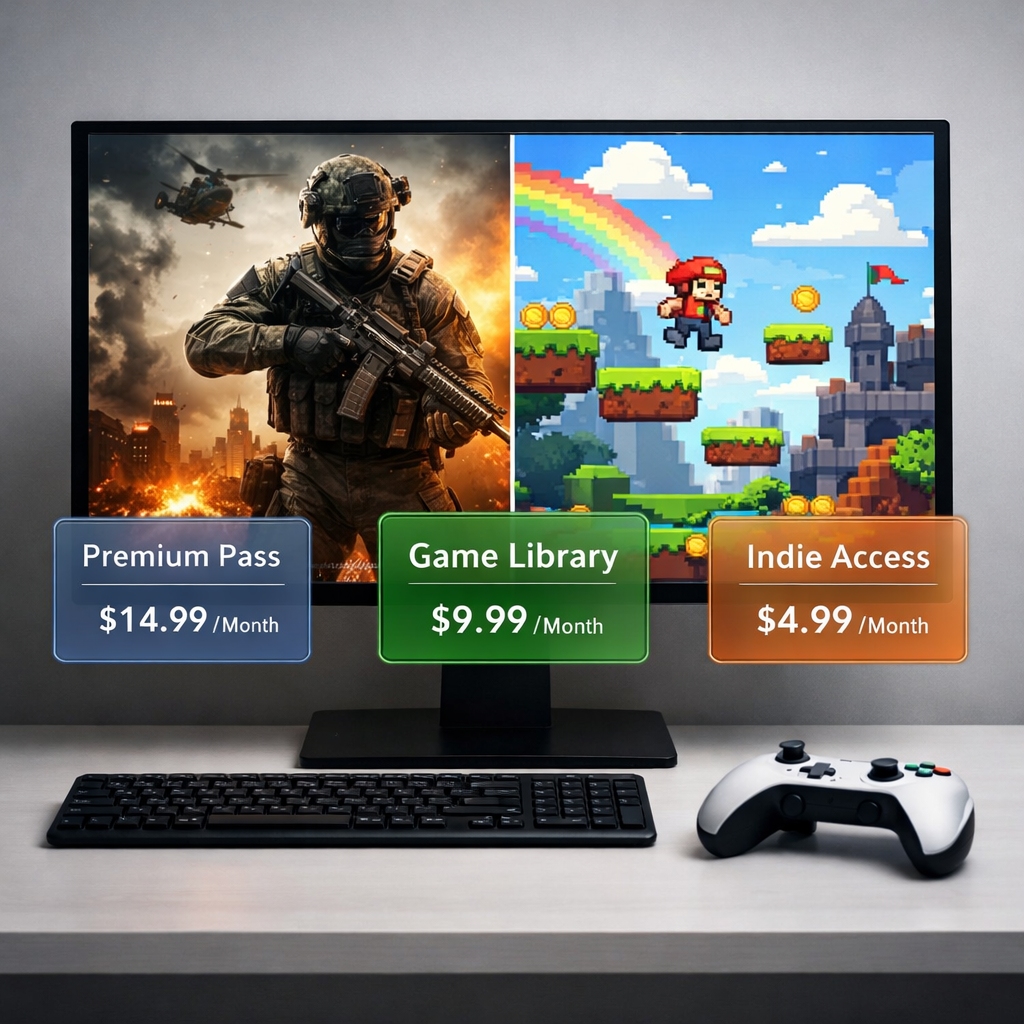
Which PC Game Subscription Delivers Most Value for AAA, Indies?
Picking the best PC game subscription comes down to three things: what you play (day-one AAA blockbusters vs. curated indies vs. games you’ll replay for years), your hardware (native rigs vs. low-spec PCs that benefit from cloud), and how well you stack deals. For most AAA-focused players, PC Game Pass or Ultimate often delivers the strongest “buy-never, play-now” value via day-one launches and EA Play access. Indie-first players often get better long-term mileage by owning keepers through Humble Choice and sale ecosystems, supplemented by Epic and GOG freebies. If your PC is underpowered, a month of GeForce Now can unlock modern games you already own without a GPU upgrade. Below is Gaming Device Advisor’s clear, test-informed guide to help you mix, match, and minimize overlap.
Strategic Overview
The subscription market is no longer one-size-fits-all. Value pivots on your must-play list, the cadence of big releases, and whether you prefer variety via rotating catalogs or permanent ownership. Globally, gaming subscriptions have grown into a multi‑billion‑dollar pillar with high retention, while PC gaming remains a massive market—signals that publishers are committing more quality content and features over time, including day-one launches and cloud play options sourced across major services. Deal-savvy stacking and pausing months you don’t play are the levers that keep cost-per-hour low, especially when you coordinate paid access around release peaks and rely on owned libraries between them, as highlighted in leading deal-tracking roundups. Gaming Device Advisor monitors these trends and promos to time recommendations and reduce overlap.
How we define value for PC game subscriptions
Think of “value” as: hours you’ll actually play from the catalog this month + day-one access benefits + ownership tradeoffs + hardware/cloud fit, divided by your effective monthly price after promos. That lens keeps the math honest for AAA chasers, indie explorers, and low-spec cloud users alike. It’s the same rubric we use at Gaming Device Advisor to keep comparisons consistent.
Day-one access means a service includes new releases on their launch date at no extra cost, letting subscribers play the same day the game hits stores. This is a major value driver for AAA-focused players who typically buy one or two $60–$70 titles per year.
Microsoft emphasizes day-one first‑party launches and bundles EA Play into PC tiers, with a rotating catalog in the few‑hundred‑game range and frequent promos that can push effective pricing notably lower for savvy buyers, while the standard PC plan sits around $14/month with 300+ titles and EA Play on PC, according to coverage of plan options and inclusions.
Who each service is best for at a glance
- Xbox Game Pass Ultimate/PC: Day-one AAA, large rotating depth, EA Play included.
- EA Play: EA franchises and timed trials at very low cost (or day-one via EA Play Pro).
- Ubisoft+: Ubisoft loyalists who play multiple new releases yearly.
- Humble Choice: Curated picks you keep forever; indie/AA discovery plus charity.
- Epic Games Store: Weekly free titles; strong zero-cost backlog builder.
- GOG: DRM-free ownership; classics and indies that you can back up and play offline.
- GeForce Now: Stream your owned games on low-spec PCs; high-performance paid tiers.
Service vs. best fit:
| Service | Best For |
|---|---|
| Xbox Game Pass Ultimate | Day-one AAA across Xbox/PC, EA Play, and cloud play |
| PC Game Pass | PC-only players who want day-one access + EA Play on PC |
| EA Play / EA Play Pro | Sports, Battlefield, Bioware; Pro adds day-one EA |
| Ubisoft+ | Assassin’s Creed, Far Cry, Tom Clancy fans (multiple releases/yr) |
| Humble Choice | Own-and-keep indie/AA curation; library building |
| Epic Games Store | Weekly freebies to pad backlog at $0 |
| GOG | DRM-free ownership of indies/classics, archival security |
| GeForce Now | High-fidelity cloud for low-spec PCs or travel |
Xbox Game Pass Ultimate
Ultimate bundles console and PC Game Pass, Xbox network multiplayer benefits, cloud gaming, and EA Play in one plan. The official list price is $16.99/month, but smart timing on promos can materially lower the effective cost. Beyond rotating third‑party depth, Ultimate’s anchor is day-one first‑party launches and download-or-cloud flexibility across Xbox consoles, PCs, mobile, and web—handy for testing big games before committing scarce storage. If you typically buy two $70 AAA games a year, Ultimate often “pays for itself” by replacing those purchases with day‑one access while adding a deep back catalog you can sample anywhere, as reflected in Microsoft’s plan comparison and long-running coverage of its value proposition.
PC Game Pass
If you only play on PC, the PC tier keeps the best parts—day-one first‑party access and EA Play on PC—at a lower monthly rate around $14 and with 300+ titles in rotation, based on plan breakdowns by major tech outlets. It’s the cleanest pick for AAA value without console perks. It’s also the plan we point most PC-first readers to when day-one access matters.
EA Play
EA Play’s base tier is a low-cost way to live in EA’s ecosystem, with a vault of back-catalog titles and 10-hour trials on new releases; annual pricing is particularly attractive. Step up to EA Play Pro if you want new EA titles at launch. Crucially, EA Play on PC is already included with PC Game Pass, so cross-franchise players get extra depth there without an added bill, while publisher loyalists can ride EA Play Pro during key release months.
Ubisoft+
Ubisoft+ is straightforward: pay a higher monthly price for broad day-one and deluxe-edition access across 100+ Ubisoft games. If you play multiple Assassin’s Creed, Far Cry, or Tom Clancy releases in a year, the math can tilt in your favor. If those franchises are only occasional detours—and you also keep Game Pass—watch for overlap; general catalogs won’t mirror Ubisoft’s depth, but individual titles do cycle through, so timing matters.
Humble Choice
Humble Choice flips the script: each month you get a curated bundle of PC games to keep forever, often spotlighting excellent indie and AA titles with strong review histories, and a portion supports charity. Ownership compounds value over time, especially for evergreen indies you’ll revisit. Dollar-for-hour leverage is impressive—think precision‑platformer standouts and metroidvanias with long runtimes that frequently drop to single-digit prices in sales—so even a few months per year can build a durable library that reduces your need for always-on subscriptions.
Ownership vs. rotation in brief:
- Keep forever: You collect DRM-free or Steam keys and replay anytime.
- No FOMO windows: Games don’t vanish mid-playthrough.
- Curated discovery: Monthly picks nudge you toward high-signal gems.
Epic Games Store giveaways
Epic drops free PC games every Thursday, typically 4–5 per month. Claiming consistently builds a sizable, zero-cost backlog that pairs well with pausing paid subs in quieter months. If you’re on a low-spec machine, check whether those freebies are supported on cloud platforms and stream them instead of upgrading hardware.
GOG deals and ownership
GOG prioritizes DRM-free ownership and routinely offers 2–3 free drops a month, with diligent claimers easily stacking hundreds of dollars in annual value. DRM-free means the game files don’t require ongoing online checks or a client to verify ownership; you can back them up and play offline indefinitely, avoiding subscription lock-in and removals. Watch seasonal sales to secure “buy once, play for years” classics and modern indies you’ll reliably revisit.
Nvidia GeForce Now
GeForce Now lets you stream the games you own to underpowered PCs at up to premium visual settings, with pricing that ranges from a free tier to top performance paid tiers. Supported game counts span from a substantial free-tier library into the thousands for paid plans, according to comprehensive cloud service testing. Cloud gaming streams video frames from remote servers to your device while your inputs go back over the internet. Offloading CPU/GPU demands enables high-end games on low-spec hardware, but smooth play depends on stable, fast connections that minimize latency and compression artifacts.
Practical tips:
- Prefer wired Ethernet or 5 GHz Wi‑Fi near the router.
- Target at least 25–50 Mbps and low jitter for 60 fps tiers.
- Test a free or single month before committing long-term.
Pricing and catalog comparison criteria
We score services using list price, realistic effective price (with promos), catalog depth, day-one AAA access, ownership, cloud inclusion, and notable add-ons to keep apples-to-apples clarity. Independent consumer guides also note that Game Pass spans a large downloadable catalog with optional cloud streaming—two levers that expand value beyond a single device. Gaming Device Advisor applies this same scoring across our subscription guides to keep comparisons consistent.
| Service | Monthly price (list) | Effective price (promos) | Catalog size | Day-one AAA | Ownership | Cloud included | Notable add-ons |
|---|---|---|---|---|---|---|---|
| Game Pass Ultimate | $16.99 | Can drop meaningfully with promos | 400+ rotating | Yes (Microsoft first-party) | No | Yes | EA Play |
| PC Game Pass | ~ $14 | Occasional promos | 300+ rotating | Yes (Microsoft first-party) | No | No | EA Play on PC |
| EA Play | $4.99 (Pro $14.99) | Lower with annual billing | Vault + trials | Pro: Yes (EA) | No | No | 10‑hr trials (base) |
| Ubisoft+ (PC) | From ~$17.99 | Rare promos | 100+ | Yes (Ubisoft) | No | No | Deluxe editions |
| Humble Choice | Varies monthly | Frequent coupons | Curated monthly | No | Yes (keep forever) | No | Store discounts, charity |
| Epic Freebies | $0 | $0 | 4–5 new/mo claimable | No | Yes (library license) | No | Weekly drops |
| GOG | $0 + sales | Deep sale cuts | Rotating deals | No | Yes (DRM‑free) | No | Classic restorations |
| GeForce Now | $0–$19.99 | Seasonal offers | 2,000+ (free) to ~4,500 (paid) supported | N/A | N/A | Yes | Streams your owned games |
AAA value analysis
Day-one access is the swing factor: replacing even two $70 purchases per year with subscription play offsets most of a year of PC Game Pass (~$168/year at list) or a big chunk of Ultimate—fully offset if you rotate during promo windows. Microsoft’s day-one first‑party policy plus bundled EA Play on PC compounds value, padding your blockbuster backlog between headline releases. That’s why Gaming Device Advisor treats PC Game Pass/Ultimate as the most reliable AAA value for PC players.
Indie value analysis
For indie-heavy players, ownership ecosystems typically win. Exemplary hits often deliver 15–60+ hours for single-digit prices during sales, and their replayable design keeps cost-per-hour low over years. Add Epic’s weekly freebies and GOG’s frequent giveaways to build a no‑cost backlog, then use Humble Choice to permanently secure monthly standouts, creating a resilient library that reduces subscription churn.
Ownership versus access tradeoffs
A rotating catalog is a changing library where titles are added and removed regularly. Access lasts only while a game remains in the catalog and your subscription is active; unfinished games can vanish mid-run, and long-term replay value depends on availability windows.
- Access-first: Choose Game Pass for breadth and day-one spikes.
- Ownership-first: Use Humble and GOG for DRM-free permanence and predictable replays.
- Hybrid: Keep one access sub during release peaks; buy and keep indie essentials on sale.
Hardware, performance, and cloud considerations
Performance strongly influences satisfaction: public feedback shows technical polish correlates with recommendation rates in a way that can swing by dozens of percentage points. That matters for subscriptions because you’ll sample more games; poor PC ports or low-fidelity streams can sink perceived value quickly. In practice, cloud quality varies by service—console-focused streaming tiers often cap resolution or frame rates, whereas GeForce Now’s top tiers can approach native fidelity under the right conditions. Use Ethernet or high-quality 5 GHz Wi‑Fi, reduce network contention, and test latency-sensitive shooters before committing.
Recommendations by player profile
- Day-one AAA fans: PC Game Pass (PC-only) or Ultimate (multi-device) for launch-day first‑party access plus EA Play on PC.
- Ubisoft loyalists: Ubisoft+ makes sense if you play multiple AC/Far Cry/Tom Clancy entries each year.
- Indie explorers: Humble Choice for keepers; claim Epic/GOG freebies; buy sale standouts to own.
- Low-spec PC: Add a month of GeForce Now’s premium tier to stream owned games at high fidelity.
Note: Pause and rotate subs around major releases; lean on your owned library in backlog months.
How to stack deals and minimize monthly spend
- List must-play games for the next 3 months.
- Pick one primary sub: PC Game Pass/Ultimate for day-one; Ubisoft+/EA Play Pro for franchise runs.
- Layer zero-cost claims: Epic weekly, GOG freebies.
- Buy-and-keep standout indies via Humble/sales to anchor your library.
- On low-spec hardware, add GeForce Now month-to-month only when needed.
Savvy shoppers can leverage periodic promos that materially reduce effective monthly prices. Pause subscriptions during slow periods and switch to your owned backlog to avoid paying for overlap.
Frequently asked questions
Are game subscriptions worth it if I play only a few hours per week?
Yes—pick a single service aligned to your must-plays and pause in slow months. Gaming Device Advisor generally finds one rotating catalog beats buying a $70 game you might not finish.
Do I lose my saves if I cancel a subscription?
You lose access to the game, not typically the save. Gaming Device Advisor recommends backing up before lapsing so your cloud/local save works when you resubscribe or buy later.
How does cloud gaming quality affect value on a low-spec PC?
A good connection can feel close to native and unlock modern games without upgrades. Gaming Device Advisor advises testing a free or short plan first to verify latency and image quality.
What is the best way to balance subscriptions with buying games outright?
Keep one access sub for variety or day-one, and buy evergreen indies on sale to own. Gaming Device Advisor suggests rotating or pausing subs between major releases.
How can I avoid paying for overlapping libraries across services?
Audit your backlog monthly and check what your primary sub already includes. Gaming Device Advisor’s rule of thumb: only add a second service when it uniquely covers several must-plays.