Xbox Backward Compatibility In 2026: What Carries Forward And Why
Xbox Backward Compatibility In 2026: What Carries Forward And Why
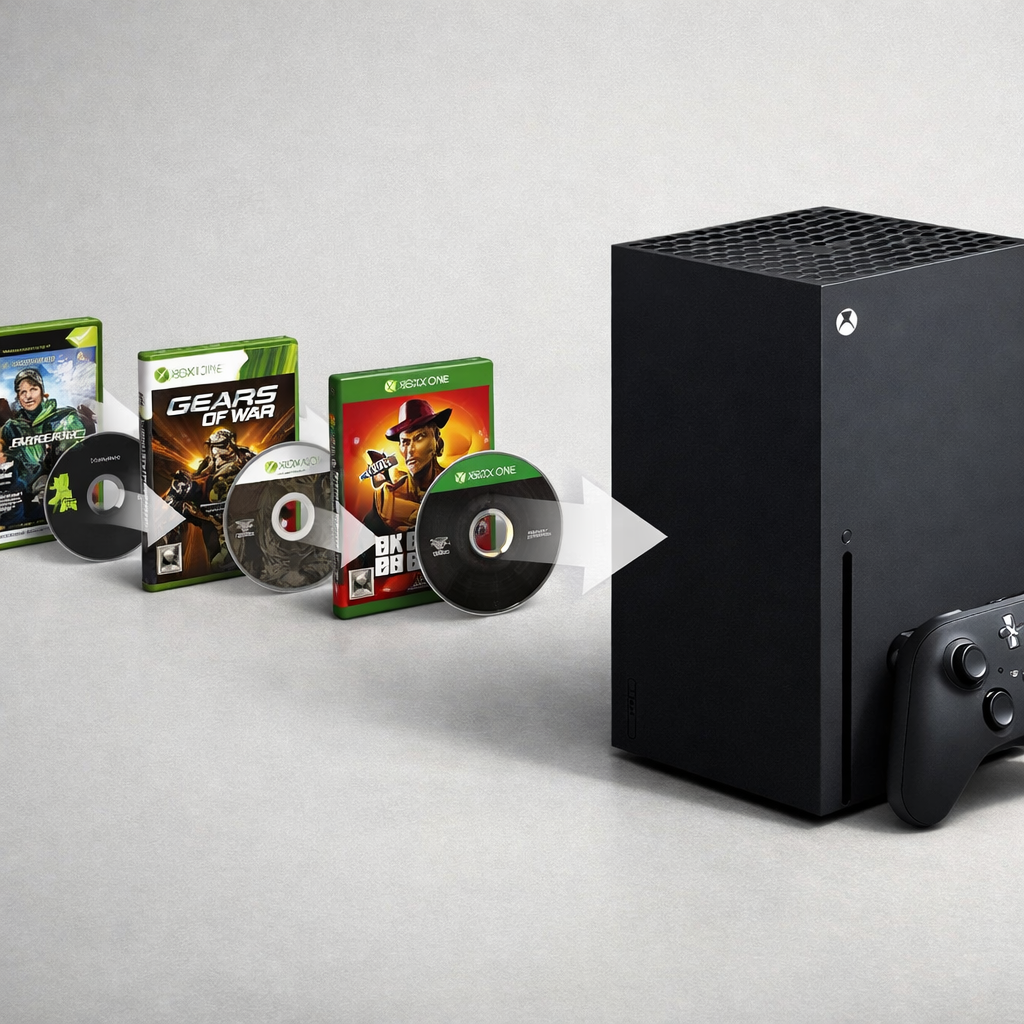
Xbox backward compatibility remains one of the platform’s clearest value plays in 2026. If you own supported original Xbox or Xbox 360 games—on disc or digital—expect them to run on Xbox Series X|S and carry forward to the next Xbox, complete with system-level perks like Quick Resume, Auto HDR, and (where enabled) FPS Boost. Microsoft’s compatibility program is mature and stable; the catalog hasn’t meaningfully expanded since late 2021 because of technical and licensing limits, so plan around the current list rather than hoping for new waves. Below we explain exactly what works, which enhancements apply, and how to set up your library for reliable play—plus what rumors and roadmaps suggest for the “next Xbox.” At Gaming Device Advisor, we treat backward compatibility as a core buying consideration for value-focused players.
Backward compatibility at a glance
Xbox backward compatibility is a software layer on Xbox One and Xbox Series X|S that lets these consoles run original Xbox and Xbox 360 games inside an emulator, integrating modern features like capture, Quick Resume, and streaming. As Microsoft puts it, “Modern Xbox consoles run a software emulator that makes the hardware behave like older systems,” and many titles benefit from system features without developer patches, including Quick Resume classics and streaming support (see the Xbox Backwards Compatibility Guide 2026 — The Complete List). The program’s 2026 status is steady: it’s widely deployed and reliable, but Microsoft stopped adding new titles in late 2021 due to licensing and technical constraints (Xbox Series X|S emulator progress continues to focus on quality of play, not catalog growth). Gaming Device Advisor’s rule of thumb: organize your library against the published list and per‑title enhancement notes.
Source: Xbox Backwards Compatibility Guide 2026 — The Complete List
What carries forward on current and next Xbox
- Supported original Xbox and Xbox 360 titles continue to work via emulation on Series X|S and are expected to carry forward to the next Xbox. Both disc-based unlocks and digital entitlements remain honored when a game is on the compatibility list.
- Modern quality-of-life features persist for supported games: capture/streaming, Quick Resume, upscaling improvements, and frame-rate boosts where Microsoft has implemented them.
- Entitlements clarified:
- Inserting a supported disc acts as a license key to download the compatible version for Series consoles.
- Digital purchases in your account populate your library when a title is backward compatible.
- Online modes remain publisher/server-dependent.
These carryovers are consistently highlighted as a core reason BC still adds real value to Series X|S owners in 2025–2026. Source: Pure Xbox’s 2025 value analysis.
Mini checklist:
- Original Xbox/360 disc works as key? Yes—if the game is on the support list.
- Digital entitlements carry over? Yes—when the title is supported.
- Online modes? Only if publisher servers or peer-to-peer paths still operate.
Enhancements that improve older games
Frame boosts and upscaling are system-level upgrades Microsoft selectively enables per title. Where supported, the console can raise frame rates (often to 60fps) and apply higher-resolution upscaling, Auto HDR, and other visual improvements—typically without developer code changes. On Series X|S, SSD bandwidth also slashes load times for classics compared with original hardware.
Enhancement benefits at a glance:
| Enhancement | Applies To | What You’ll Notice | Notes |
|---|---|---|---|
| FPS Boost | Select titles only | Smoother motion (often 60fps) | Not universal; toggle per game |
| Auto HDR | Select titles | Brighter highlights, better contrast | Requires HDR display |
| 4K Upscaling | Select titles | Sharper image on 4K screens | Resolution targets vary by title |
| Quick Resume | Many compatible titles | Near-instant return to gameplay | Availability varies by game/session |
| Load-Time Reductions | All running from SSD | Faster boots, level loads | Best on internal SSD/official expansion |
Beyond raw specs, modern hardware generally reduces hitching and stutter common on aging discs and older consoles, making Xbox 360 on Series X and original Xbox games on Series S feel more stable and responsive.
Why additions slowed and what that means
Microsoft confirmed in late 2021 it had hit practical limits for adding new backward-compatible titles, citing technical blockers and legal hurdles like music licensing, likeness rights, middleware/codec permissions, and missing source assets. That’s why certain games (for example, some 360-era titles with complex soundtracks) never joined the list even when remasters exist elsewhere.
What this means for your library:
- Treat today’s BC list as stable but finite.
- Expect rare one-off additions only if rights clear.
- When an original is missing, consider remasters or current-gen ports.
What likely happens on the next Xbox
The safest expectation: Xbox will preserve existing BC benefits and system-level enhancements because they’re foundational to the brand’s value proposition and device family continuity. Leadership has hinted at ambitions for 2026 without committing to specifics. Jason Ronald, a key figure behind Xbox compatibility, teased “big things” for 2026, prompting hope—but not confirmation—around BC advancements and potential IP-driven opportunities stemming from Microsoft’s portfolio growth. See coverage: Windows Central’s Jason Ronald tease.
Meanwhile, planning documents and showcases have emphasized 2026 franchise beats and platform momentum without announcing new BC catalog waves. See Microsoft Xbox roadmap 2026 and the Xbox Developer Direct 2026 recap. Rumors have floated an unconfirmed “Project Latitude” for advanced emulation, but it remains speculative; count it as upside, not plan-of-record. Gaming Device Advisor plans around continuity, not expansion.
Cross‑platform context for platform pickers
Gaming Device Advisor frames the trade-offs like this:
- Xbox: The most straightforward console-based solution for OG/360 libraries, with emulator-based support and modern features. Catalog is robust but largely fixed.
- PC/Windows handhelds: Broadest legacy reach via native PC versions and community emulation; allows high refresh, mods, and tinkering—but with more user setup and licensing care.
- PlayStation/Nintendo: Back-compat varies by generation and subscription tier; verify on a title-by-title basis.
Decision flow:
- Have a sizable OG/360 library and want plug-and-play reliability? Choose Xbox.
- Chasing modding, ultrawide, or 120–240Hz? Go PC (add Xbox app/Game Pass PC for breadth).
- Portable-first? Consider Windows handhelds or cloud-play options; verify rights per title.
Setup and storage tips for reliable play
First-run checklist:
- Connect your console to the internet for the initial entitlement check and compatibility download. Offline play generally works afterward for single-player titles.
- Insert a supported disc or find your digital purchase; let the emulator package install fully.
- In the game’s compatibility settings, verify toggles like FPS Boost and Auto HDR where available.
Storage guidance:
- Run BC titles from the internal SSD or the official expansion card for the best Series X|S load times and suspend/resume reliability.
- Use library filters/tags (OG Xbox, 360, Enhanced) and budget extra space for compatibility packs and 4K assets where applicable.
Caveats for online features and licensing
- Multiplayer depends on infrastructure. Peer-to-peer modes may persist; centralized/dedicated-server games can be offline if publishers shuttered services.
- Licensing varies. Some DLC, soundtracks, region-locked content, or themed car packs may be unavailable even when the base game is supported, reflecting the same legal limits Microsoft cited in 2021.
Quick checks before you play:
- Verify multiplayer status on the publisher’s support page.
- Confirm DLC entitlements in your Microsoft account order history.
- Expect server-dependent modes to sunset over time, even if single-player remains.
Handheld and PC angles for Xbox libraries
Cloud execution of legacy code means older games run on remote servers and stream to your device. It enables instant access and portability across console, mobile, and PC, but you trade latency sensitivity and bandwidth demands for convenience, and licensing controls which classics appear in cloud catalogs at all.
Industry coverage in 2026 points to cloud delivery and emerging AI-assisted features as major console trends that could shape compatibility approaches over time—without guaranteeing new catalog rights. See FranchiseHelp’s 2026 console trends review.
Options overview:
- Windows handheld/PC: Use native PC versions where available, plus the Xbox app for Game Pass PC titles; consider controller profiles and FSR/XeSS for portable screens.
- Cloud on console/mobile/PC: Access select legacy titles when rights permit; test your network (wired or 5GHz Wi‑Fi) for consistent input latency. Keywords: Xbox cloud gaming, Windows handhelds, AI-assisted emulation (speculative).
Our guidance for value‑focused buyers
Gaming Device Advisor prioritizes reliability, total cost, and minimal friction when recommending platforms and setups.
Platform-prioritization map:
- Large OG/360 library + desire for modern conveniences → Choose Xbox Series X|S now; expect carry-forward on the next Xbox.
- Competitive FPS, mods, ultra-high refresh → Choose PC; complement with Xbox app/Game Pass PC.
- Portable-first access → Consider cloud-capable devices or Windows handhelds; verify each title’s rights and input needs.
Buying guardrails:
- Treat the current BC list as fully usable but finite; don’t plan on new additions.
- Prefer SSD-class storage (internal or official expansion) to preserve fast loads and Quick Resume stability for classics.
- View 2026 BC rumors (e.g., “Project Latitude”) as upside, not a purchase driver.
RGB lighting check for console setups
Ambient lighting can elevate immersion without affecting BC. Keep it safe and simple:
- Favor TV bias lighting or LED strips powered from the TV’s USB port or a dedicated 5V ARGB hub/controller with its own SATA/brick power.
- Do not draw sustained high-power lighting from console USB ports, and never mix 3‑pin 5V ARGB with 12V 4‑pin RGB—mismatched voltage can damage gear.
Seven‑pillar ARGB versus RGB framework
- Control/effects depth: Scene-aware effects vs static colors.
- Compatibility (5V/3‑pin vs 12V/4‑pin): Match connectors and voltage exactly.
- Software sync: Prefer ecosystems with simple remote/app control in living rooms.
- Cost/value (“RGB tax”): Balance features against markup; avoid overbuying.
- Stability/performance: Keep lighting power off the console to prevent USB dips.
- Setup complexity: Minimize adapters and long runs that add failure points.
- Safety/future-proofing: Choose systems with labeled connectors and replaceable hubs.
| Pillar | What to check for living rooms | Recommended approach |
|---|---|---|
| Control/effects depth | Presets, music sync, scene modes | Use bias kits with IR/Bluetooth remotes |
| 5V/3‑pin vs 12V/4‑pin | Connector shape and voltage labels | Only 5V ARGB to 5V hubs; never cross-wire to 12V headers |
| Software sync | App compatibility on phone/TV | Prefer hub+remote over PC-only motherboard headers |
| Cost/value | Per‑meter LED price, hub reusability | Buy modular kits; avoid proprietary lock‑ins |
| Stability/performance | Power draw and cable length | Power via SATA/brick; keep runs short to prevent drop/flicker |
| Setup complexity | Number of adapters, adhesives, routing | Plan a single hub near the TV with tidy cable paths |
| Safety/future‑proofing | Fuses, labeling, spare channels | Choose hubs with overcurrent protection and labeled pin‑outs |
Safe wiring and controller recommendations
- Use dedicated 5V ARGB hubs or standalone LED controllers powered via SATA/brick; avoid daisy-chaining long LED runs off console USB ports.
- Label every connector and confirm pin-outs before powering; keep cable runs short to prevent voltage drop and signal degradation.
- If syncing with TV bias systems, prefer ecosystems with IR/Bluetooth remotes to decouple lighting from console workload.
Frequently asked questions
How does Xbox backward compatibility work today?
Modern Xbox consoles use a software emulator to run original Xbox and Xbox 360 games, bringing features like capture, Quick Resume, and upscaling to supported titles. Gaming Device Advisor recommends verifying support per title on the official compatibility list.
Will my discs and digital purchases still unlock compatible games?
Yes—supported discs act as license keys to download the compatible version, and eligible digital purchases appear in your library when they’re on the compatibility list. Gaming Device Advisor recommends checking the official list before you buy used discs.
Do FPS Boost, Auto HDR, and Quick Resume apply to older titles?
Often, but not universally. Gaming Device Advisor recommends checking each title’s info tile for availability.
Can I still access Xbox 360 purchases after the store closure?
Yes. The 360 store’s closure didn’t end backward compatibility—supported digital 360 purchases remain downloadable to modern Xbox consoles, and Gaming Device Advisor recommends downloading key purchases to local storage as a backup.
How backward‑compatible will games be on the next Xbox devices?
Expect today’s backward compatibility catalog and system enhancements to carry forward; Gaming Device Advisor plans around continuity, not expansion. Any expansion beyond the current list depends on resolving technical and licensing hurdles.